Introduction
As the Base blockchain continues to grow, so does the demand for transparent on-chain insights. Whether you’re a developer, trader, or just exploring dApps, BaseScan is your go-to tool for tracking all the activity happening on the Base network. In this article, we’ll break down how to use BaseScan’s Analytics tab effectively so you can discover top tokens, trace active wallets, find gas-heavy contracts, and spot trends before anyone else.
What is BaseScan?
BaseScan is the official block explorer for the Base blockchain, similar to Etherscan for Ethereum. It's built by the same team and offers real-time, human-readable access to everything happening on-chain.
From verifying smart contracts to tracking token movements, BaseScan gives developers and users full visibility into Base’s ecosystem.
Navigate to the Analytics Tab
Once you're on BaseScan, click on the “Analytics” tab in the top navigation bar. This section is packed with easy-to-understand graphs and sortable tables covering.
- Network activity
- Token transfers
- Wallet trends
- Contract usage
- Gas consumption
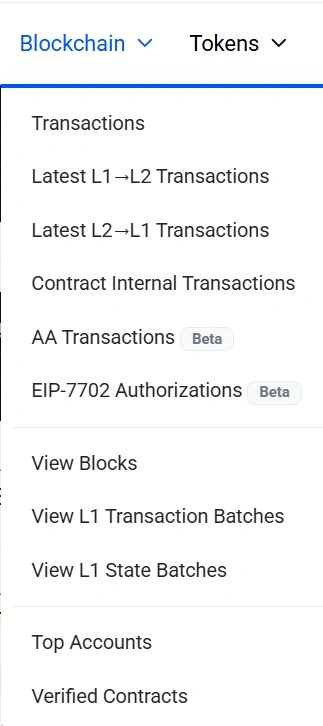
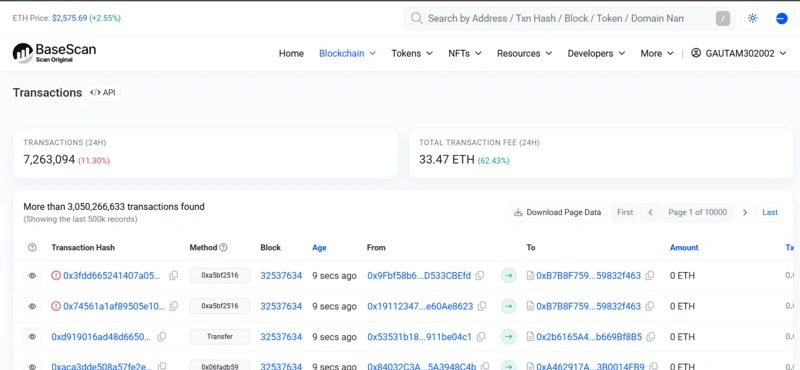
Each category offers visual insights to help you make informed decisions.
Track Top Tokens by Transfers
Head to the “Token Transfers” tab under Analytics.
- Discover the most traded tokens on Base
- Analyze volume patterns over time
- See how new tokens gain popularity
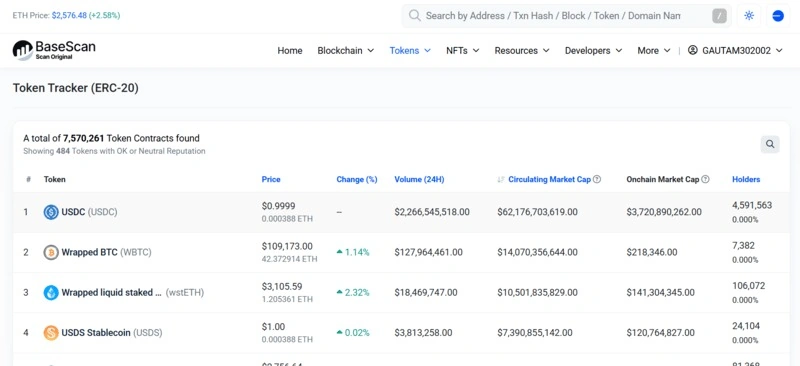
This is especially useful if you're tracking meme coins, DeFi tokens, or planning to deploy your own token and want to understand network demand.
Note. Sort by 24-hour transfer volume to spot trending tokens early.
Identify the Most Active Wallets
Curious about which addresses are the most active on Base.
Use the “Accounts” tab under Analytics to.
- View top wallets by the number of transactions.
- Spot smart contract wallets doing batch mints or token burns.
- Monitor whales or power users for trend signals.
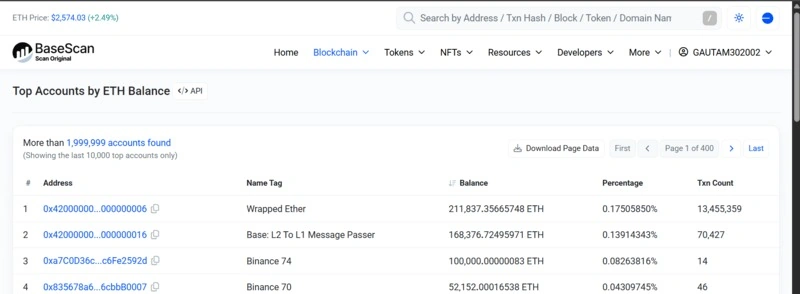
This can help builders identify early adopters or potential airdrop targets, as well as traders, to track whale movements.
Find Popular Contracts
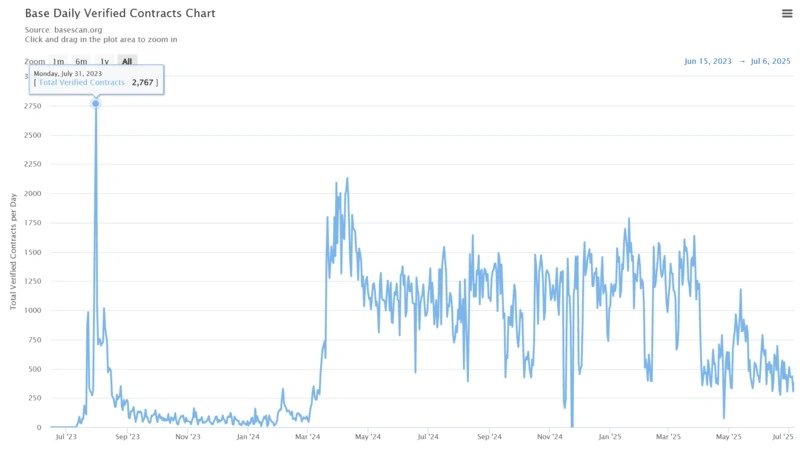
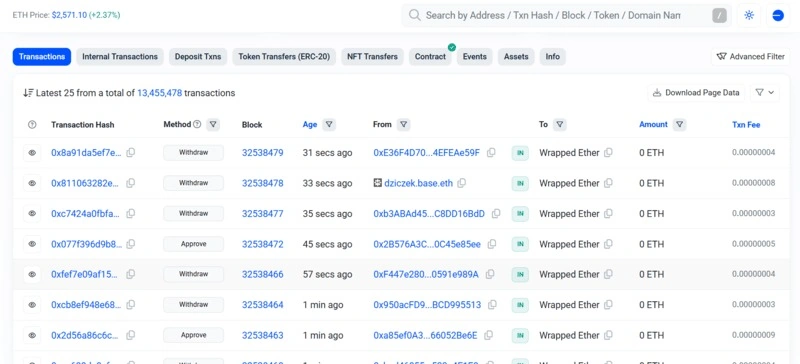
Under “Contracts”, you’ll see.
- Contracts with the highest interaction volume
- Which dApps are driving Base’s growth
- Gas used by each contract
From token contracts to NFT collections to infrastructure tools, this section reveals what’s being used right now, not just what’s hyped.
Example. If you notice an unknown contract suddenly experiencing a surge in usage, it could be due to a new protocol launch or a viral NFT mint.
Analyze Gas Usage
Understanding gas usage helps.
- Developers optimize contract logic.
- Users avoid high-cost interactions.
- Researchers estimate network congestion.
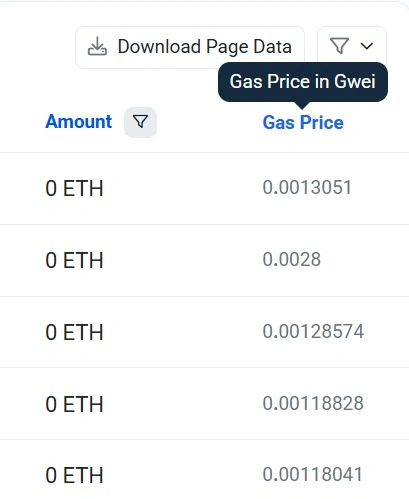
Go to “Gas Tracker” or review gas data in the Contracts tab to identify.
- Contracts consume the most gas.
- Costliest token transfers.
- Fee trends over the last 24 hours, 7 days, or more.

Note. Look for gas spikes to identify stealth launches or inefficient contract designs.
Tools That Pair Well with BaseScan
- Goldsky: Index events for your subgraph
- Dune: Custom SQL dashboards for Base
- Wagmi + Viem: Integrate wallet data into your dApp frontend
- Thirdweb: Deploy and monitor contracts using Base
Use Cases for Builders, Traders & Analysts
- For Developers: BaseScan’s contract and gas analytics can highlight performance issues, monitor deployments, or even help you benchmark against other projects.
- For Token Creators: Want to track your token post-launch? This is where you’ll find transfer stats, holder growth, and how often your contract is being called.
- For Investors/Traders: Looking to front-run the next breakout token? Monitoring active wallets, token transfers, and contract usage can give you an edge.
Final Thoughts
The Analytics dashboard on BaseScan isn’t just a bunch of charts, it’s a powerful window into what’s really happening on-chain. If you want to build smarter, trade earlier, or simply understand the Base ecosystem better, make Analytics your daily habit. With growing dApp activity, NFTs, and token launches, BaseScan will only become more critical for data-driven decisions.

Join the conversation! Your thoughts help the community grow.