

Introduction
In Dynamics 365 CRM or Power Platform, under core tools category, the Code Generation Tool CrmSvcUtil.exe is useful to generate an early bound class file which makes life easy for the developer by simply instantiating the class. Visual Studio Intellisense provides the names of properties and relationships without the need of explicitly memorizing names of properties. By using the following process one can easily generate an early bound class file in a few minutes.
Step 1
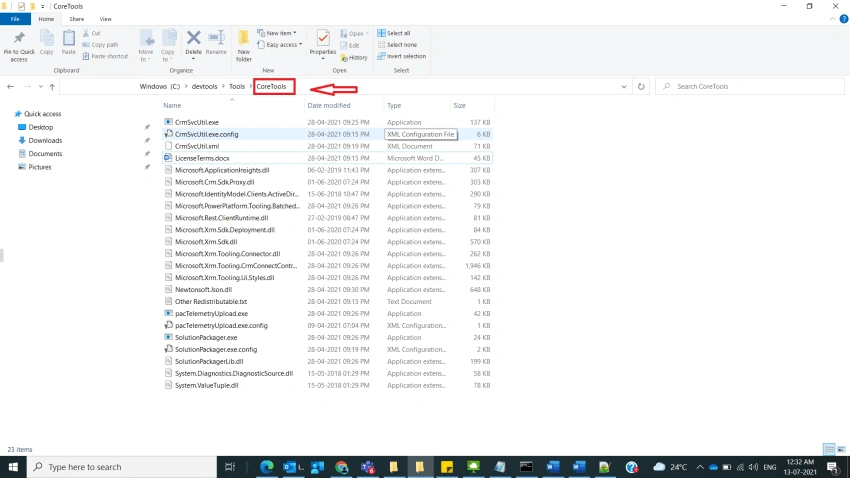
Navigate to the folder where Core CRM Tools are generated by Power shell as shown in below, if you want to know about how to generate CRM tools using power shell, refer to my earlier post.
Step 2
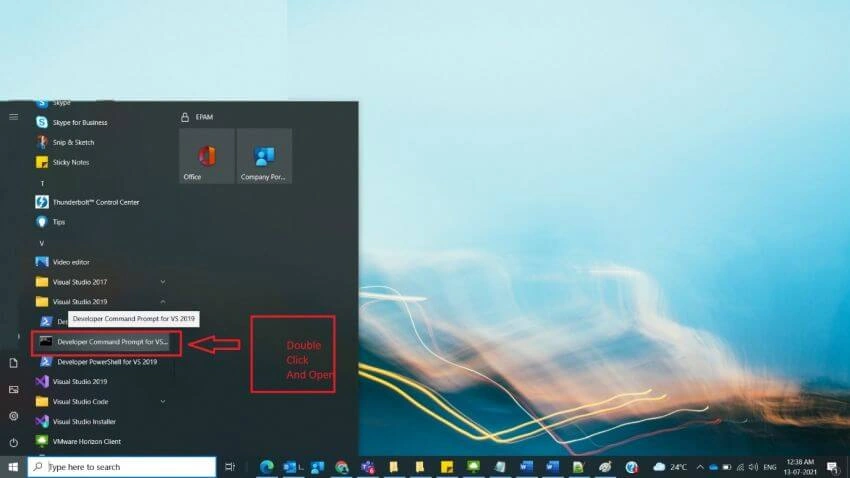
After step 1, copy the path of Core Tools and then open Developer Command Prompt of Visual Studio from Visual studio Folder which is present in the Windows Start Menu, and double click on it and open as shown below,
Step 3
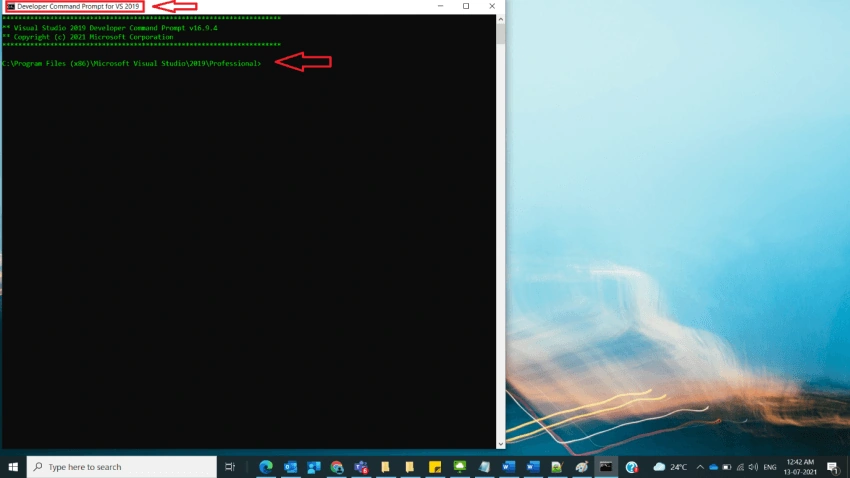
After step 2, the Developer Command Prompt gets opened, here as an example, you could see Developer Command Prompt for VS 2019 gets opened as shown below,
Step 4
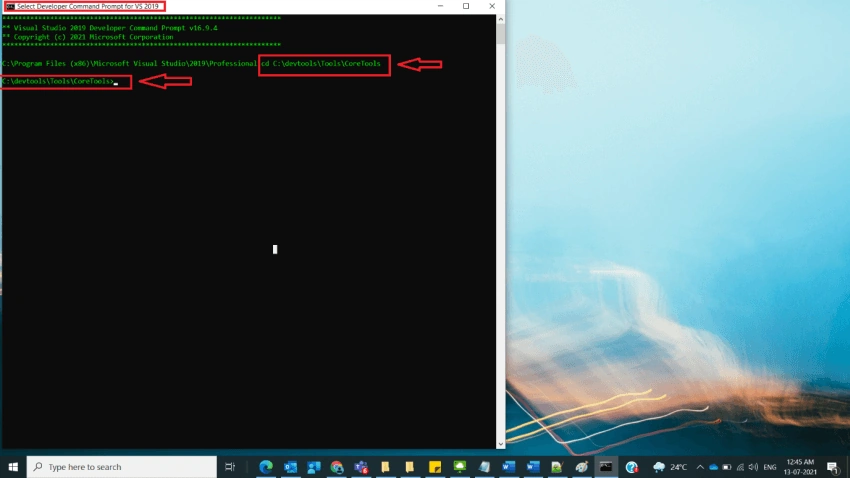
After Step3, type the cd and Paste path that is copied in step2 and click on enter key as shown below,
Example
cd C:\devtools\Tools\CoreTools
Step 5
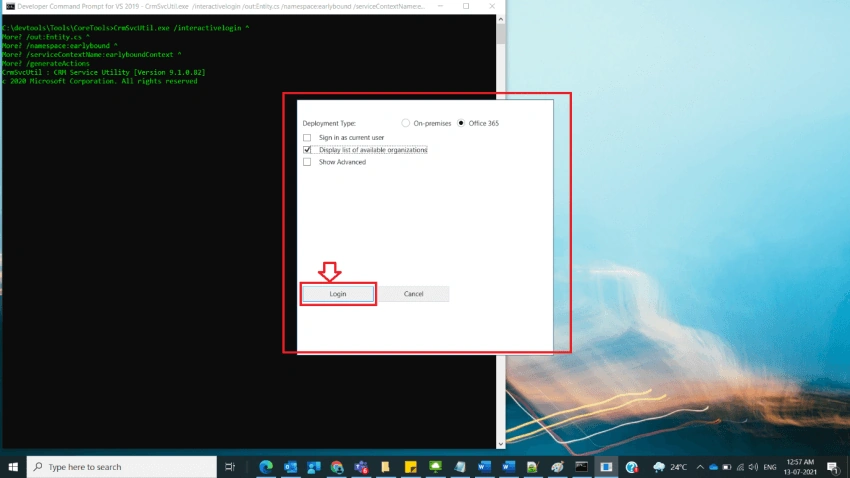
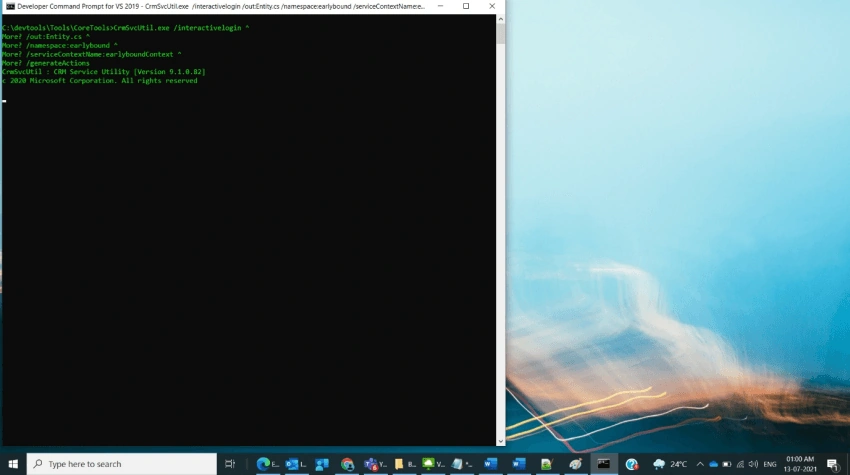
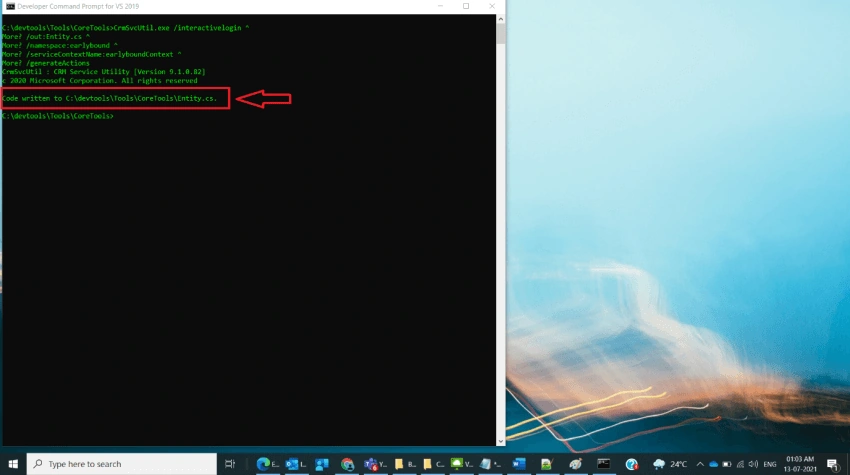
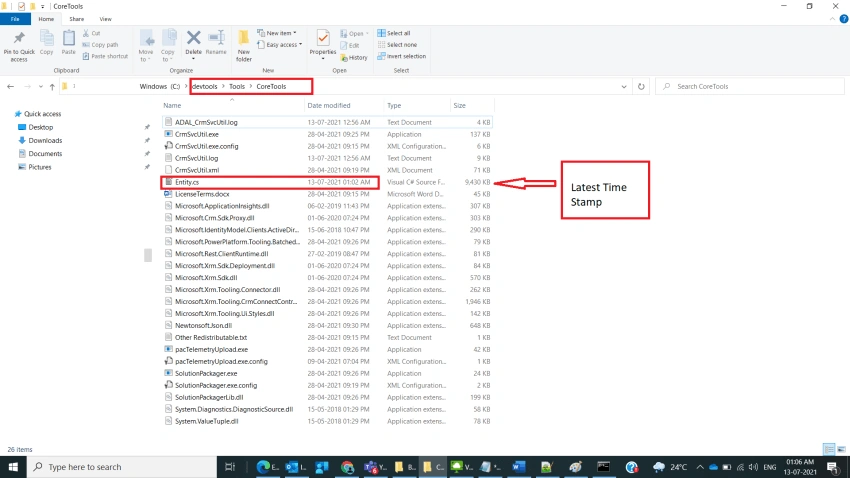
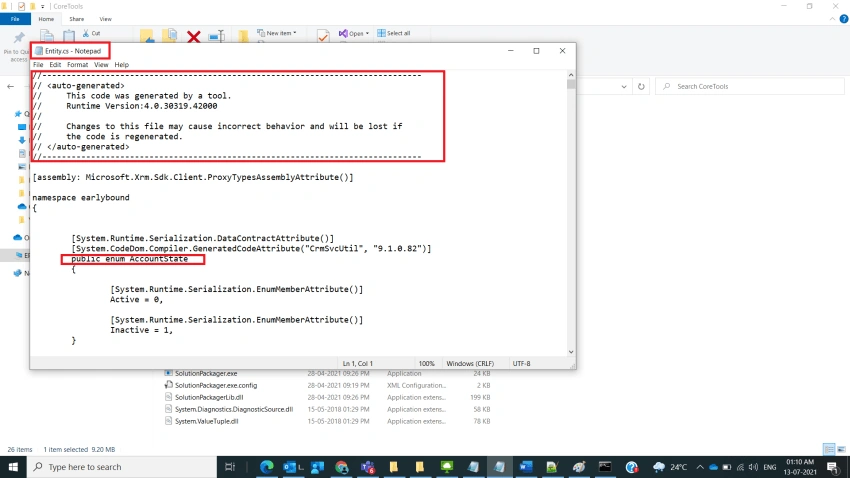
After step 4, we must give output file name where early bound class content gets generated, namespace name, service Context Name, and click on enter as shown below,
Syntax
CrmSvcUtil.exe /interactivelogin ^
/out:<outputFilename>.cs ^
/namespace:<outputNamespace> ^
/serviceContextName:<serviceContextName> ^
/generateActions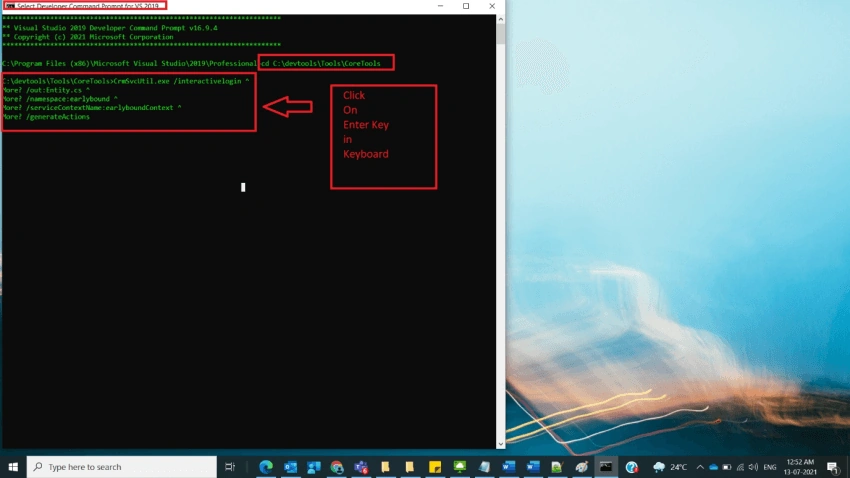
Srinath PegaPosted Jul 14, 2021, 1:25 PM
Thanks for sharing Venkata Subbarao Polisetty, very Detailed explanation.