

Description
This article shows how to get images for a report from a database. I will show how with a demo showing how to fetch the image for your report from the database.
Note: I am assuming that you can create the reports. If you are a beginner to reports then see my earlier article "Getting Started with Reports in .NET".
Use the following procedure to understand this article.
Step 1: I will create a table named "Employee" in my database "Test".
CREATE TABLE [dbo].[Employee](
[Name] [varchar](50) NULL,
[Salary] [int] NULL,
[Emp_Image] varbinary(max)
)
Select the data. After inserting the data, like the name of the employee, salary of the employee and the images of the employee in binary format.
Select * from employee

NOTE: I am using a single image to explain this article, that will look like:
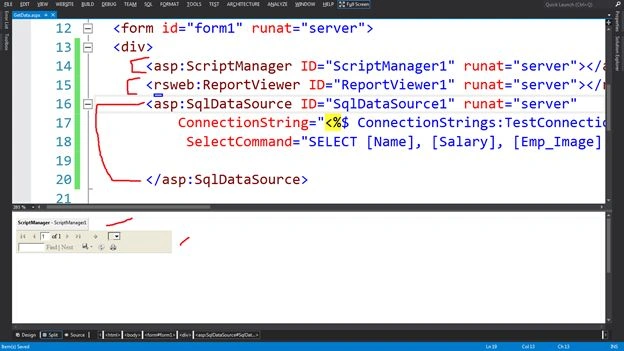
Step 2: Create a page named "GetData.aspx" with "ScriptManager" from the Ajax Extensions section, "SQLDataSource" from the Data section and "ReportViewer" Control from the Reporting section.
Bind the table columns with "SQLDataSource" to access the data.
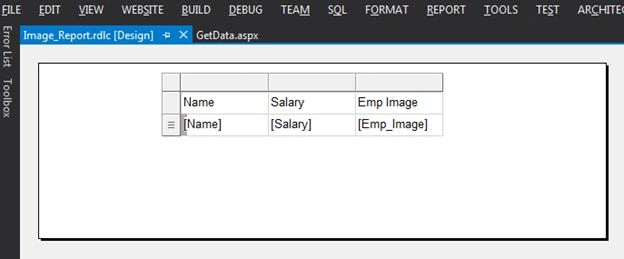
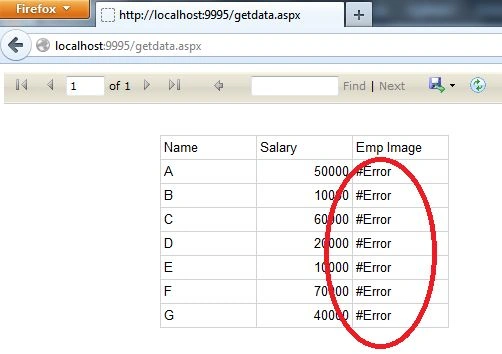
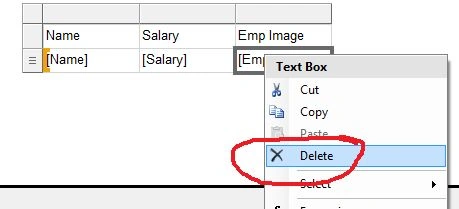
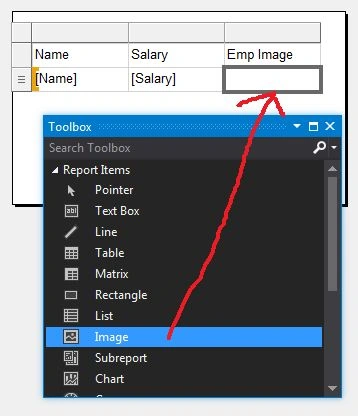
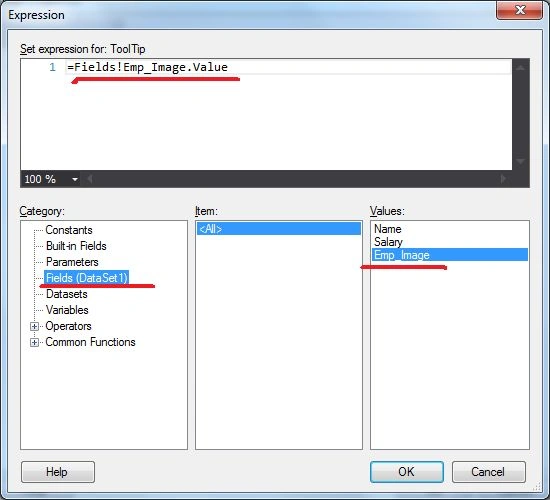
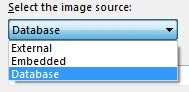
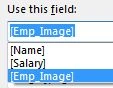
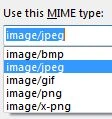
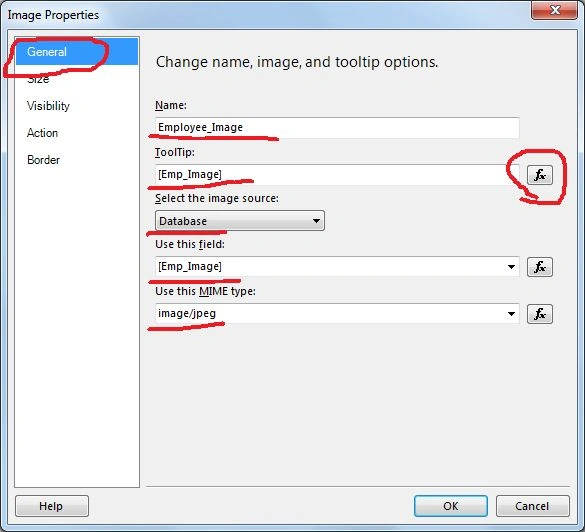
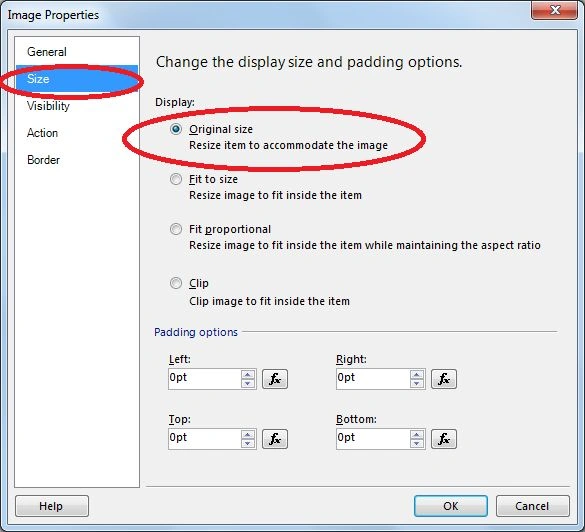
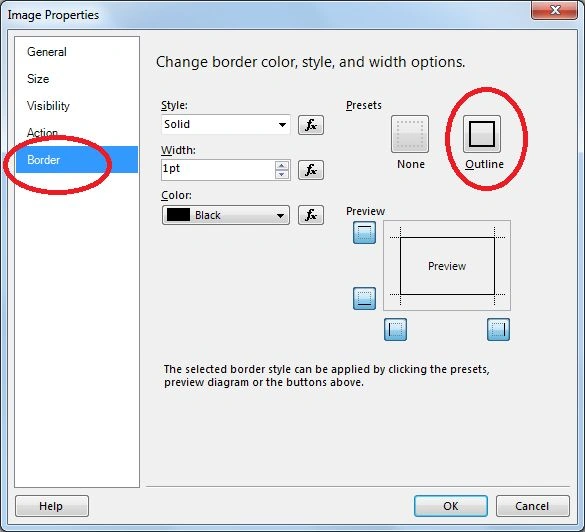
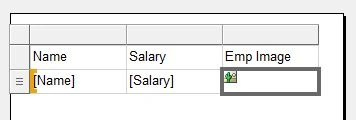
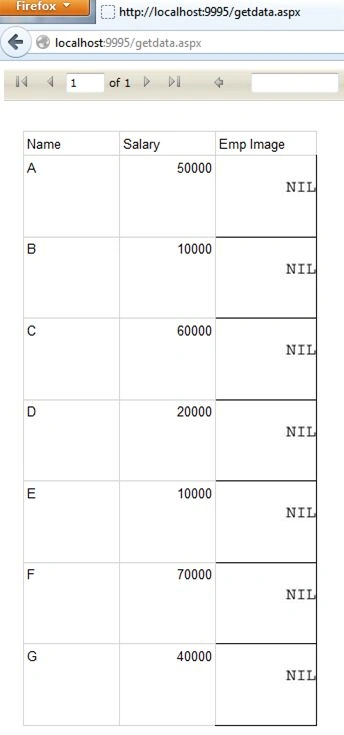
Step 3: Add a report named "Image_Report.rdlc" and bind the dataset into the reports using Table.

kikodonas2003Posted May 3, 2019, 12:36 PM
What if i have multiple images for every record?
Michael GriffithsPosted Feb 6, 2018, 6:50 AM
Thanks very much for your thoughyts
Filippo BerardoPosted Jul 16, 2015, 5:47 AM
Useful! Thanks!