

Angular is Javascript's library or a framework used for the development of client-side web applications.
Angular is Google's own product with various versions available in the market and it is one of the growing Javascript frameworks.
- It is used for building Single Page Applications, also known as SPA.
- It supports two-way data binding.
- It is used for the development of mobile/desktop/web applications.
- It is a component-based web development framework. It uses various components for the development of web applications.
In order to work with Angular, Angular CLI plays a major role in the development of projects such as the creation of projects, building the project, running the project, unit testing, End to End testing, deployment etc.
To get started with Angular, we need to understand what exactly AngularCLI is.
Angular/Cli is a Command Line Interface (CLI) tool which is used for creating the Project, adding dependency files or Npm packages or it can be called as references to the project's solution folder for easy development. It also helps in end-to-end testing with the help of Protractor, unit testing with the help of Karma, bundling the files, deployment, building the solution, executing or running the solution,
updating and adding the npm packages etc with just the execution of a few commands.
Why Angular Team Has Provided Angular/Cli
In earlier versions of Angular like AngularJs and Angular2, n order to work with Angular, the programmer needs to create a project manually by adding all its dependency files such as Jquery, Typescript, Javascript, Protractor, Karma, Bootstrap, components, configuration files etc depending on his project's requirement.
It will be a very hectic task to add files individually by following certain principles or following proper project structure. It will be very difficult to get started by adding files and adding references where ever required. To do this process it may take a lot of time to add the project with proper structure. If the programmer is experienced he or she may able to create the project; if the programmer is junior or new to Angular then he may face difficulties in adding the appropriate files to get started with Angular.
In order to overcome the above problem, the Angular team has come up with a new idea, that is Angular/CLI.
Please refer to my article to know more about Angular CLI Commands.
Prerequisites to work with Angular
- Node.js Latest Version
- Visual Studio Code.
- Basic understanding of HTML, CSS, TypeScript.
Installation of Node.JS
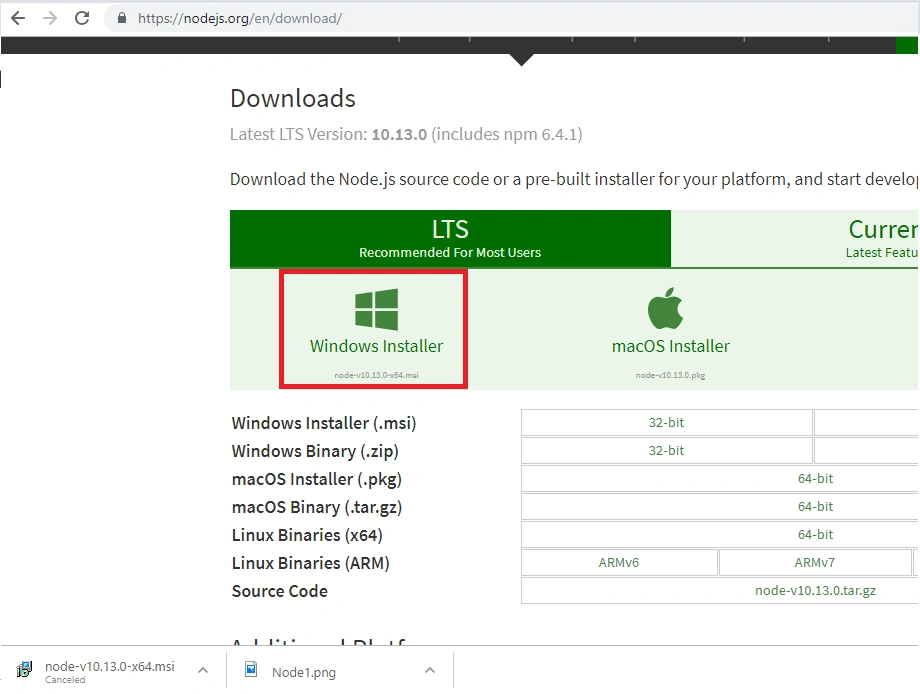
Node.js can be installed from this link https://nodejs.org/en/download/, navigate to this link and click on Windows Installer; it will download a Node.js setup file like "node-v10.13.0-x64". Just double-click on this file.
It will navigate to this window.
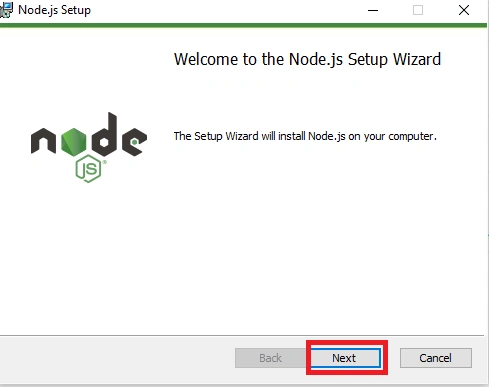
Then, click on "Next".
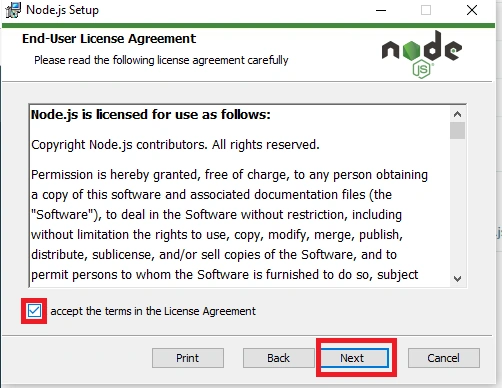
Check the "Accept the terms" checkbox and click Next.
Provide the path wherever you like to save node.js by clicking on "Change if required" and click on Next.
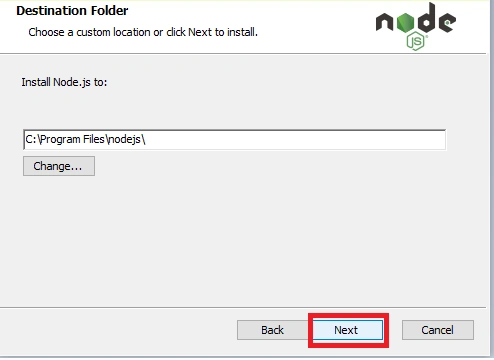
Click Next.
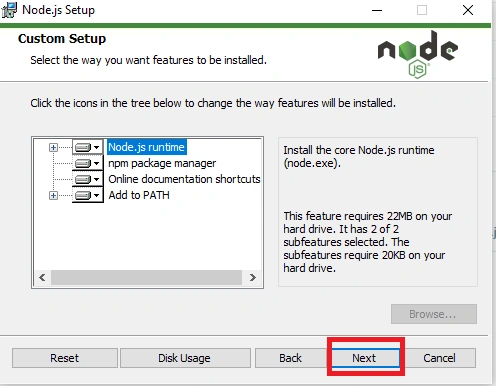
Click the Install button.
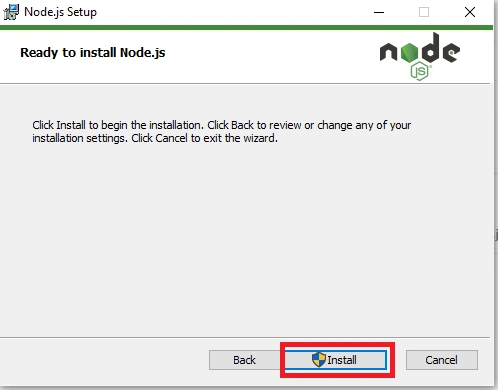
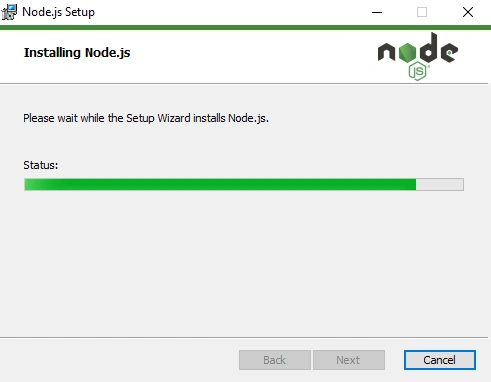
It will start installing the Node.js as shown in Status Progress bar.
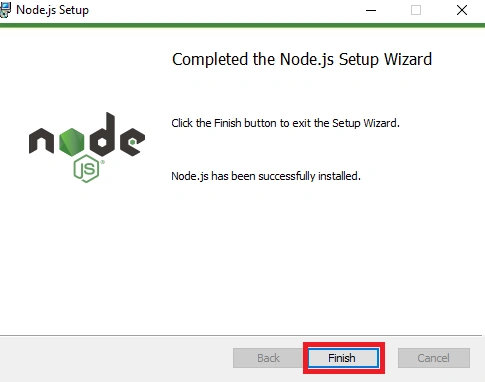
Click on Finish Button, in order to check whether Node.js is properly installed in your machine.
You can use the below commands,
Node -v
Node --version
Similarly, if we want to check whether npm is installed or not, we can check it using the below commands.
npm -v
npm --version
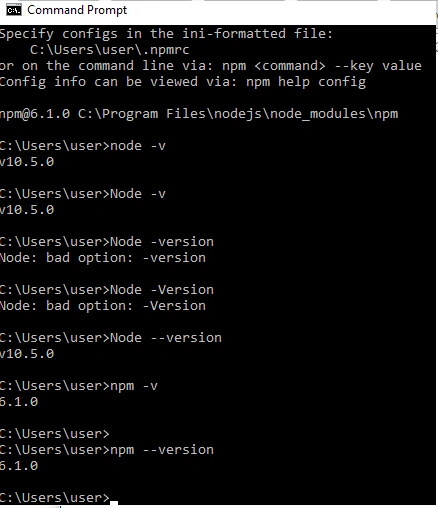
When we install Node.js by default npm will be installed with it, npm will be a part of node.js installation process. Npm is nothing but Node Package Manager which is similar to NuGet Package Manager in .NET framework and Maven Package Manager in java. Instead of searching the JavaScript library individually, we execute the commands of Angular/Cli which internally fetches the appropriate library and adds to the solution folder.
Now install Visual Studio code from the below provided link.
https://code.visualstudio.com/
Once node.js is installed and configured properly we can execute the below command
npm install -g @angular/cli
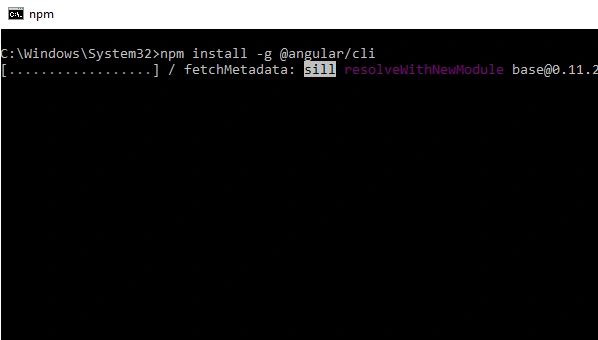
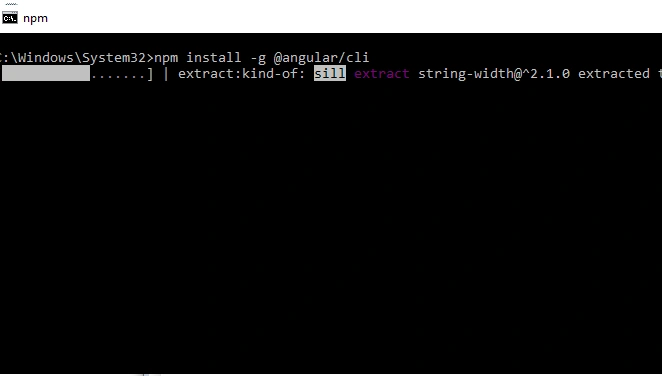
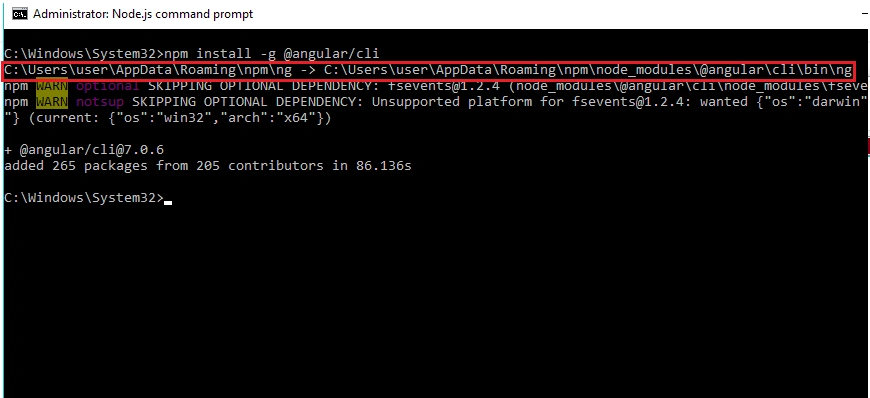
The Angular/CLI can be installed in the below-mentioned path.
C:\Users\user\AppData\Roaming\npm\node_modules\@angular\cli
To confirm whether Angular/CLI is installed properly or not, run the below command.
ng --version
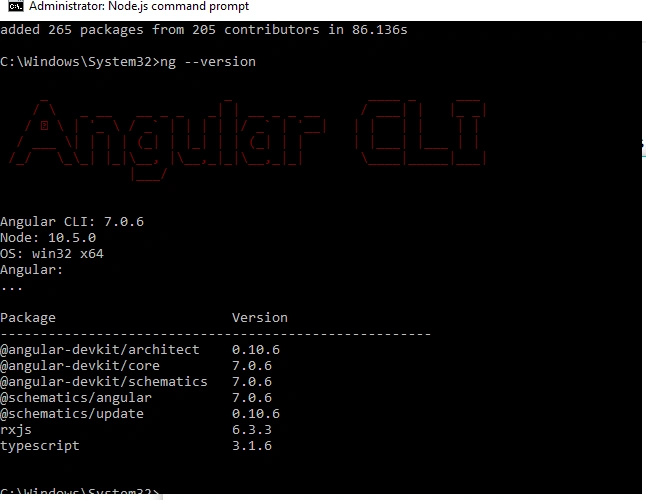
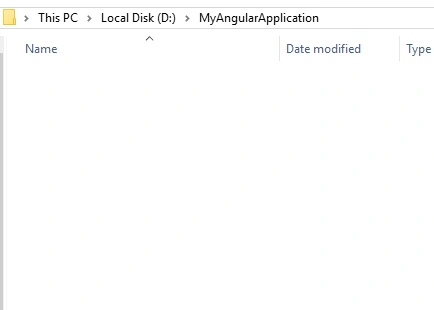
In order to create a new Angular project, first, create a new folder with some name in D or E drive like -
D:\>MyAngularApplication
Open the Node.js Command prompt by right-clicking, and open it as "Run as Administrator". Once the command prompt is opened, navigate to this path D:\>MyAngularApplication and execute the below command.
ng new AngularFirstProject
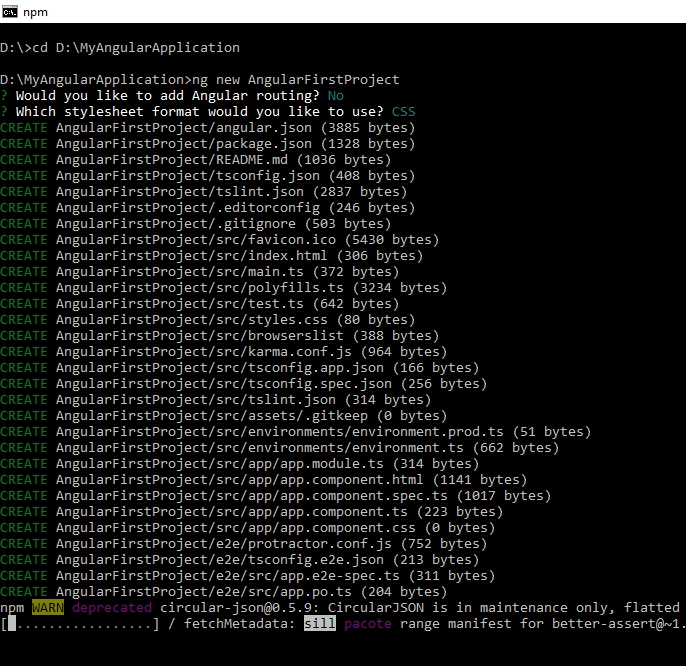
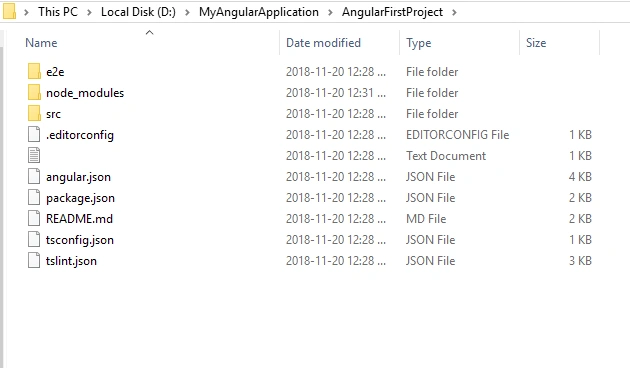
Once the project is created successfully, navigate to the project folder from the command prompt that is:
D:\MyAngularApplication\AngularFirstProject and execute the below command.
D:\MyAngularApplication\AngularFirstProject> code .
With this, the project will be opened in Visual Studio code like below.
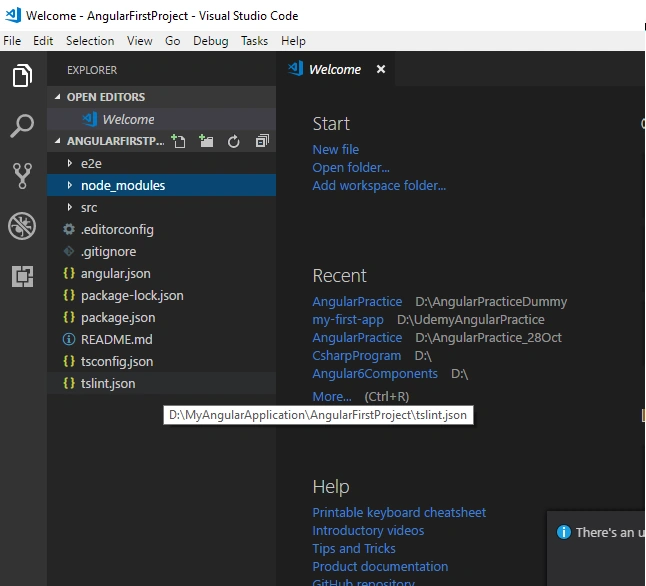
In the next article, we will see the execution of our first Angular project.
Thanks & I hope this helps you.
Khaja MoizuddinPosted Nov 20, 2018, 10:39 PM
Your Most Welcome Amit.
Amit Kumar SinghPosted Nov 20, 2018, 10:31 PM
Thanks Khaja for sharing !!!