

In this article, you will get answers to the following questions along with a step-by-step demo.
- What is Area in ASP.NET MVC?
- Advantages of Area
- How to create Area?
- What is <AREA Name>AreaRegistration.cs file?
- How to register Area into Global.asax
- Can we create a same name Controller across all the areas including root (MainArea)? If yes, how to handle it?
What is Area?
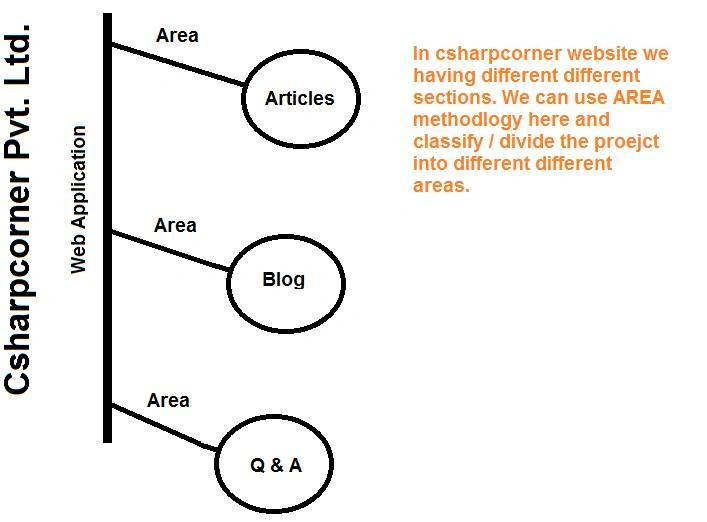
In ASP.NET MVC, you can classify the working division of the website section, that is called Area. Area was introduced in ASP.NET MVC version 2. Each Area can have seperate Model, View, and Controller, as well as Web.Config file.
Advantages of Area
Area helps us write a clean seperated code which helps us a lot in easy maintenance and super easy testing. Area functionalities help us to organize the code very efficiently and effectively. You can create n number of Area as per your requirement.
How to create AREA?
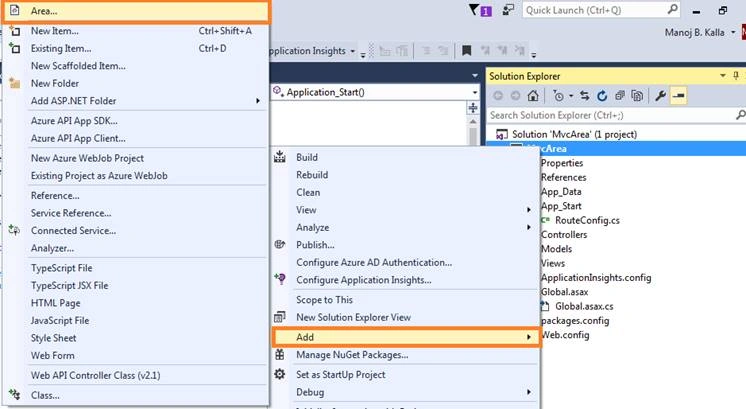
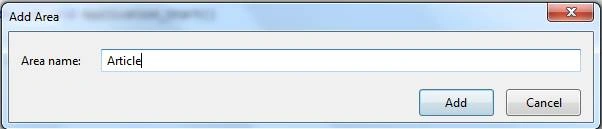
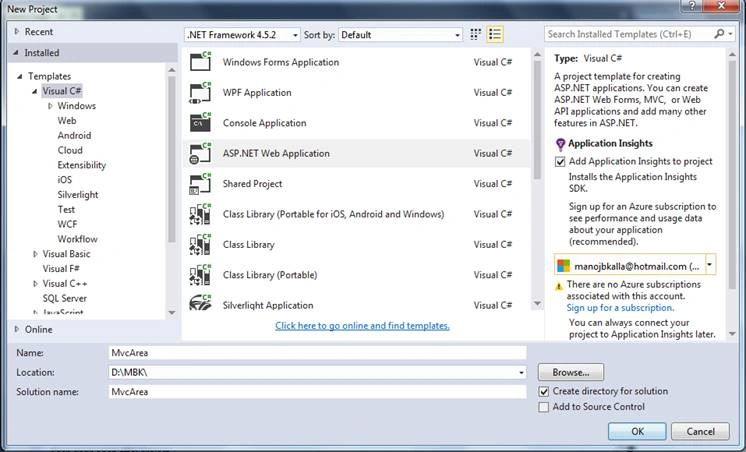
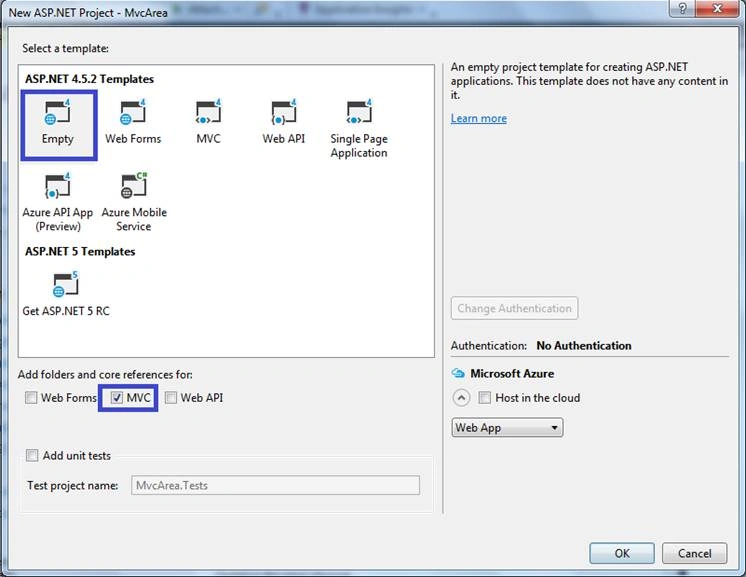
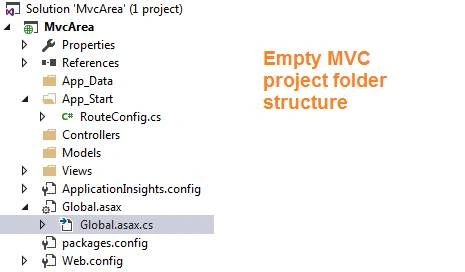
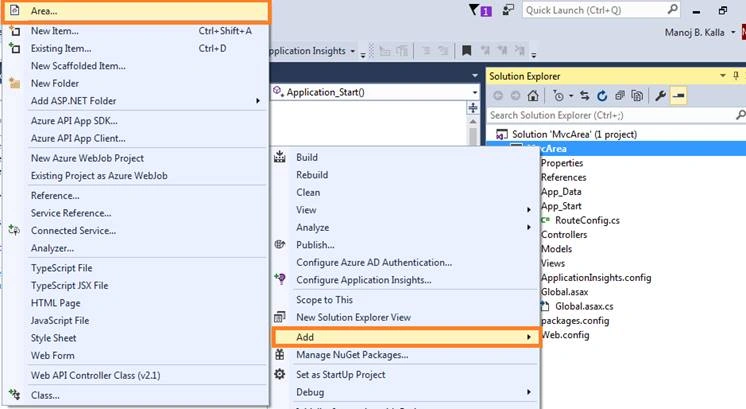
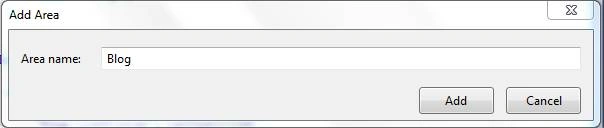
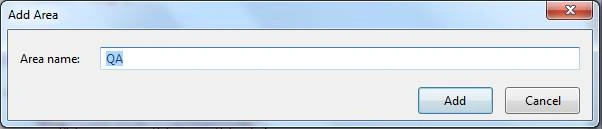
After creation of a project, right click on the Solution Explorer and select ADD-->AREA. You will see a screen similar to the following screenshot.
What is <AREA Name>AreaRegistration.cs file?
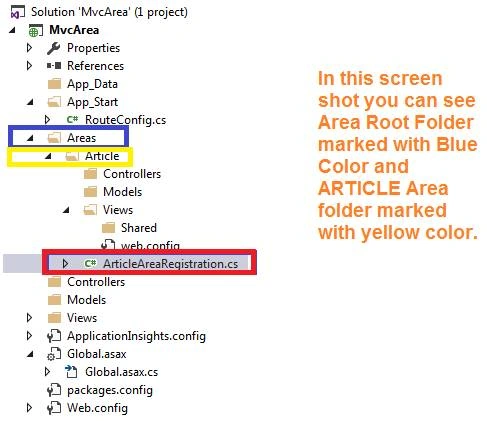
<AREA Name> is equal to your area name. The name of the area can be anything that you want to create. After successfully creating the area, system creates this file with your area name.
AreaRegistration file contains the class which overrides AreaName properties and RegisterArea method to map the routes area. And, this file helps us in configuring the route as per requirement.
Example
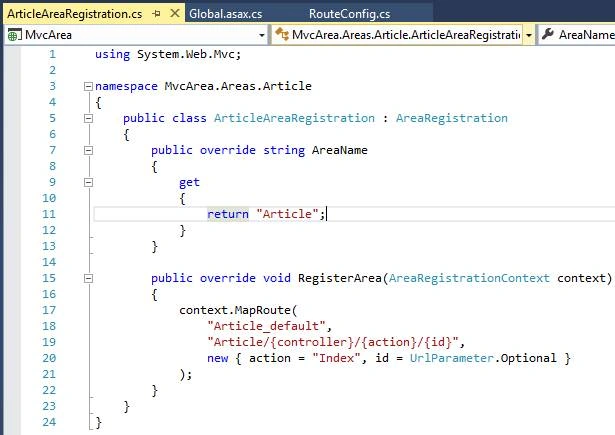
I have created an area called “Article”. In this case, the system will create a file called “ArticleAreaRegistration.cs”.
ArticleAreaRegistration.cs Code
- using System.Web.Mvc;
- namespace MvcArea.Areas.Article {
- public class ArticleAreaRegistration: AreaRegistration {
- public override string AreaName {
- get {
- return "Article";
- }
- }
- public override void RegisterArea(AreaRegistrationContext context) {
- context.MapRoute("Article_default", "Article/{controller}/{action}/{id}", new {
- action = "Index", id = UrlParameter.Optional
- });
- }
- }
- }
How to register Area into Global.asax?
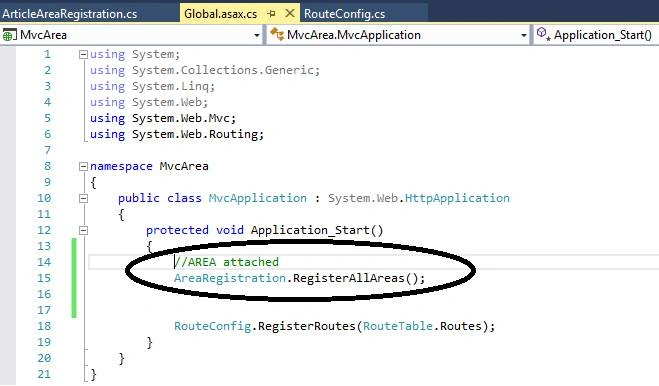
We have no need to manually attach the Areas into Global.asax file. It gets attached by default. But all the areas must be registered in Application_Start event of the Global.asax.cs file.
Please see the screenshot.
Global.asax.cs
- using System;
- using System.Collections.Generic;
- using System.Linq;
- using System.Web;
- using System.Web.Mvc;
- using System.Web.Routing;
- namespace MvcArea {
- public class MvcApplication: System.Web.HttpApplication {
- protected void Application_Start() {
- //AREA attached
- AreaRegistration.RegisterAllAreas();
- RouteConfig.RegisterRoutes(RouteTable.Routes);
- }
- }
- }
Can we create a same name Controller across all the areas including root (MainArea)? If yes, How to Handle it?
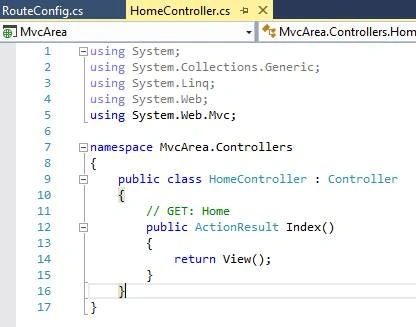
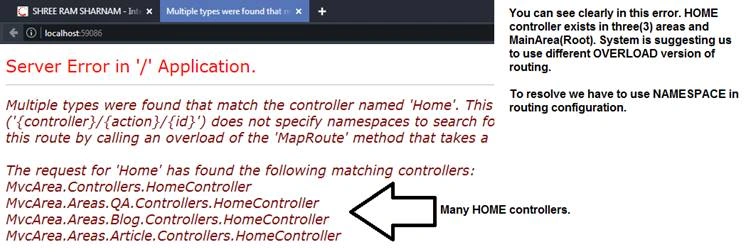
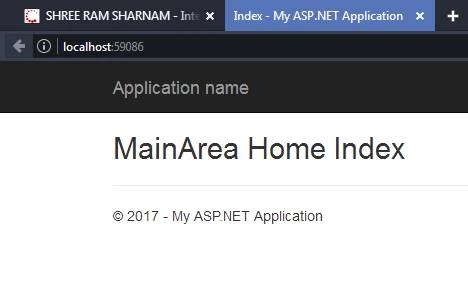
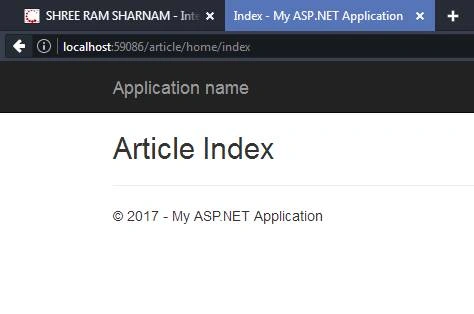
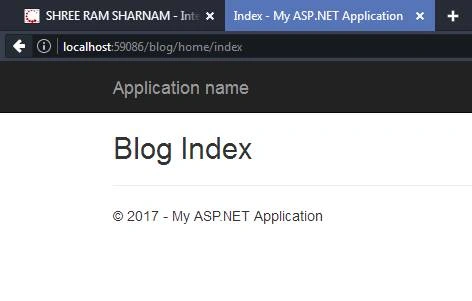
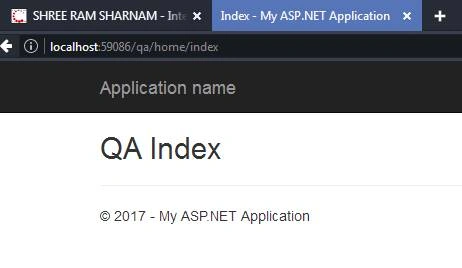
Yes, we can create the same name Controller across all the areas including root (MainArea). But it's not runnable / executable without doing some settings in the code.

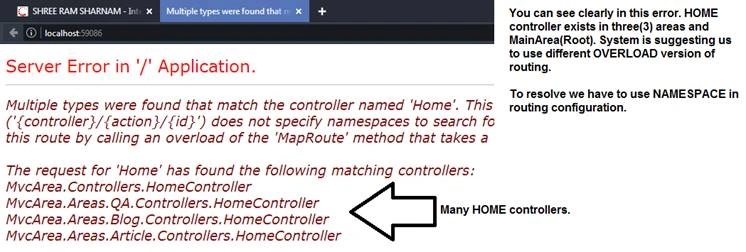
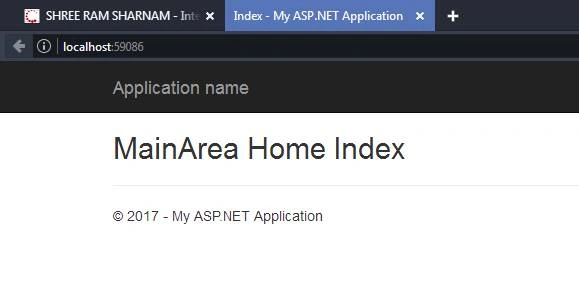
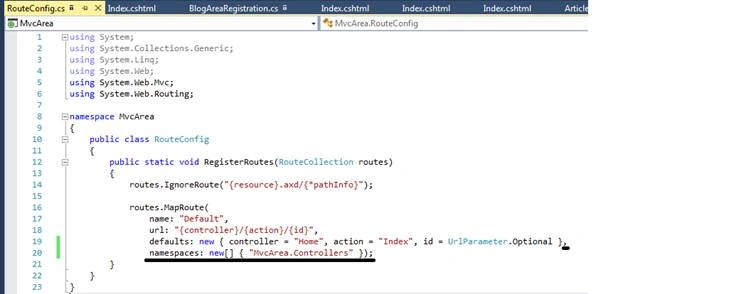
To resolve this exception you have to just add this line in ROUTECONFIG.CS file.
I had underlined and increased font size of that line.
ROUTECONFIG.CS Code
- using System;
- using System.Collections.Generic;
- using System.Linq;
- using System.Web;
- using System.Web.Mvc;
- using System.Web.Routing;
- namespace MvcArea {
- public class RouteConfig {
- public static void RegisterRoutes(RouteCollection routes) {
- routes.IgnoreRoute("{resource}.axd/{*pathInfo}");
- routes.MapRoute(name: "Default", url: "{controller}/{action}/{id}", defaults: new {
- controller = "Home", action = "Index", id = UrlParameter.Optional
- }, namespaces: new [] {
- "MvcArea.Controllers"
- });
- }
- }
- }
ab doshiPosted Aug 1, 2019, 10:02 PM
Very nice article sir, also want to know is it possible to make the one particular area-app to run based on login? I mean to ask suppose login with admin then only alow blog area, and if login with staff then only allow article area and have no access any of blog area contents. Even through the url
Pravin LalgePosted Jan 15, 2019, 7:22 AM
Very good bro..
Nigel FernandesPosted Jun 27, 2017, 7:33 PM
Good to know ... Thanks
Vignesh ManiPosted Jun 27, 2017, 3:32 PM
Thanks for sharing..
Raj KumarPosted Jun 27, 2017, 1:28 PM
Good article and well explained..