

If you have landed over directly on this article, I also recommend you to read the articles mentioned below,
- Getting started with Microsoft Cognitive Services – Face API
- Getting started with Microsoft Cognitive Services – Emotion API
- Getting started with Microsoft Cognitive Services – LUIS API
As defined, Cognitive Services provides the best suite for interactive, automated models of applications. It helps to build powerful intelligence into the applications to enable natural and contextual interactions.
Recommendations API as described by Microsoft, is designed to provide personalized product recommendations for your customers and improve sales in your store.
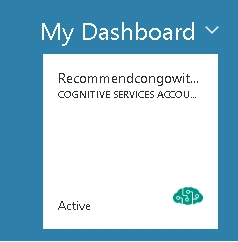
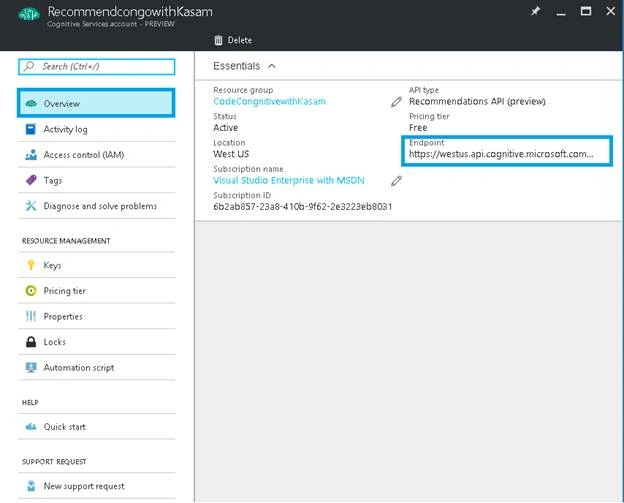
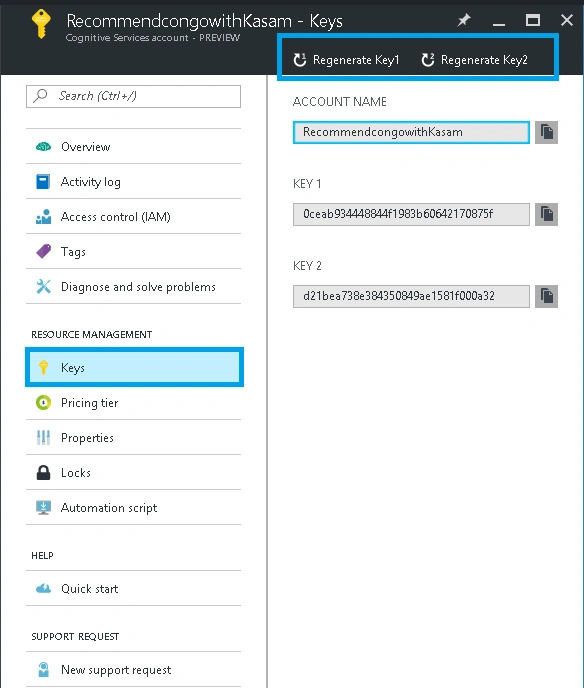
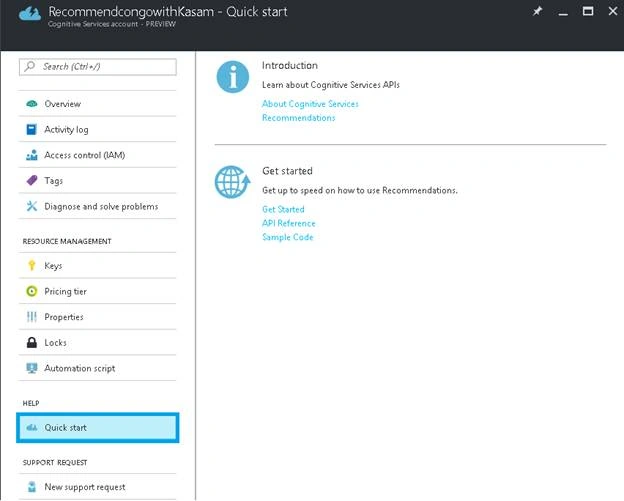
You will learn more about Recommendations API in later articles. To start with, let's create a cognitive account to use Recommendations API , using Azure Portal.
Here, let's assume that you have Azure portal account. If not, create your free Azure account
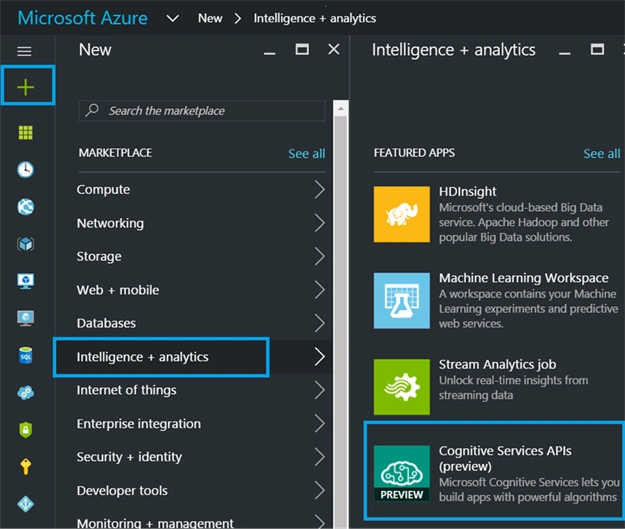
Once done with account creation, click '+’ => Category, Intelligence + analytics => Services, Cognitive Services APIs.
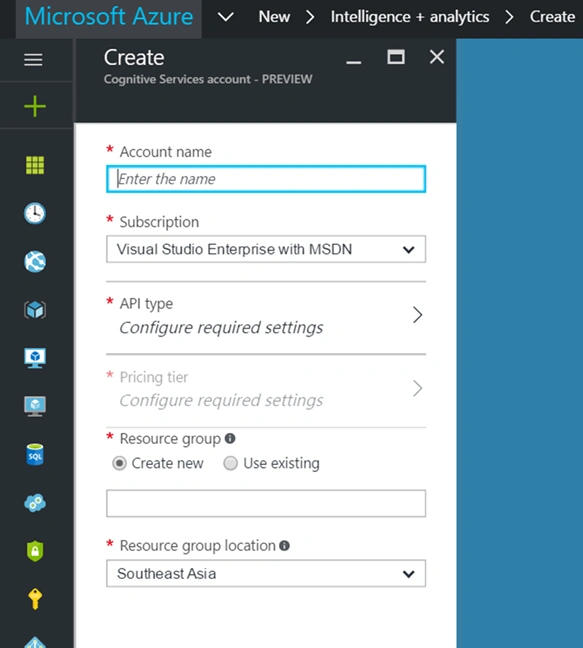
Fill in the details, mentioned below.
Account Name
Unique name for cognitive Recommendations API account.
Subscription
Free, or any subscription you have must be selected here.
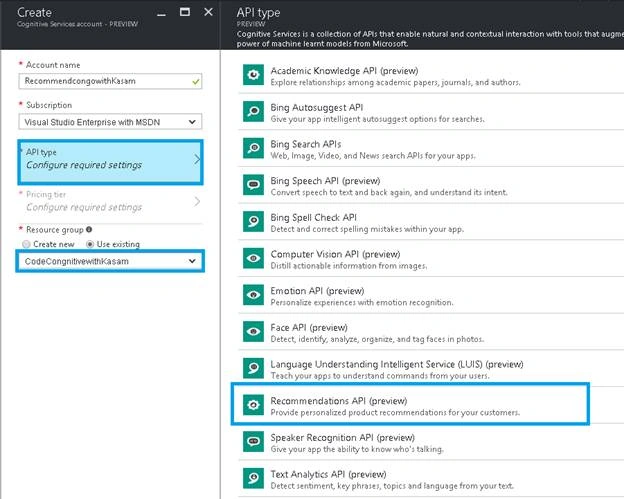
API Type
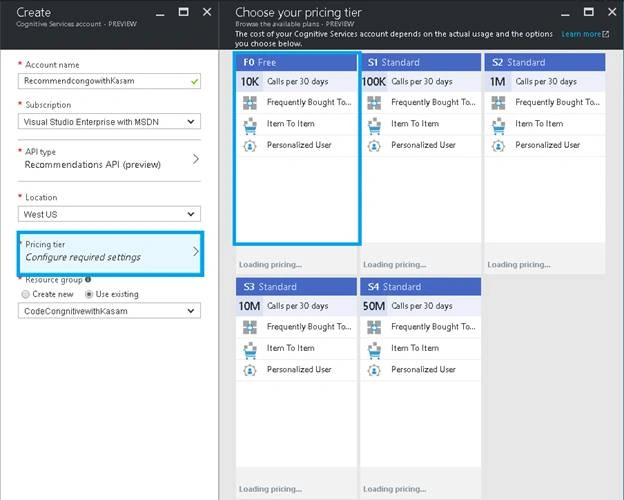
Cognitive Services provides a set of awesome APIs. For this article, I will go with Recommendations API Pricing Tier: As per the API selected, pricing options will be listed. Select any one among the listed options.
Resource Group
You can select existing Resource group or create a new one.
Join the conversation! Your thoughts help the community grow.