

In this article, we will discuss how we can setup .NET Core on Linux environment, a prerequisite for developing a console application on Linux. We discussed understanding about .NET Core with "Hello World" application on Windows in my previous article, at the following link.
Let’s start with the prerequisites
You have to download the following software and install them on your PC- VMware
- Ubuntu 14.4 / Linux Mint 17
- .NET Core SDK 1.0
VMware
Option I - You can download the trial version and install VMware from the VMware site
Option II - You can download open source and install Virtual Box from the Virtual Box Community site
Ubuntu 14.04
You can download and install the Ubuntu OS from the Ubuntu site.
.NET Core SDK
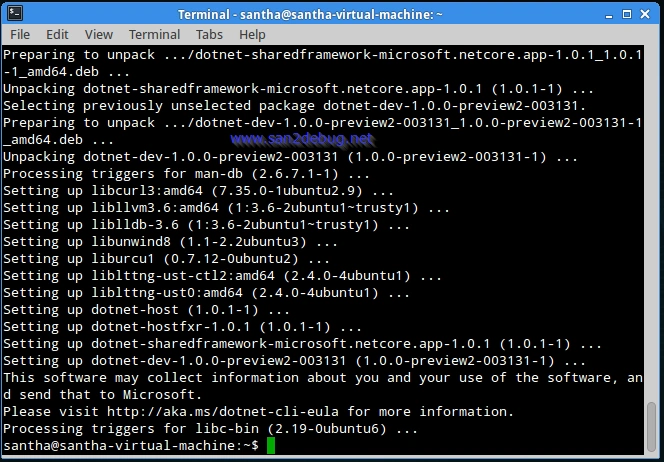
You can download and install the .NET Core SDK as following commands.
Let’s start implementation
You are able to implement .NET Core with different methods such as Command line and Visual Studio Code Editor.
Setting up the Environment
Using Command line, procedures are given below,
If you want to know how to install the .NET Core on Ubuntu 14.4 / Linux Mint 17, let’s start with step-by-step guidelines,
- Open the Terminal Emulator
- Copy and past the following command in Terminal, then Enter
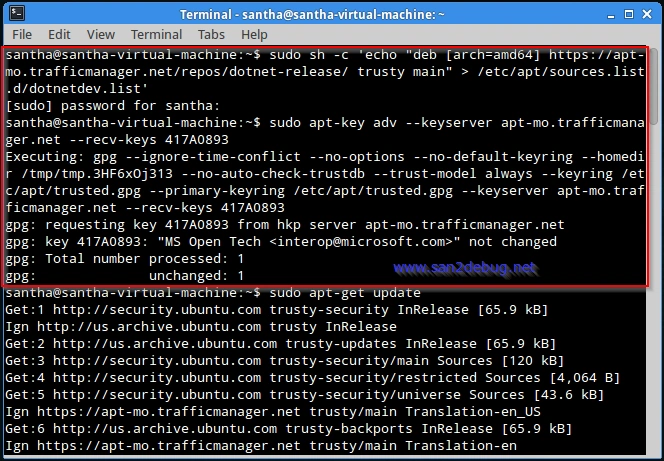
- Copy and paste the following command in Terminal, then Enter
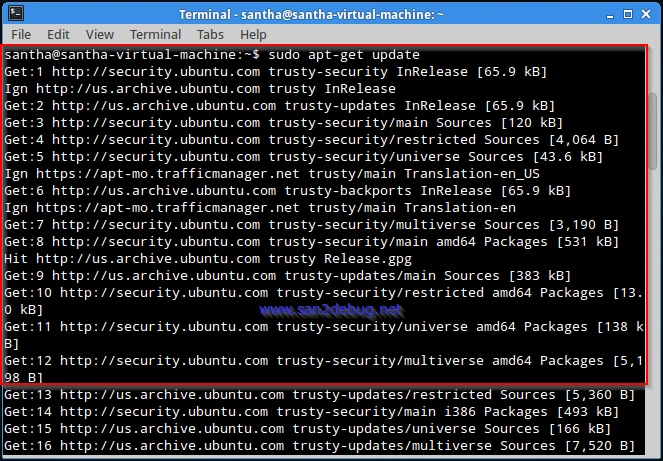
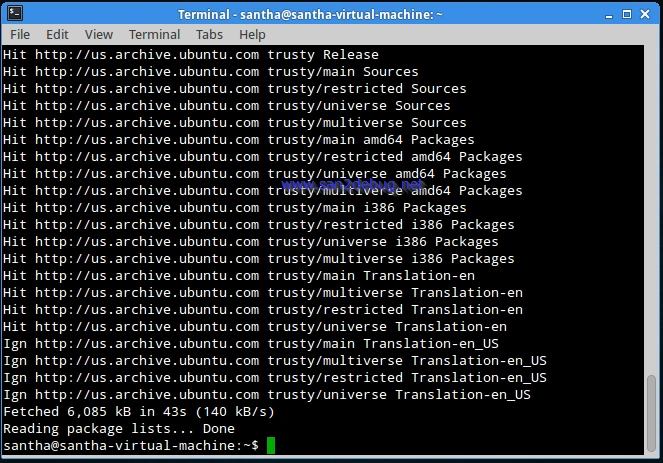
- Copy and paste the following command in Terminal, then Enter
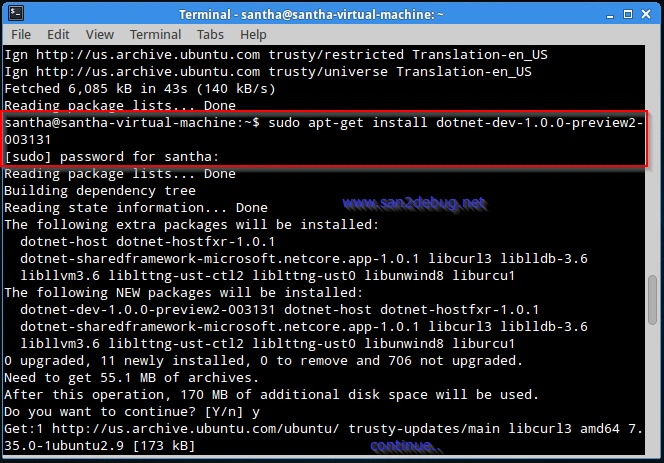
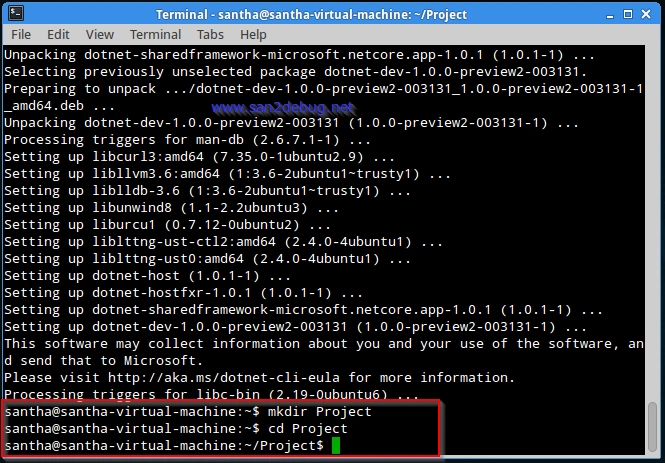
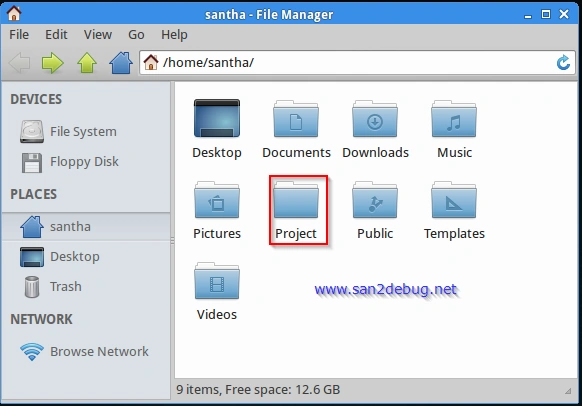
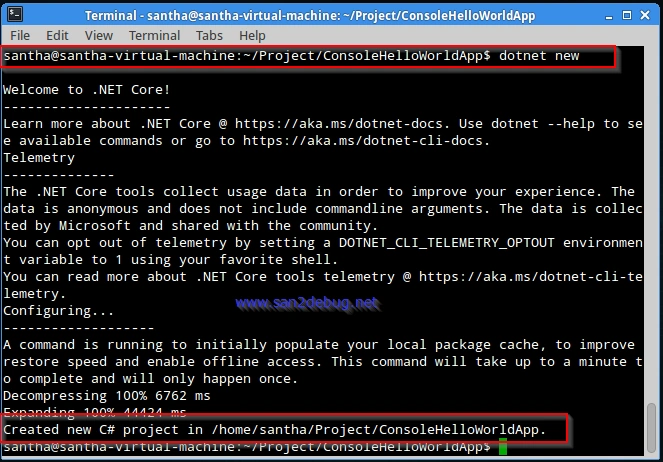
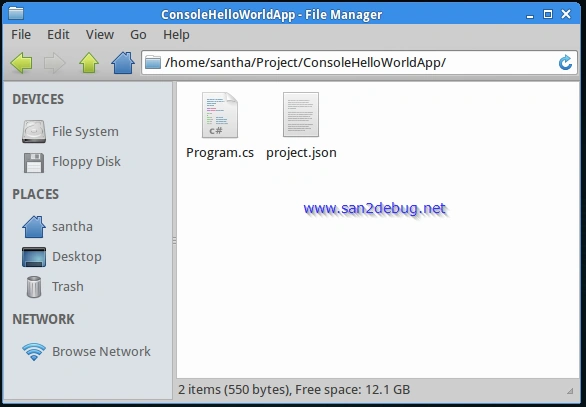
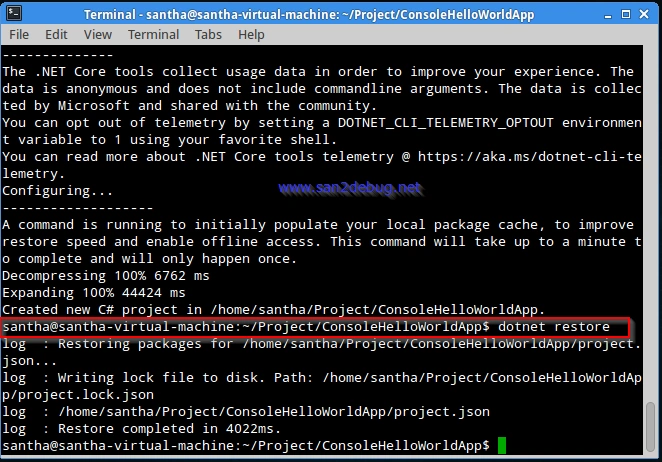
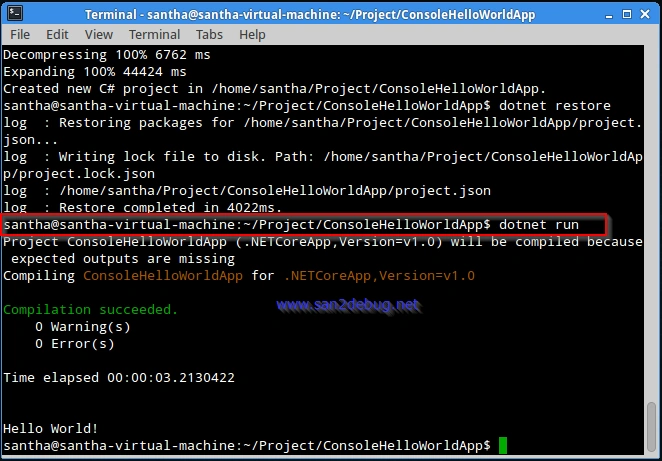
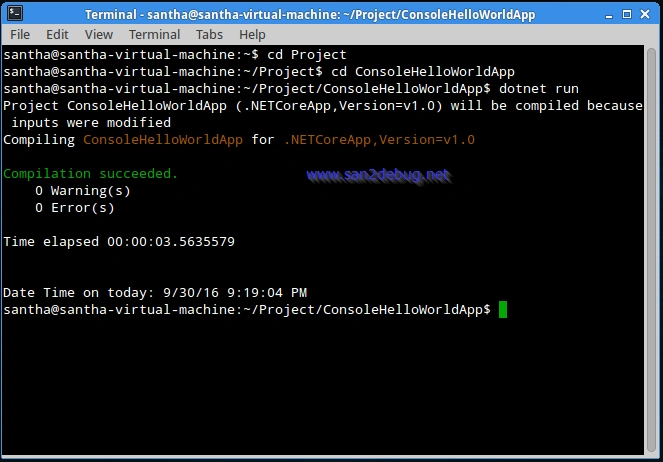
Developing a Hello World Console Application on Linux
Debendra DashPosted Oct 29, 2016, 12:11 AM
Excellent as usual sir,,,
Prasanna MuraliPosted Oct 9, 2016, 10:14 AM
Nice post..
Anu VPosted Oct 6, 2016, 11:53 PM
Nice...