

What Is Google Antigravity?
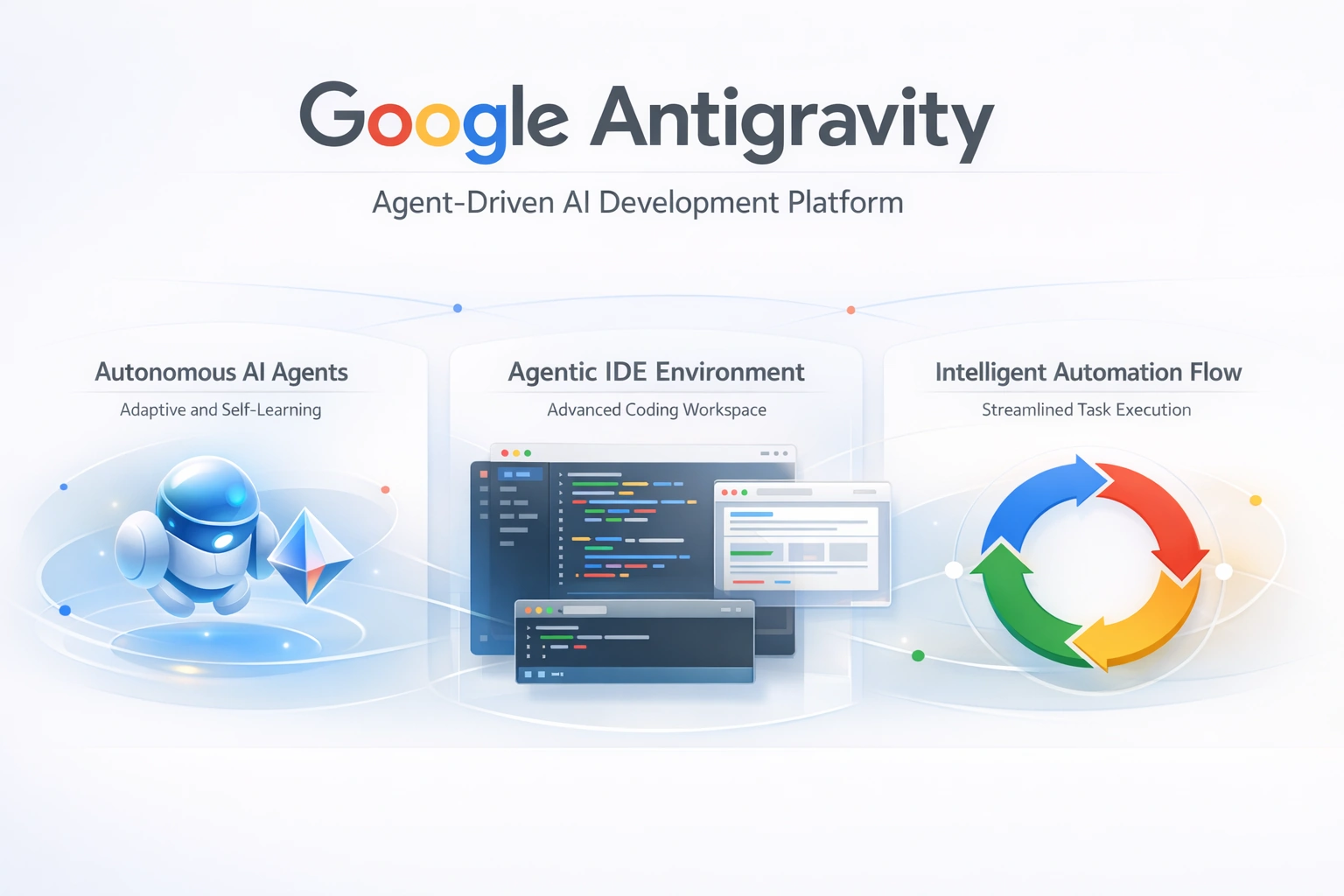
In late 2025, Google launched Google Antigravity, an innovative AI-powered integrated development environment (IDE) built to redefine how developers write, test, and verify software. Rather than a traditional IDE that merely suggests code completions, Antigravity prioritizes autonomous AI agents that can plan, execute, test, and even validate software tasks across tools such as the editor, terminal, and a browser.
In simple terms, Google Antigravity allows a developer to delegate large parts of the software creation workflow to AI agents, turning high-level natural language instructions into fully formed code, tests, and documentation — making it exceptionally suited for complex, end-to-end development tasks.
Who Is Google Antigravity For?
Google Antigravity is designed for:
Professional Developers
Software Teams and Large Codebases
AI-Focused Engineers
Anyone who wants to build apps faster using intelligent automation
Even beginner programmers can benefit, as Antigravity handles heavy technical details under the hood.
Core Features of Google Antigravity
Agent-First Development
Unlike traditional AI assistants that autocomplete code, Antigravity’s autonomous agents can:
Analyze entire projects.
Plan multi-step solutions.
Create and modify files.
Execute commands in the terminal.
Run browser tests.
These agents can execute complex instructions with minimal supervision — a shift from “suggestive” coding to full task automation.
Integrated Editor + Terminal + Browser
Antigravity integrates all your development tools into one space:
Editor View: Code like you would in VS Code.
Manager View: Orchestrate multiple AI agents across tasks.
Browser Integration: Agents can perform browser actions like clicking, testing UI, and validating functionality.
This means agents can automatically test web apps, interpret screenshots, and verify outcomes.
Artifacts & Trust Verification
One major innovation is Artifacts: tangible outputs that agents generate — including:
Task plans
Implementation documents
Screenshots and recordings
Code patches
These allow you to review and trust what the agent has done.
Multi-Agent Workflows
Antigravity supports multiple agents working in parallel, allowing developers to delegate different parts of a project simultaneously — for example:
One agent codes the frontend
Another builds backend logic
A third tests functionality
These parallels having a team of developers like “digital coworkers.”
System Requirements & Availability
Google Antigravity is currently available in public preview and supported on:
✔ Windows
✔ macOS
✔ Linux distributions
It’s free during this preview period, with generous rate limits for accessing advanced models such as Google’s Gemini 3 Pro.
How to Download Google Antigravity
Official Download Page:
👉 Visit Antigravity
Steps:
Open the Antigravity download page (choose your OS).
Download the installer for macOS, Windows, or Linux.
Run the installer and follow on-screen prompts.
Sign in with your Google Account when prompted.
Select the desired AI models and agent policies.
Step-By-Step Installation & Setup
Below is the typical installation workflow:
1. Run the Installer
Choose “Start Fresh” or import settings from VS Code.
2. Choose Development Mode
You’ll see options for:
Agent-Driven (autopilot)
Review-Driven (manual verification)
Assisted Mode (hybrid)
This controls how much control Antigravity agents have.
3. Sign Into Your Google Account
Antigravity requires a Gmail login to activate preview features.
4. Start a Project
Once installed, open a folder to code, then launch the Agent Manager to begin sending tasks to your AI agents.
Using Antigravity – Practical Guide
Launch the Agent Manager
When you start Antigravity, you’ll see Mission Control — where agents are:
Created
Assigned tasks
Monitored in real time
Each agent can operate independently, producing Artifacts that you can review.
Creating Your First Task
Open Agent Manager.
Click “New Task”.
Provide a high-level prompt (e.g., “Build a TODO app with login”).
Review the agent’s plan before execution.
Approve and let it run.
Example: Build a Simple App With Agents
Here’s how a typical workflow might look:
Create a project folder.
Open Antigravity and launch the Agent Manager.
Prompt:
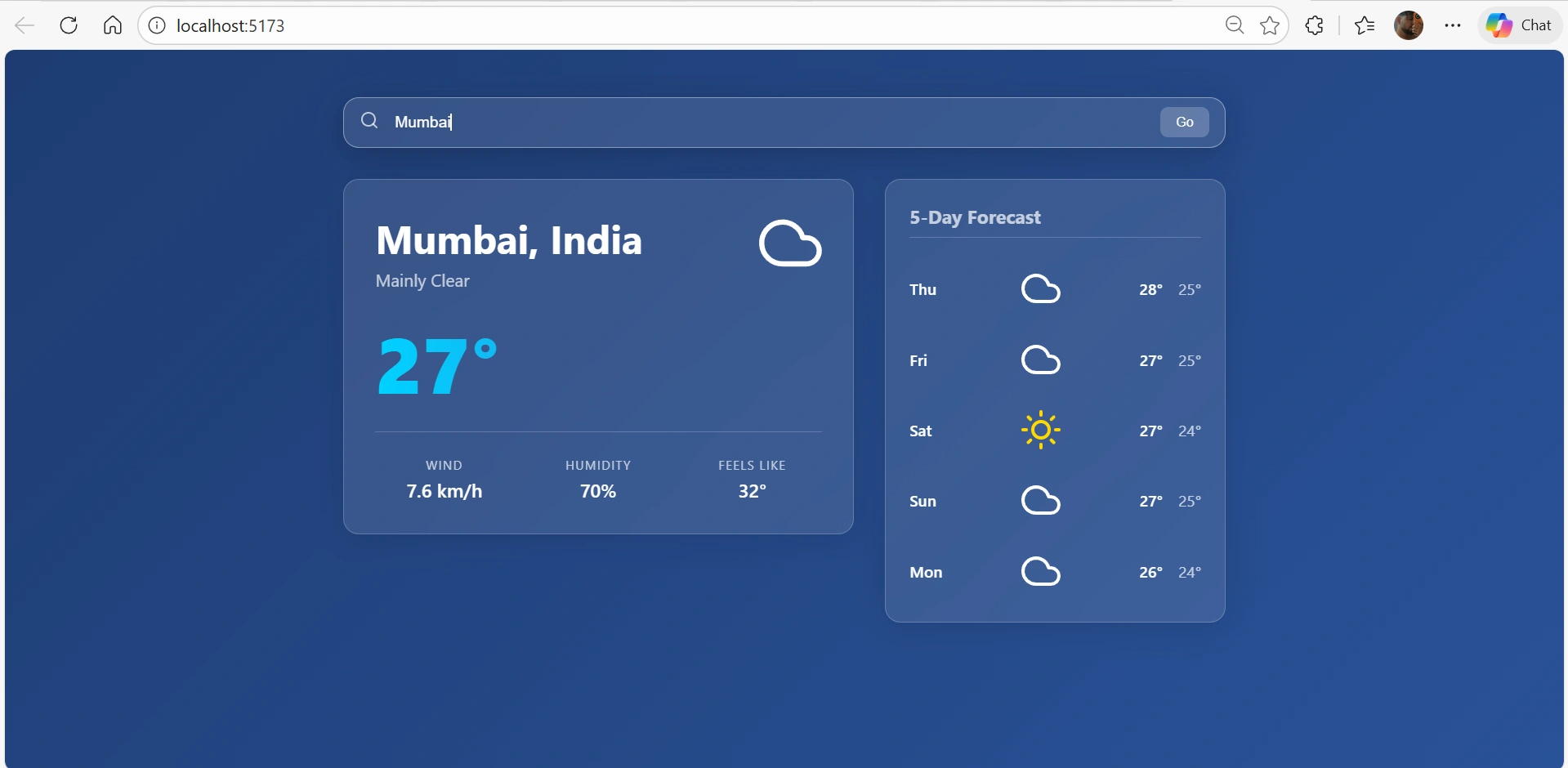
“Create a weather dashboard in React that shows city data, includes search, and mobile responsiveness.”
The agent plans and generates code files.
It tests UI in the integrated browser.
You review test artifacts and approve merges.
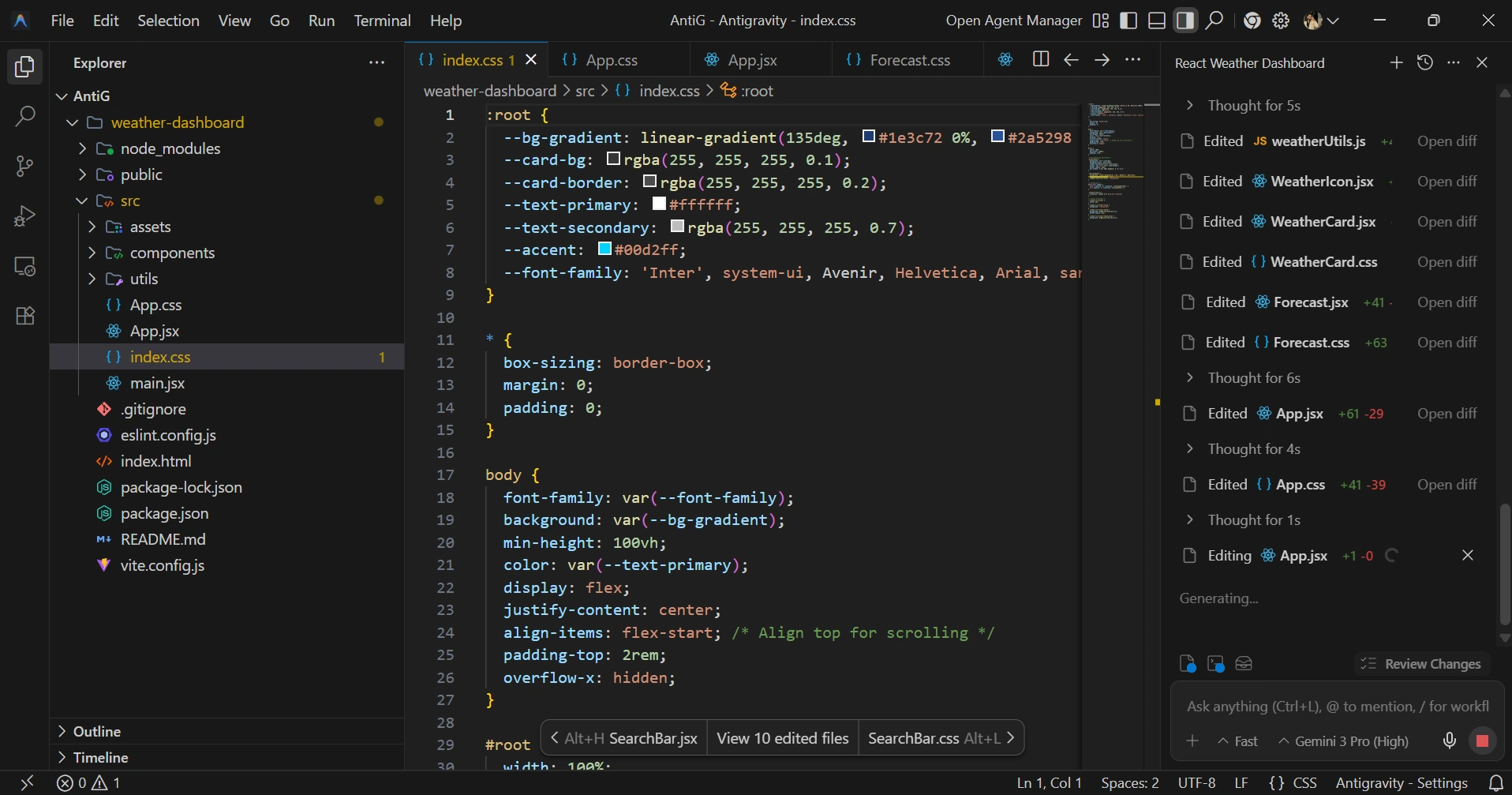
Result: After setting up Google Antigravity, the development experience feels noticeably more fluid and efficient. The agent-driven workflow allows tasks like UI generation, logic updates, and live testing to happen in parallel, reducing manual effort. As shown in the result below, the AI-assisted environment helps quickly transform a simple prompt into a functional, well-structured interface, making iteration faster while maintaining clean, production-ready code.
Common Use Cases
Autogenerating full features
Automated refactoring
Regression testing with browser agents
Generating documentation and commit summaries
Building prototypes from natural language descriptions
Parallel development across multiple tasks
Security & Privacy
Because agents can execute terminal commands and browse the web, Antigravity includes settings to control:
Terminal policy
Browser execution policy
Review workflows
These ensure you retain control over sensitive operations.
Conclusion: Why Google Antigravity Matters
Google Antigravity represents a paradigm shift in how developers work:
From manual line-by-line coding - To agent-driven software production
Its combination of autonomous agents, multi-surface integrations, artifacts for trust verification, and multi-agent task orchestration makes it uniquely powerful among AI development tools.
If you build software, whether small apps or large systems, Antigravity is a tool that makes creation faster, more reliable, and more automated than ever before.
Join the conversation! Your thoughts help the community grow.