

Introduction
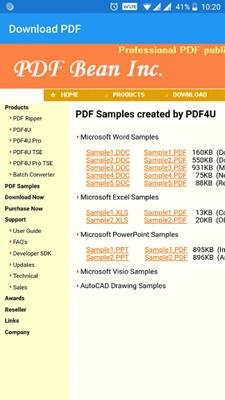
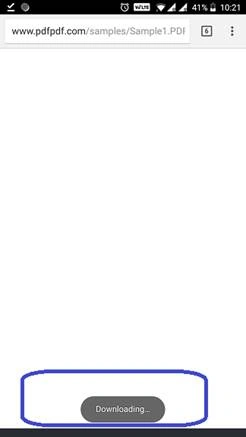
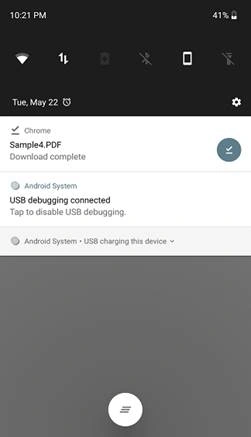
This article demonstrates how to download PDF files into devices by tapping/clicking the link button in webview Xamarin Forms.
Prerequisites
- Windows or Mac machine.
- Based on the operating system, the respective Visual Studio has to be installed in it.
- Required to have Android and iOS devices.
How can we achieve this functionality?
We can achieve this functionality by the following steps.
- We have to handle “Navigating” event of webview, using this we can get the URL of the file on which user tapped in webview.
- To download the PDF file, we have to pass the PDF file URL (which we got in the above step) to OpenURL() method.
Explanation
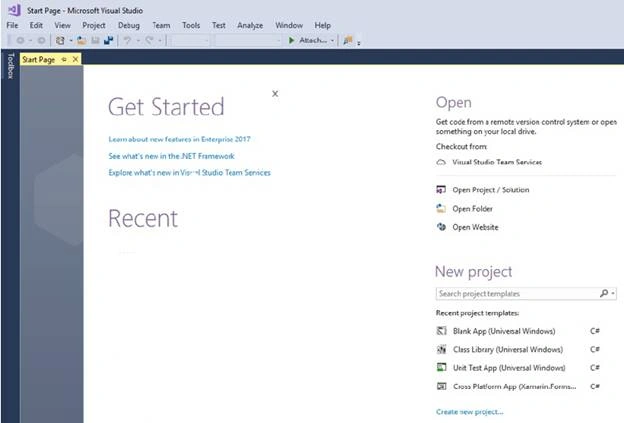
- In the Start screen, launch Visual Studio. This opens the start page of Visual Studio like below.
- Create a new project using Visual Studio as shown below.
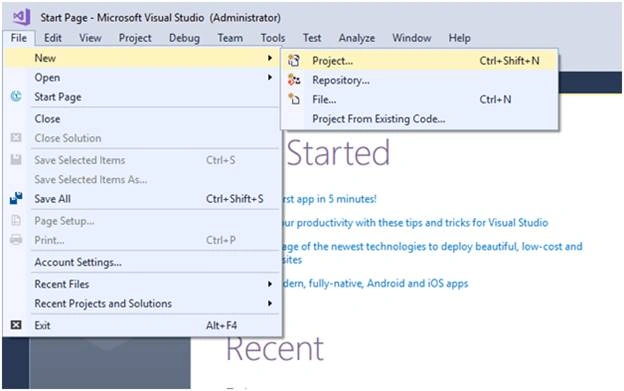
- If you select “Project” in the above context menu, the following window will open.
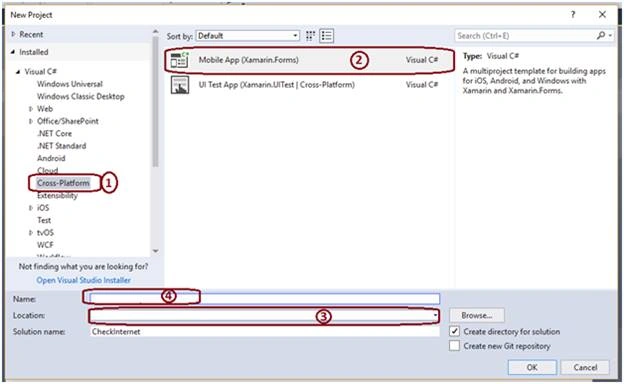
In the above image,
- Select “Cross-Platform” option from the left lane.
- Choose “Mobile App (Xamarin.Forms)” option for creating Xamarin Forms application.
- Choose the location on disk where you want to store your application on hard disk.
- Give some name to your project which is relevant to your task. In my case, I’m giving it as “DownloadPDF”.
- After clicking “OK” button, the project will be created.
- Paste the following code in xaml.cs file within PCL/NET standard project.
- using System;
- using System.Collections.Generic;
- using System.Linq;
- using System.Text;
- using Xamarin.Forms;
- namespace DownloadPDF
- {
- public partial class App : Application
- {
- public App ()
- {
- InitializeComponent();
- MainPage = new NavigationPage(new MainPage());
- }
- protected override void OnStart ()
- {
- // Handle when your app starts
- }
- protected override void OnSleep ()
- {
- // Handle when your app sleeps
- }
- protected override void OnResume ()
- {
- // Handle when your app resumes
- }
- }
- }
Munish AhmadPosted Nov 12, 2018, 12:12 AM
I want to download pdf internally in app using webview without using device browser.plz help in this regards.
Rajesh JhaPosted Jun 16, 2018, 6:06 AM
Good Article...Can you show How to play youtube video using the xamarin forms.I need to get a complete list of videos from a youtube channel and play them inside the xamarin forms app.