

Introduction
In the dynamic world of app development, aesthetics play a crucial role in enhancing user experience and engagement. Power Apps, Microsoft's low-code development platform, offers a versatile range of tools to customize and personalize applications. Among these tools, the Theme option stands out as a powerful feature, allowing developers to effortlessly apply consistent visual styles across their apps. This article delves into the intricacies of theme options in Power Apps, exploring its benefits, features, and limitations, and providing a comprehensive guide for implementation.
Benefits
- Consistency: Themes ensure a cohesive visual identity across all app screens, fostering a seamless user experience.
- Efficiency: By applying themes, developers can save time and effort in manually styling individual components, thus streamlining the development process.
- Scalability: Themes facilitate scalability by enabling easy updates and modifications to app aesthetics, ensuring adaptability to evolving design trends.
- Branding: Customizable themes allow developers to align app visuals with brand guidelines, reinforcing brand identity and recognition.
- Accessibility: Themes can be tailored to enhance accessibility, with options for high-contrast or color-blind-friendly designs, thus promoting inclusivity.
Features
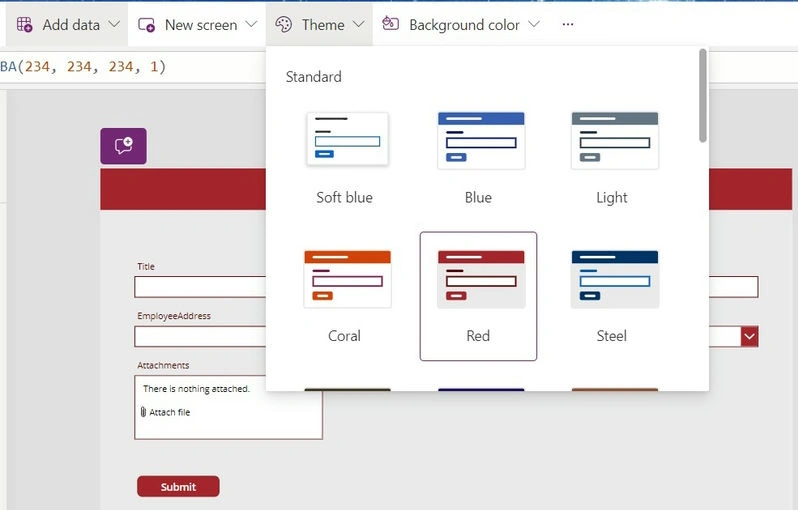
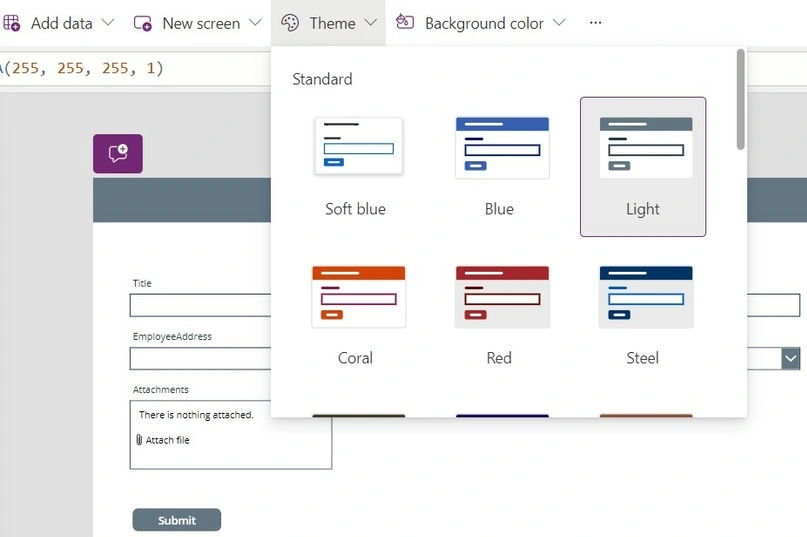
- Pre-defined Themes: Power Apps offers a range of pre-defined themes with distinct color schemes and typography, catering to diverse design preferences.
- Customization: Developers can customize themes by adjusting colors, fonts, and other visual elements to align with specific branding requirements or design aesthetics.
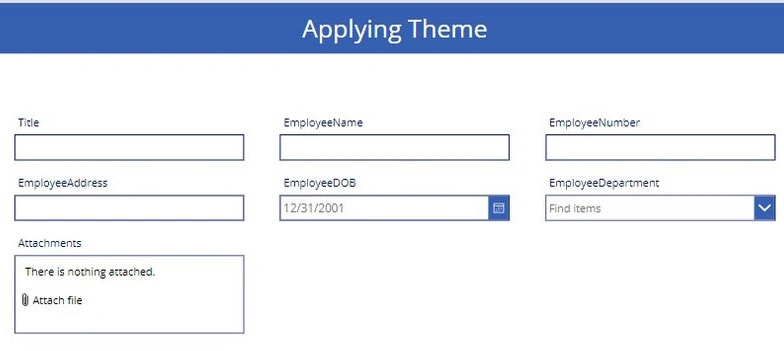
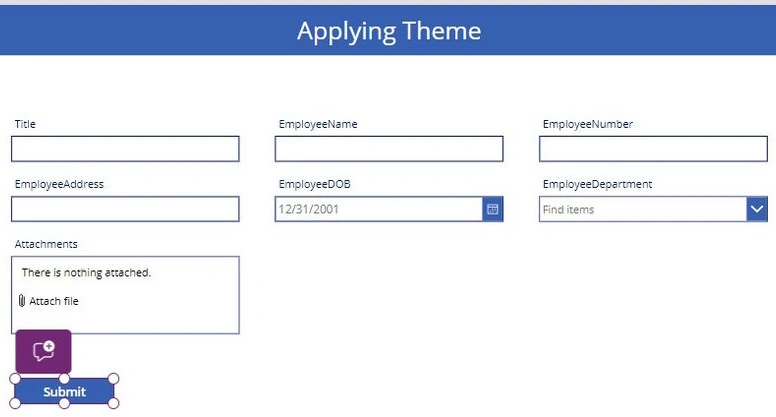
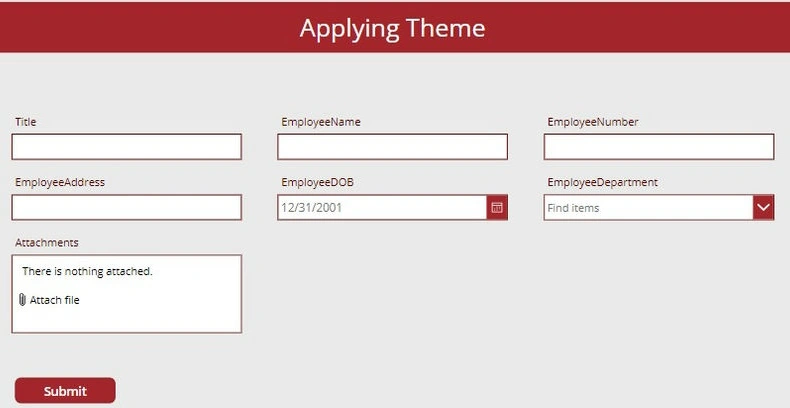
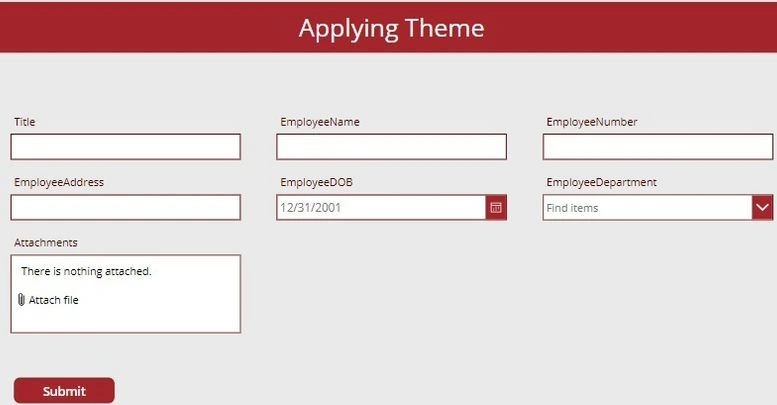
- Global Application: Applied themes affect all app screens uniformly, ensuring consistency in design elements such as buttons, text fields, and backgrounds.
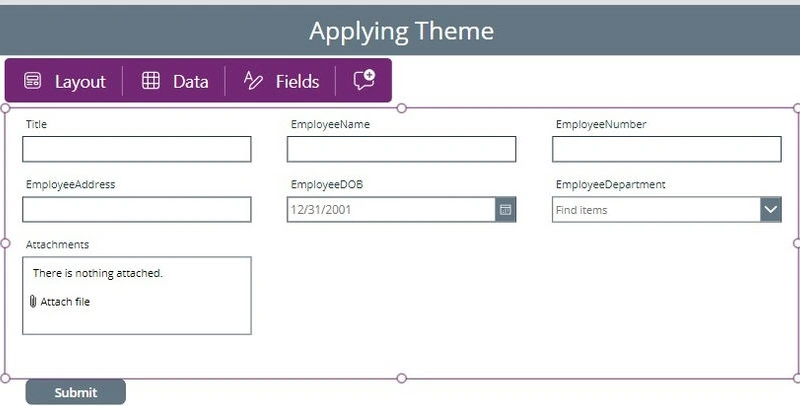
- Real-time Preview: Power Apps provides a real-time preview of theme changes, allowing developers to visualize and fine-tune their designs instantly.
- Export/Import: Themes can be exported and imported across different Power Apps projects, facilitating reusability and standardization across applications.
Limitations
- Limited Customization: While themes offer considerable flexibility, advanced customization options such as gradient backgrounds or complex animations may require additional styling techniques.
- Platform Constraints: Certain theme features may behave differently across different platforms or devices, necessitating compatibility testing for optimal performance.
- File Size Impact: Including extensive visual assets in themes may increase app file size, potentially impacting performance, especially on low-end devices.
- Dependency on Defaults: Themes are based on default styles provided by Power Apps, limiting the scope for completely bespoke designs without resorting to custom coding.
- Dynamic Updates: Changes to themes are applied globally and instantly, which may affect the user experience if not carefully implemented, particularly in live production environments.


Join the conversation! Your thoughts help the community grow.