

Basics of MongoDB
MongoDB is a popular, open-source NoSQL database management system. It's designed to handle large volumes of unstructured or semi-structured data, making it well-suited for modern applications that require flexible data models and scalable architecture
The MongoDB Database Tools
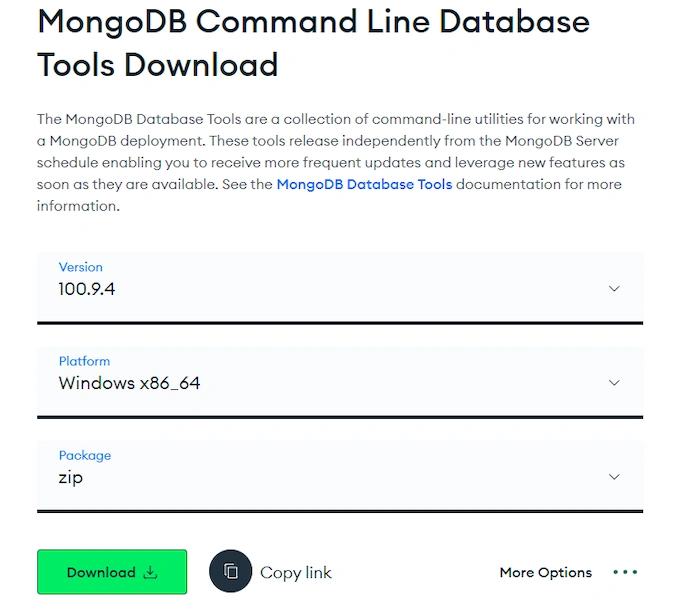
The MongoDB Database Tools are a collection of command-line utilities for working with a MongoDB deployment.
Backing up and restoring a MongoDB database and collection involves using the built-in utilities provided by MongoDB or third-party tools. Here's how you can do it using MongoDB's utilities:
Binary Import / Export
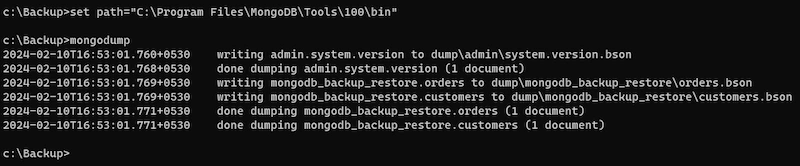
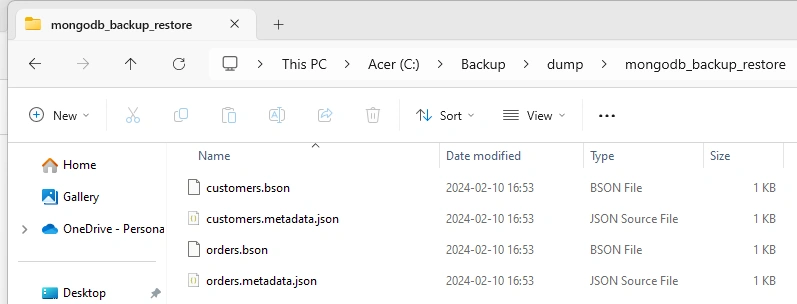
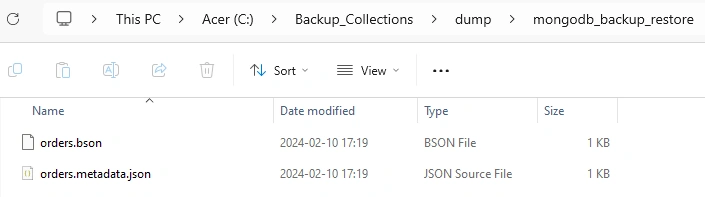
| mongodump | Creates a binary export of the contents of a mongodb database. |
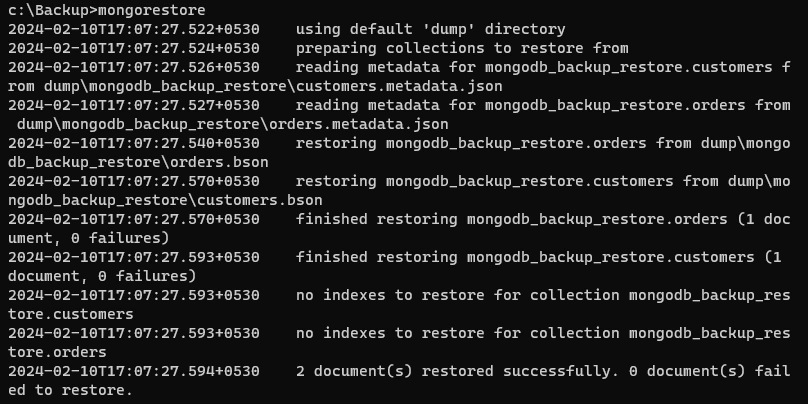
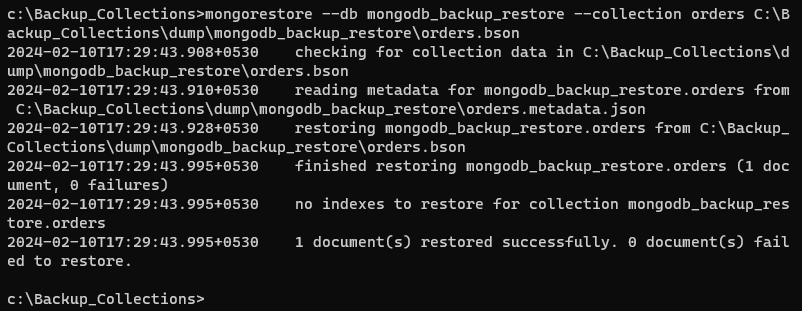
| mongorestore | Restores data from a mongodump database dump into a mongodb or mongos |
| bsondump | Converts BSON dump files into JSON. |
Let’s try with an example to backup and restore
Create Sample Database
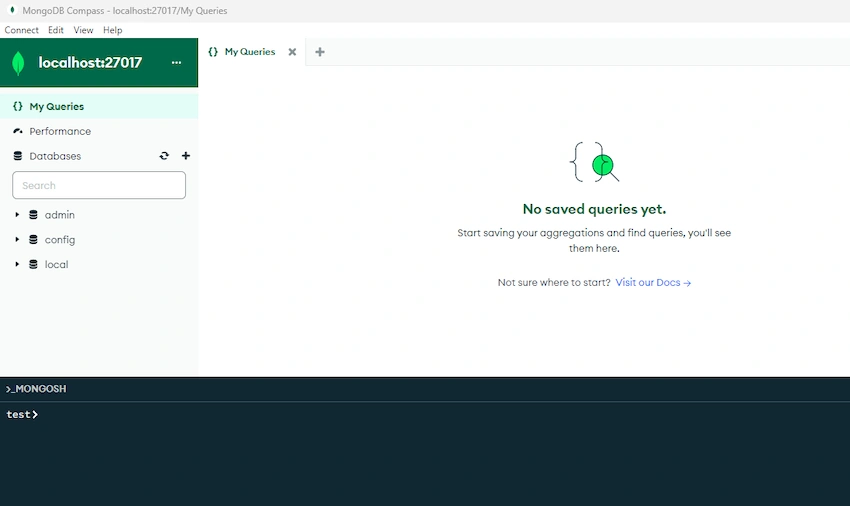
- The first step is to create a Mongo DB Database. For that, we can use Mongosh provided in MongoDB Compass. Another way we can use a command prompt. We will use mongoSH for this article.
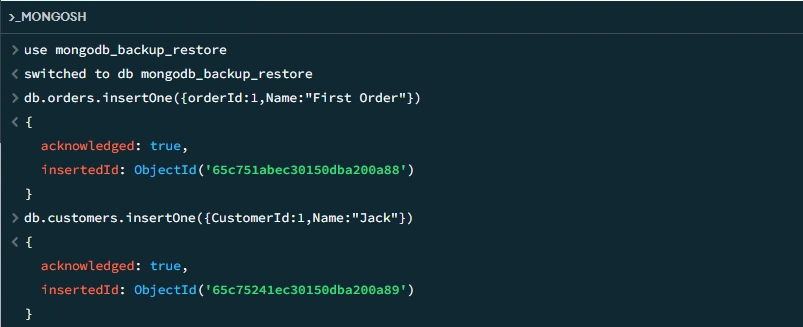
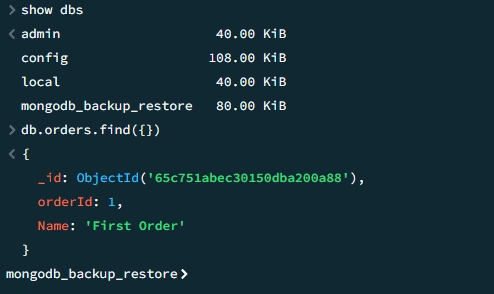
- Use the below command to create a database and collections and insert data into the collections.
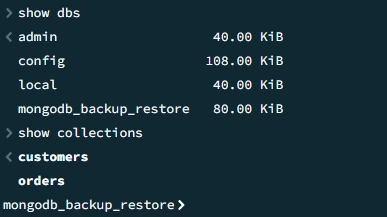
- Verify whether the database and collection were created successfully or not using the below commands.
Create Backup Directory
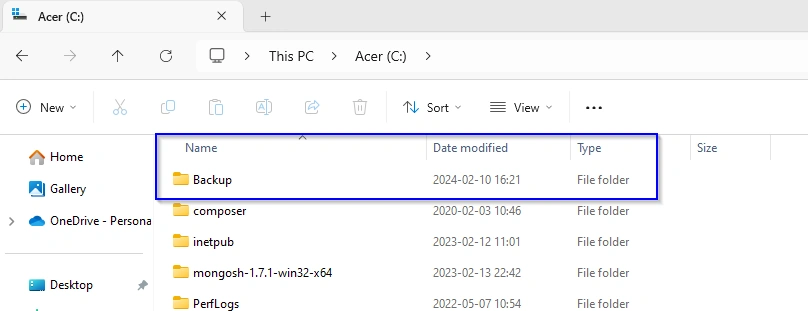
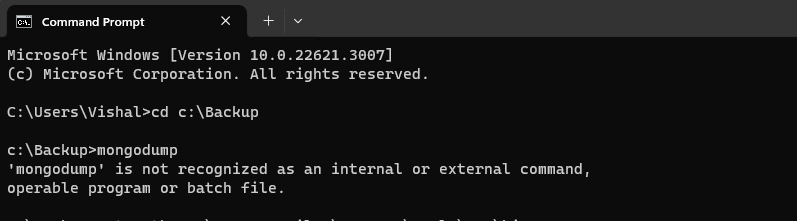
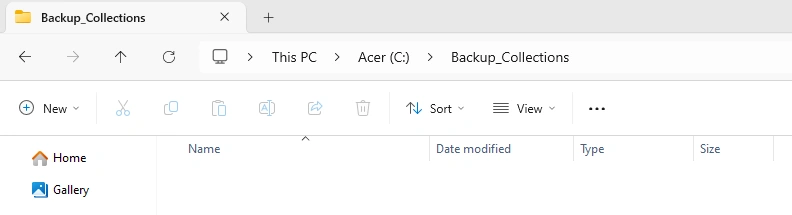
- To store the backup of the MongoDB database we need to create a directory. Let’s create a directory “Backup” in c drive. It can also be created in d or other respective drives with any other name. For this article, we will create a Backup directory in C Drive.

Join the conversation! Your thoughts help the community grow.