

Introduction
Usually, when we want to do long-running tasks, it's not a good practice to block the user interface for a long time and there is a high chance of getting a timeout exception from the API. The best example is when you want to process excel with huge data, you can upload excel to storage and process it in the background.
In this article, I'm going to explain how to create a background service and invoke that service from the .NET Core web API. Let's go step by step.
Step 1 - Create a .NET Core Web API Project
In Visual Studio, click on File, go to New, and select the appropriate project template.
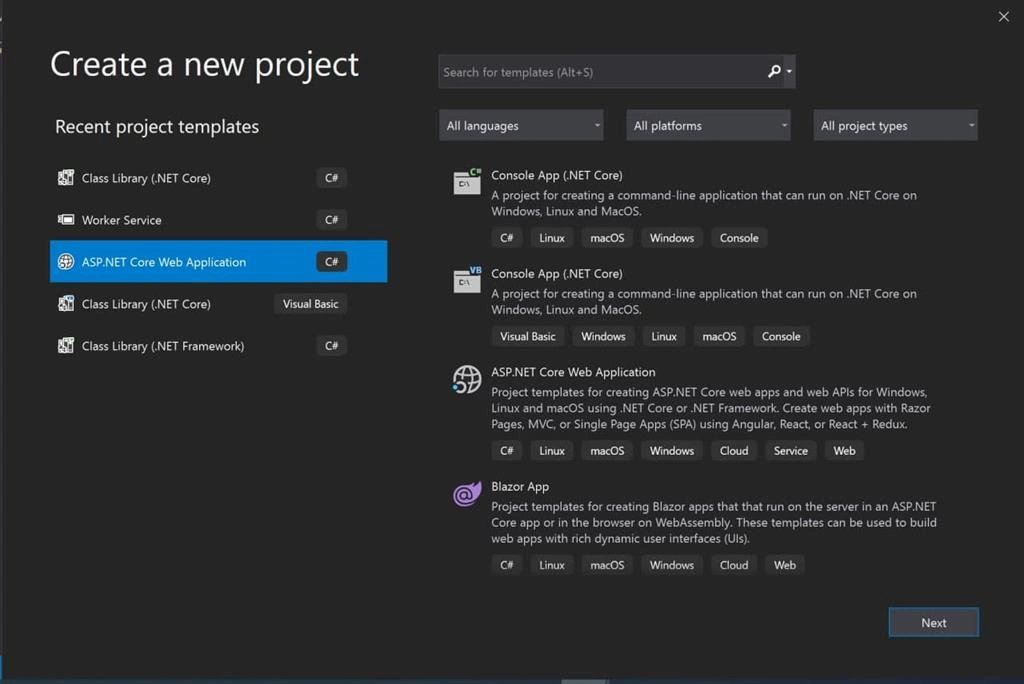
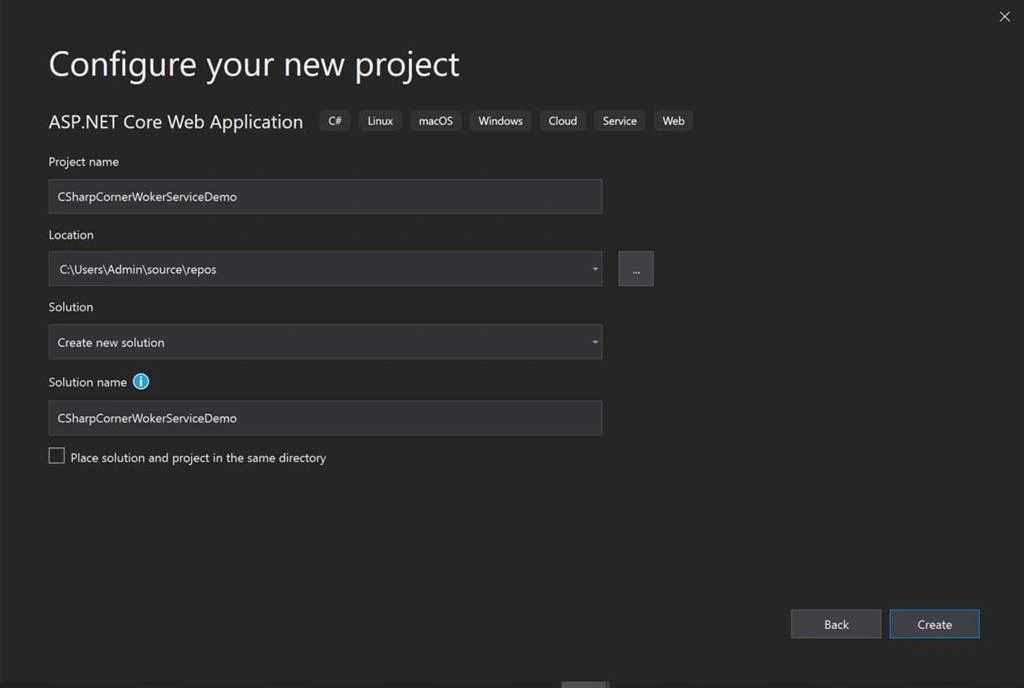
Click on "Next" and enter the project name and create.
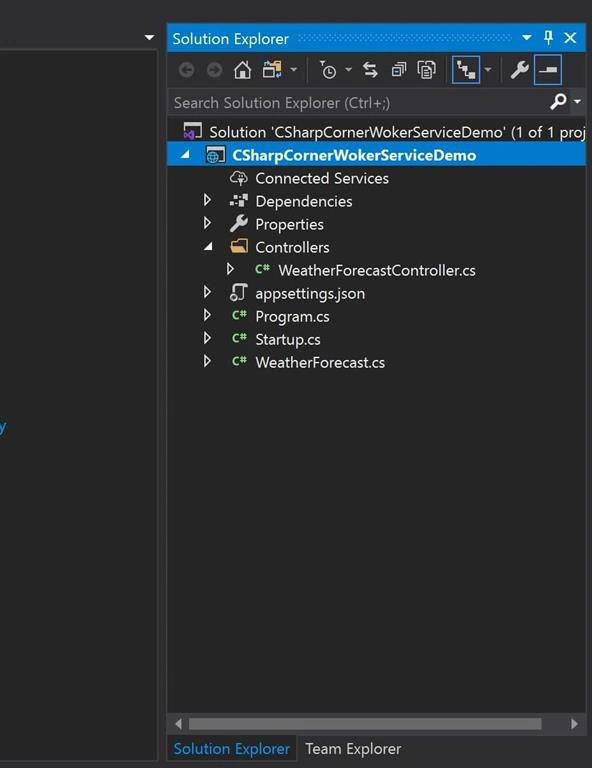
It creates a project and structure that looks like this:
Step 2 - Create a class library project.
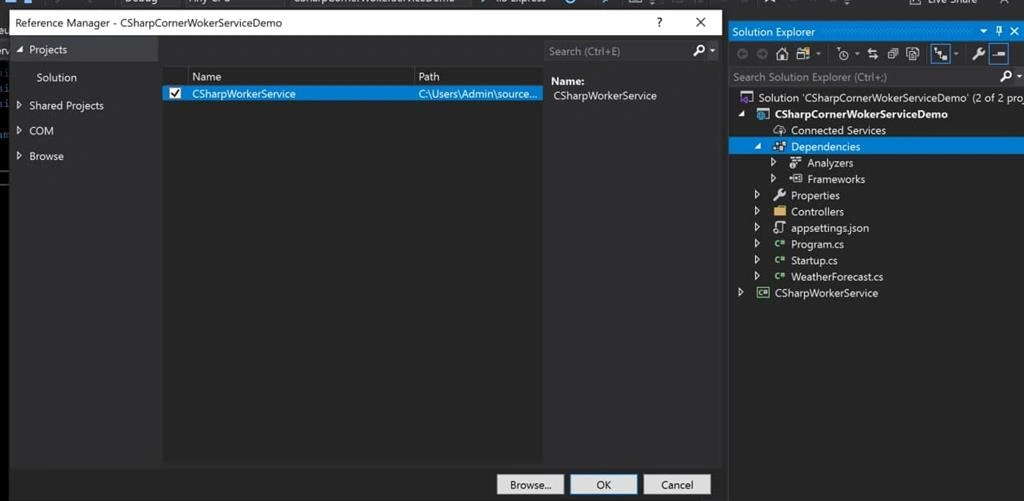
Right-click on the solution & add a new class library for hosted service. The project structure looks like shown below:
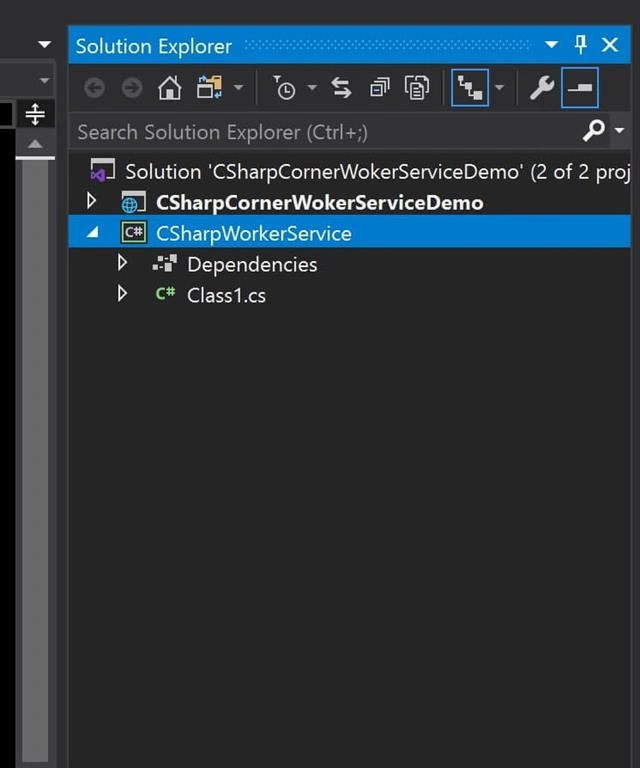
Next, install the Hosted service NuGet package by executing the below command in the NuGet package manager console in the class library project:
- Install-Package Microsoft.Extensions.Hosting -Version 3.1.2
After executing the command on the console:
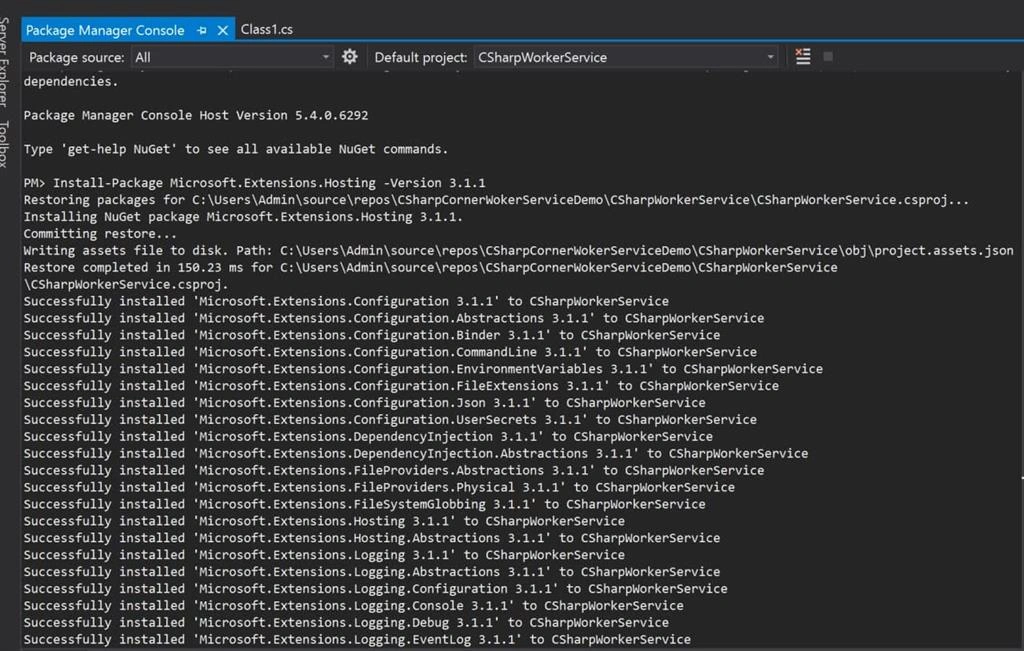
Right-click on the class library project & add an interface with the name "IBackgroundTaskQueue". Right-click & add a new class with the name "BackgroundTaskQueue" and inherit the interface "IBackgroundTaskQueue". Create methods to enqueue & dequeue the requests as shown below.
Concurrent Queue is the thread-safe class, used to read & write multiple requests into the queue. It provides the FIFO data structure. If we get multiple requests at the same time, it will put them in the queue & process them one by one.
Here SemaphoreSlim is used to set the number of threads run concurrently. For example, if set to 2, if we have 5 requests in the queue, it will pick up 2 in parallel.
- public class BackgroundTaskQueue : IBackgroundTaskQueue
- {
- private ConcurrentQueue<Func<CancellationToken, Task>> _workItems =
- new ConcurrentQueue<Func<CancellationToken, Task>>();
- private SemaphoreSlim _signal = new SemaphoreSlim(0);
- public void QueueBackgroundWorkItem(
- Func<CancellationToken, Task> workItem)
- {
- if (workItem == null)
- {
- throw new ArgumentNullException(nameof(workItem));
- }
- _workItems.Enqueue(workItem);
- _signal.Release();
- }
- public async Task<Func<CancellationToken, Task>> DequeueAsync(
- CancellationToken cancellationToken)
- {
- await _signal.WaitAsync(cancellationToken);
- _workItems.TryDequeue(out var workItem);
- return workItem;
- }
- }
Add the method declarations in the interface, this is how the interface looks:
- public interface IBackgroundTaskQueue
- {
- void QueueBackgroundWorkItem(Func<CancellationToken, Task> workItem);
- Task<Func<CancellationToken, Task>> DequeueAsync(
- CancellationToken cancellationToken);
- }
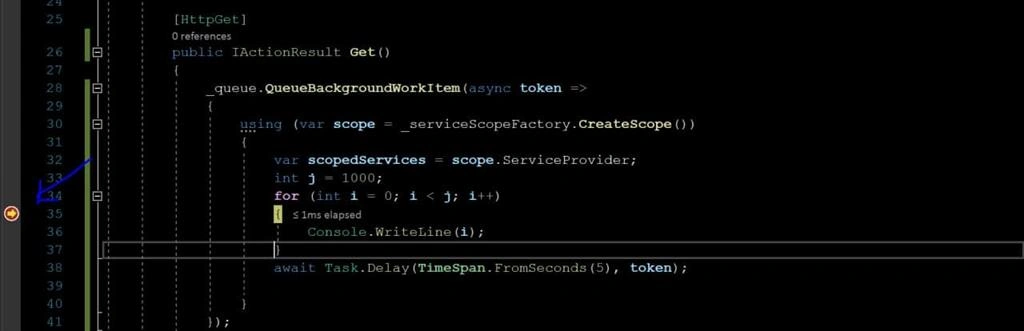
Right-click & add a new class with the name "QueuedHostedService" and inherit "BackgroundService" from Microsoft.Extensions.Hosting. Copy-paste the below code into that class.

Carlin AndersonPosted Oct 17, 2023, 8:35 PM
Is there an update for this with core 6/7? There are some differences in the worker service class setup from what I can tell. My app has both razor and API support so that may be a difference for a default API startup - when I try to explicitly call a method to trigger the service startup, I get this error. An unhandled exception occurred while processing the request.InvalidOperationException: Unable to resolve service for type 'BackgroundWorkerService.iBackgroundTaskQueue' while attempting to activate <MyAPI.controllers.controllername> Microsoft.Extensions.DependencyInjection.ActivatorUtilities.GetService(IServiceProvider sp, Type type, Type requiredBy, bool isDefaultParameterRequired)
Amol BankarPosted Sep 15, 2023, 1:19 AM
I followed same steps, i have function in ServiceClass which pulls data from one another and push into our db using EF Core Entity Framework. I invoked this function in Web API in USING scope. But in ServiceClass function, when i try to data from another db it gives exception that database Context has been disposed "ChangeTracker = 'Context.ChangeTracker' threw an exception of type 'System.ObjectDisposedException". Please help.
Jonathan JonesPosted Dec 13, 2021, 1:06 PM
How would this code work in a load balanced environment. Would there be any issues?
Greg HorvathPosted May 11, 2021, 7:46 PM
Your post mentions that this code runs the enqueued tasks concurrently, but it does not appear that this is the case as the main loop in your processor awaits the result of the task.