

Introduction
In this article, we are going to see about Creating Portals and how it is useful to develop Power Platform Applications.
Power Apps Developers/Consultants can now create a powerful new type of experience using portals. The portals (external-facing websites) allow users outside their organizations to sign in with a wide variety of identities, create and view data in Microsoft Data verse, or even browse content anonymously.
PowerApps is a service-oriented application used for developing custom apps for your organization.
Easily develop mobile and web apps for any business need—even if you have no technical or development experience—with Power Apps.
PowerApps is truly the future of building custom forms and then making them available on mobile devices for your organization.
PowerApps helps us create simple apps quickly. Through PowerApps templates, we can customize our applications. With PowerApps, we can connect to our company data coming from
- Oracle
- SAP
- Salesforce
- Office365
- Azure
- Excel/CSV Files
It simplifies the development cycle of the business apps and equips the business users and developers to build custom native, mobile, and web applications.
Launch Portals in Power APPS
The steps are given below to create a Power App based on On-Premises data.
- Login to Office 365 SharePoint site and click the list, where you want to add PowerApps.
- Click PowerApps link in the list ribbon given below.
- Enter the PowerApps name and it will redirect to the PowerApps Studio.
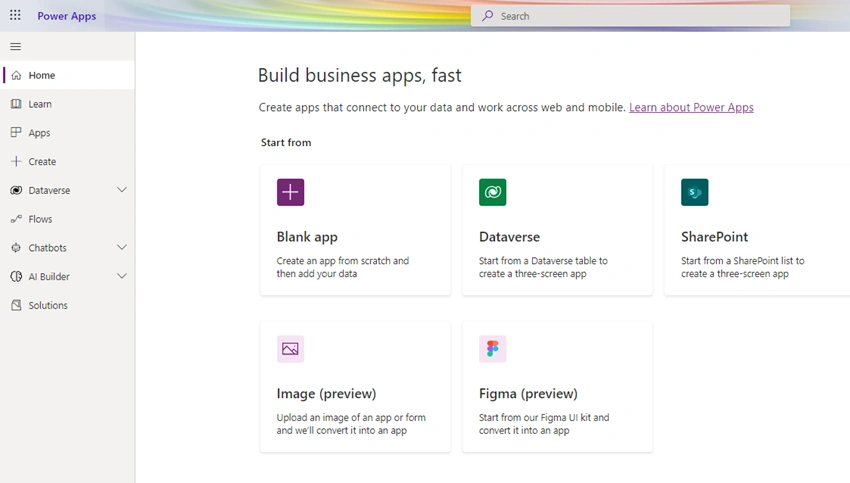
Click Blank App.
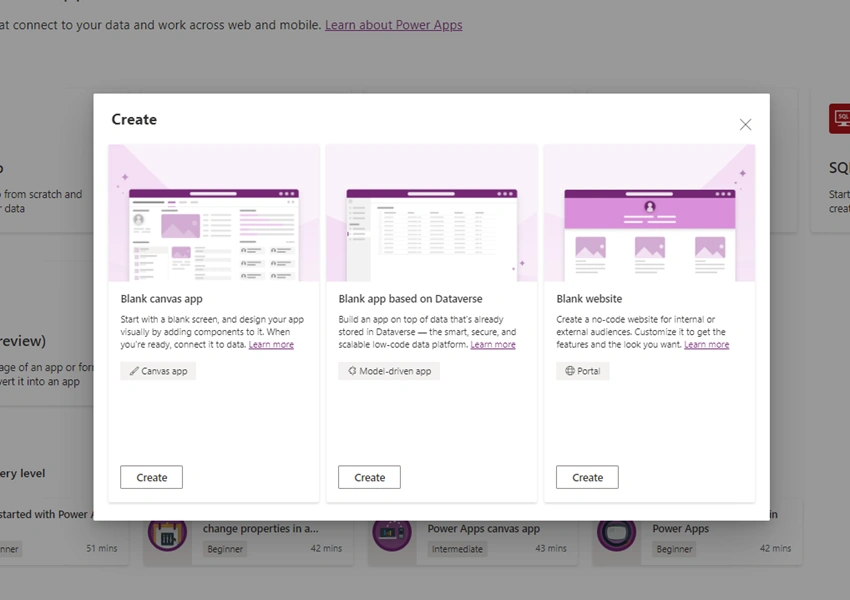
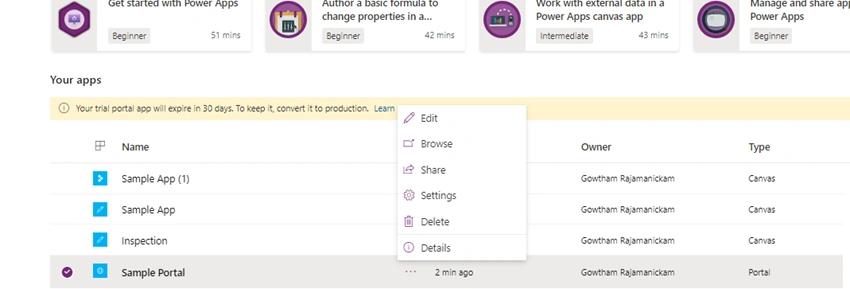
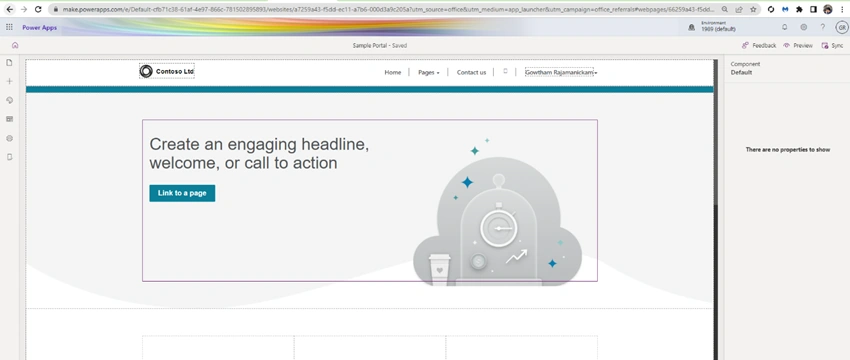
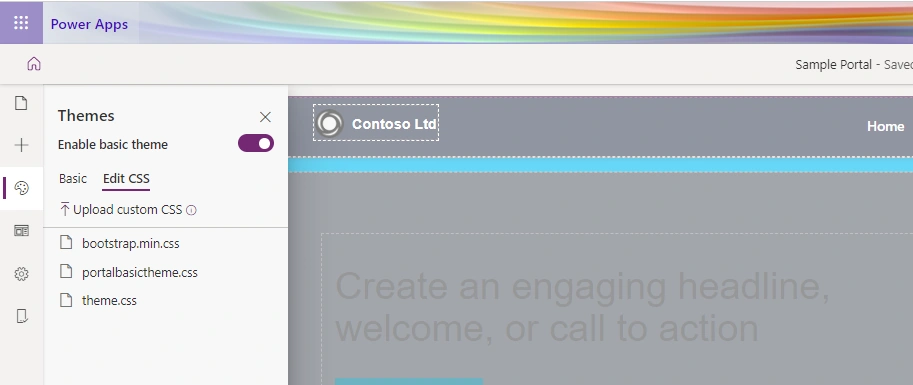
Click Blank website,
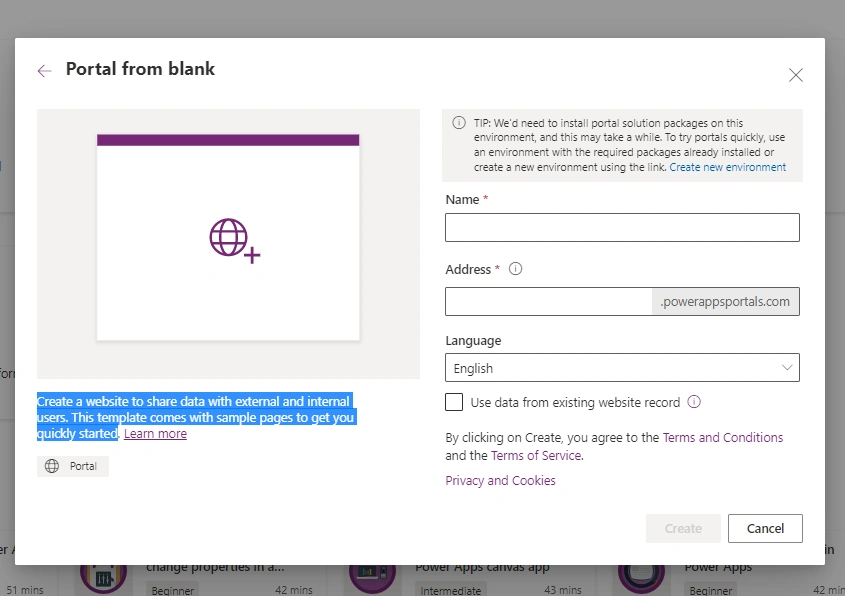
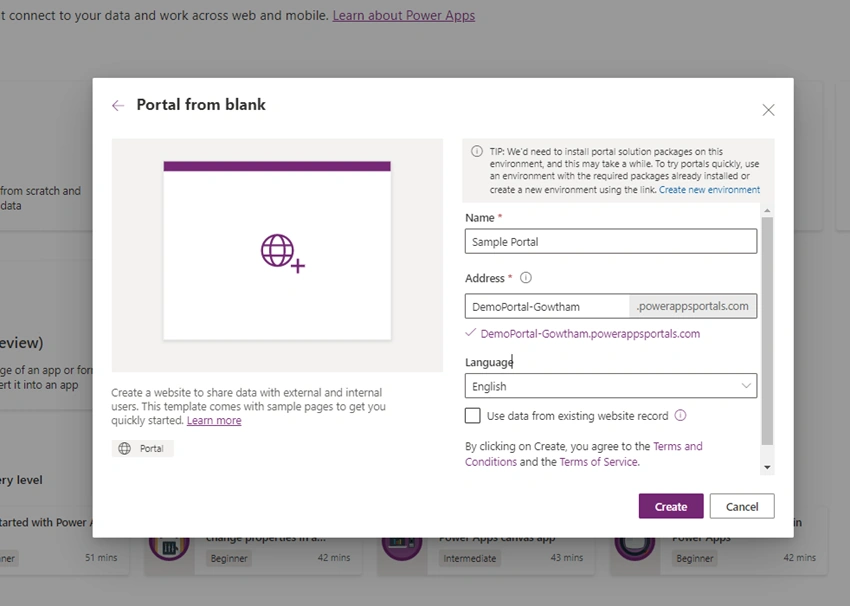
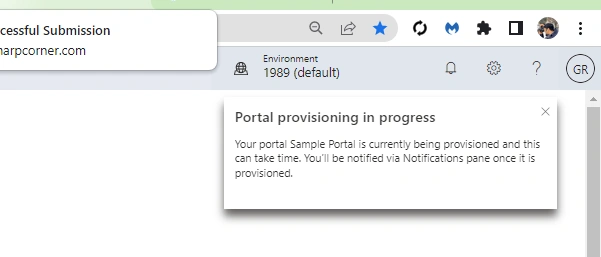
Enter the Name, Address and click create,


Join the conversation! Your thoughts help the community grow.