

Introduction
In this article you can learn how to create an app for SharePoint using the “Napa” Office 365 Development tools.
Prerequisites
- Ensure you have access to the Office 365 online.
- Ensure Napa tool is available in your site.
Procedure to be used
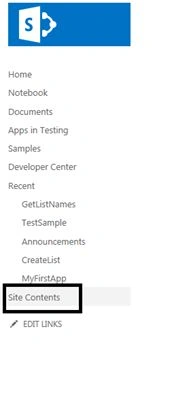
- Go to the site contents.
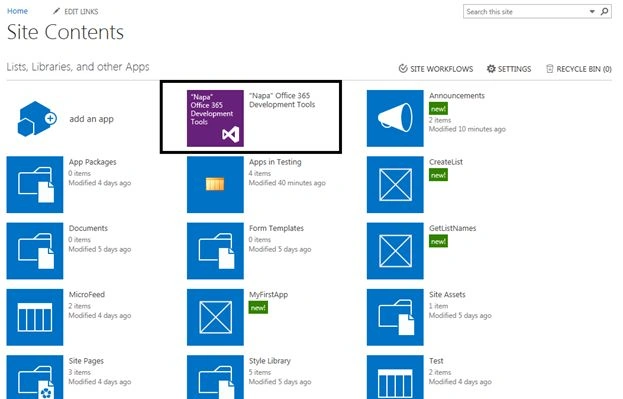
- Select "Napa Office 365 Development Tools"
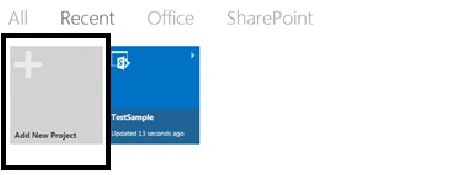
- Add a new project.
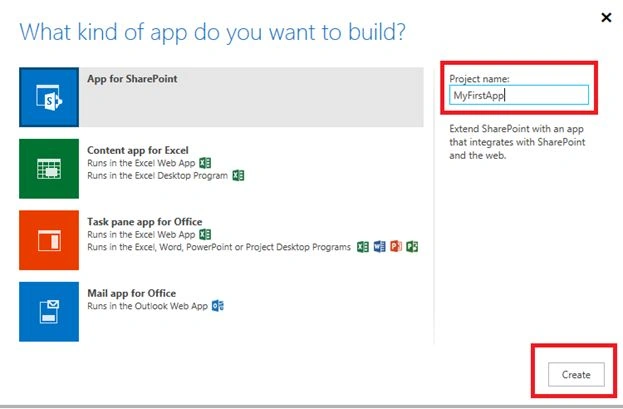
- Select "App for SharePoint" and enter the project name as “MyFirstApp” and click on the "Create" button.
- The code editor opens and shows the default webpage, this page already contains some sample code that you can run without writing any code.
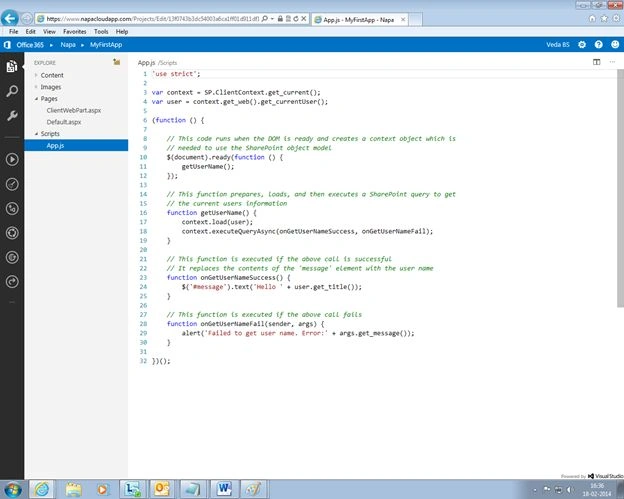
- The preceding sample code fetches the logged in user name and displays it in the app.
- The preceding sample code fetches the logged in user name and displays it in the app.
- Now to run the app click on the "Play" button that is available toward the left-most corner.
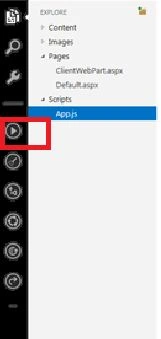
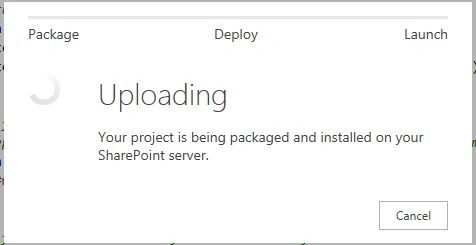
- The app is packaged, deployed, and installed on your Office 365 Site.
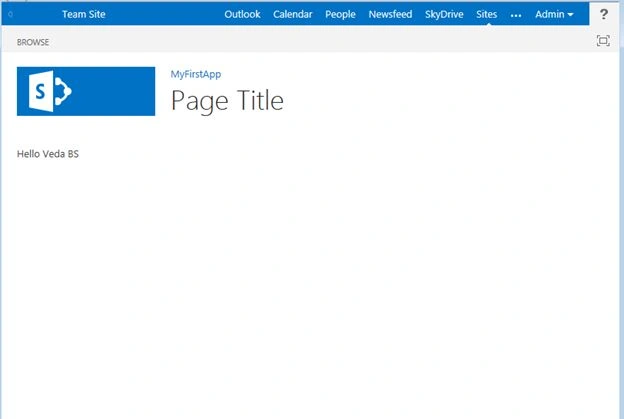
- The screen for the app for SharePoint appears.
Summary
Thus in this article you saw how to create an app for SharePoint using Office 365 Tools.
Join the conversation! Your thoughts help the community grow.