

Azure data factory is a cloud-based extract-transform-load (ETL) and data integration service. I have written a separate article on the azure data factory where I have explained what we can do with the Azure data factory.
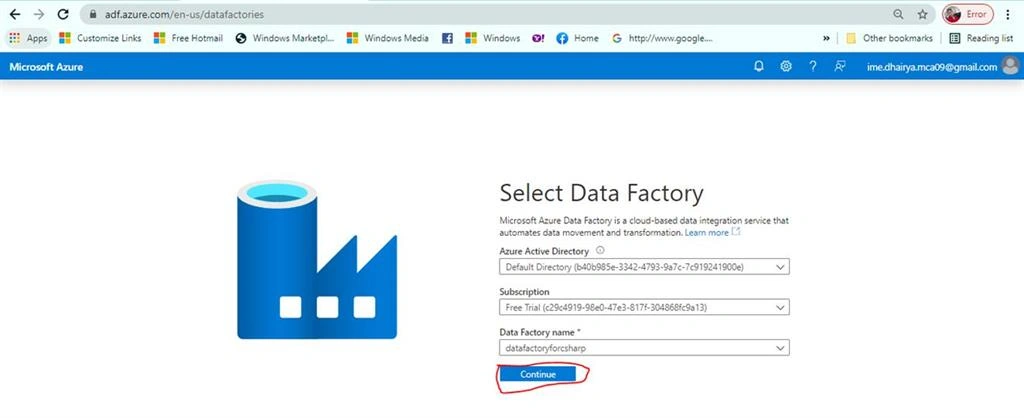
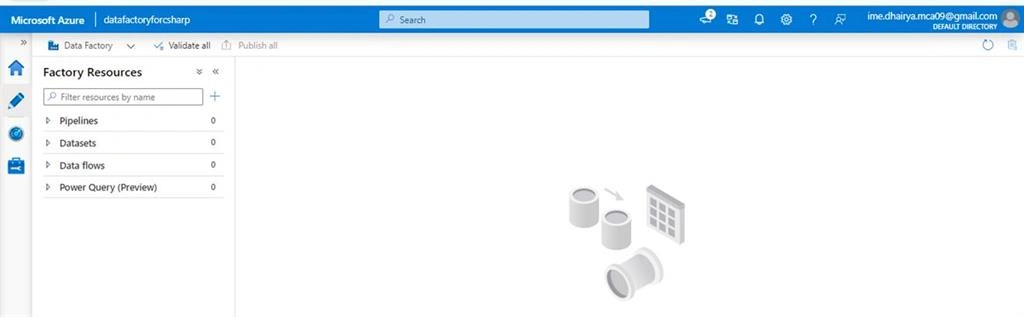
Here in this article, I am going to show you how to create an Azure data factory.
Create a Data Factory
You need to follow some simple steps to create an Azure data factory. Below are the required steps.
Step 1
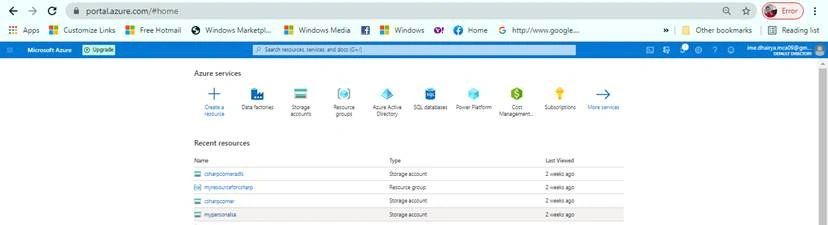
Login on 'Portal.azure.com'. Hope you already have a subscription for azure (free trial or paid) and a resource group. If no please check here how to create a free Azure account and a resource group.
Step 2
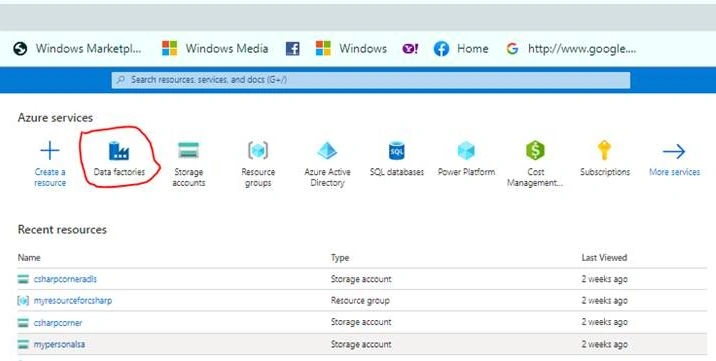
Now search Data factories in azure services and click on them.
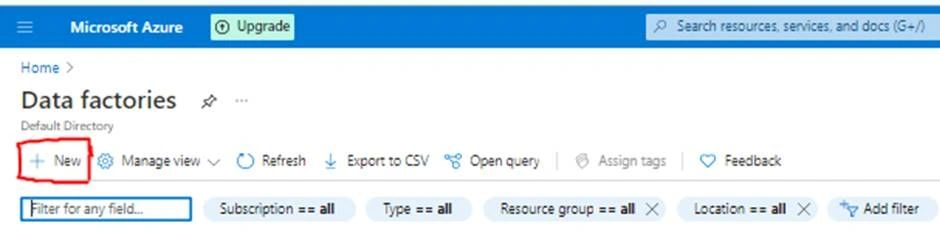
Now will get the option '+New' to create a new data factory. Click on it.
Step 3
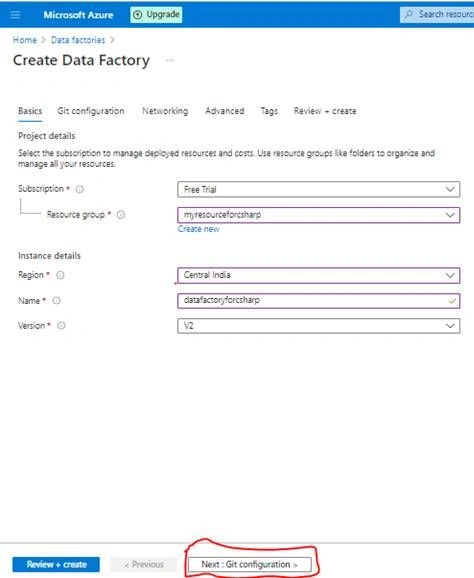
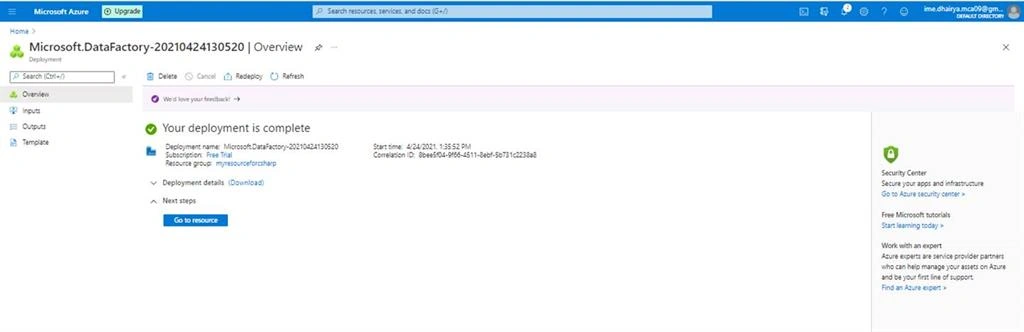
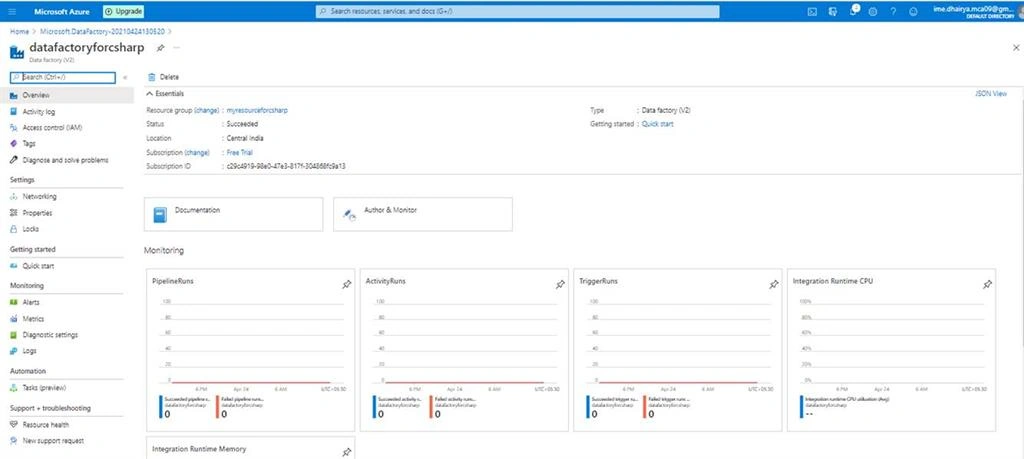
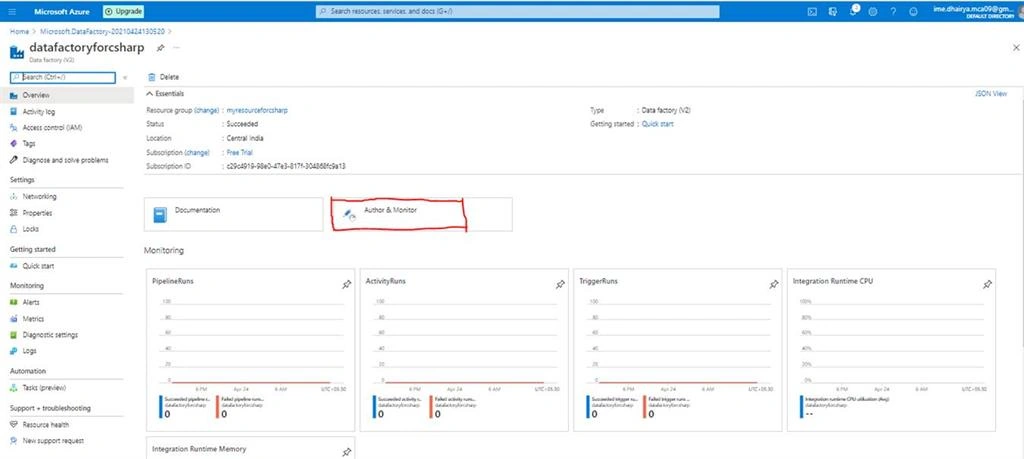
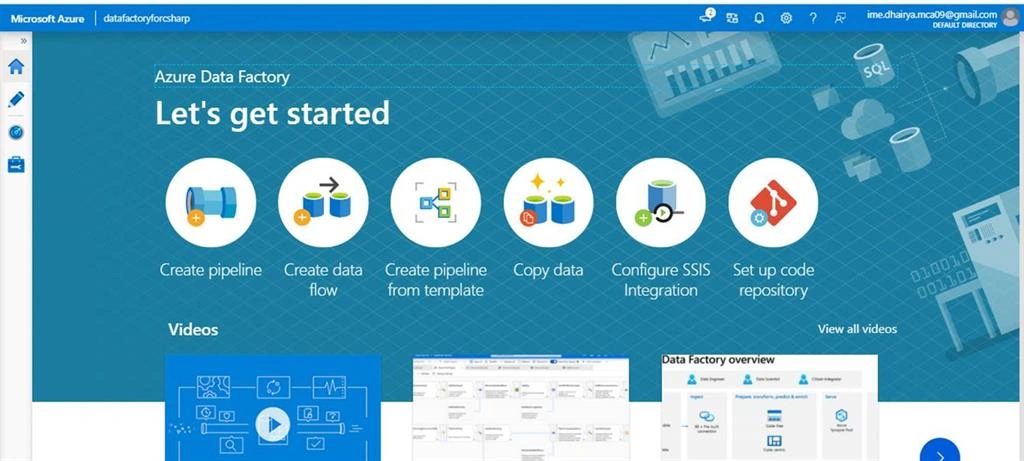
Once you click on '+new', a new window will be opened named 'Create Data Factory'. First, you need to provide 'Basic' information to create a data factory-like Resource group name, region, and name of the data factory. Then click to next.
Note
The data factory name should always be globally unique.
Step 4
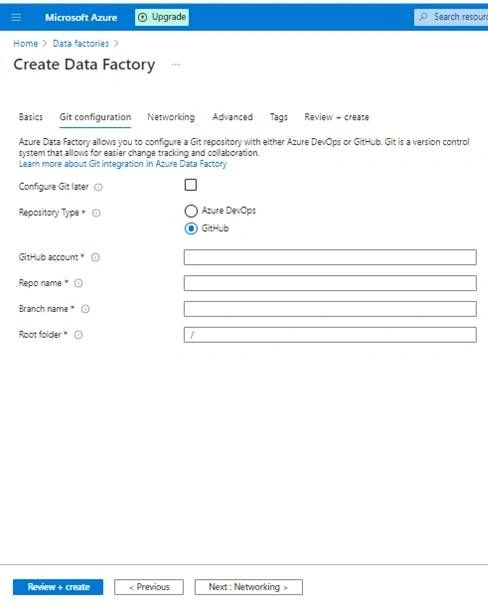
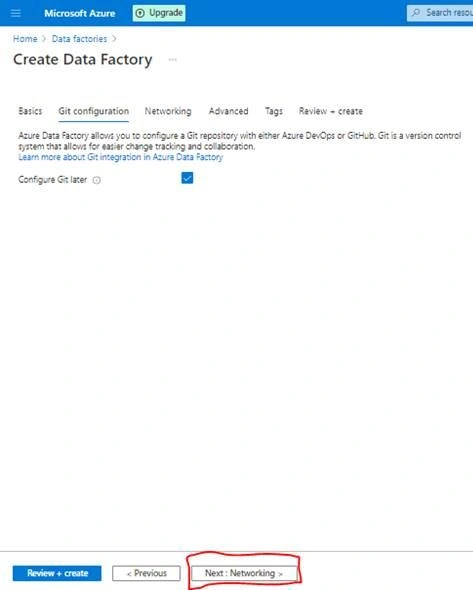
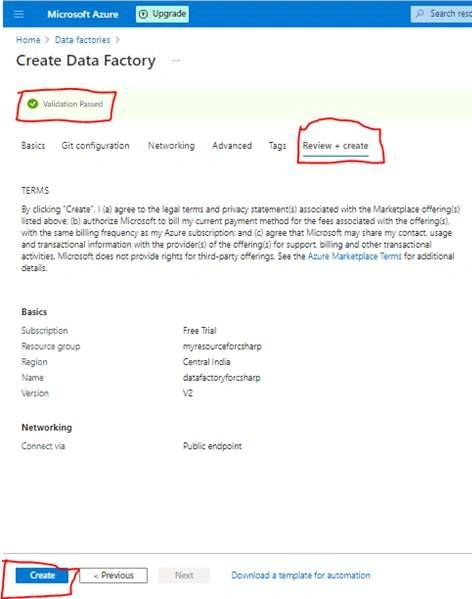
Here you need to provide Git configuration. Choose one of the repository types either AzureDevOps or GitHub if you have.
Ahsan SiddiquePosted Apr 27, 2021, 7:58 AM
This is not the need for community. Please post some interesting content regarding Create a data factory using code with C# like on-premises PostgreSQL with Blob Storage.