

Introduction
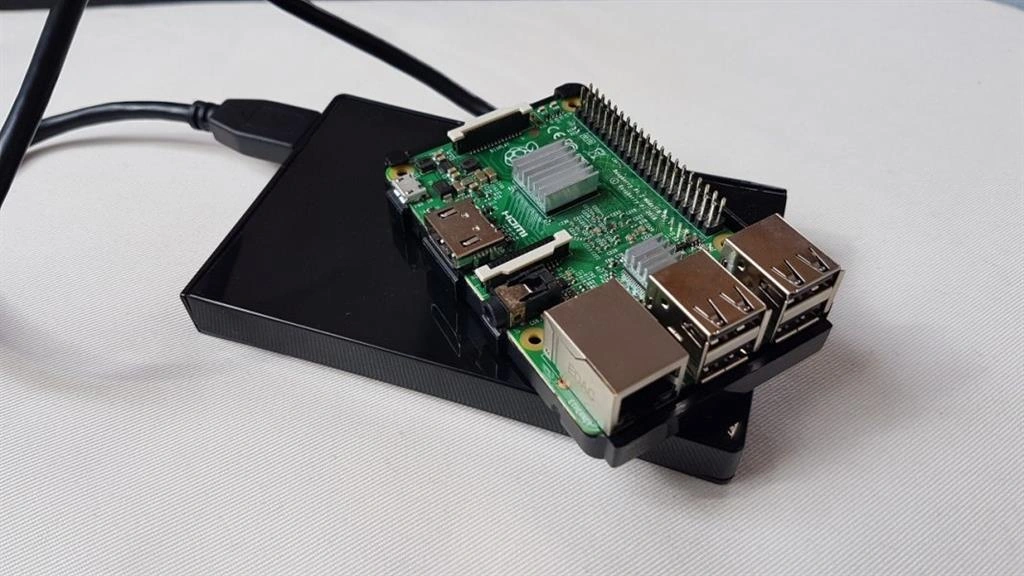
This article demonstrates how to create your own network-attached storage with Raspberry Pi. We also discuss NAS for your home, to access the data across multiple computers wirelessly like Mac Book, Android Mobiles and also Windows.
About NAS
- Network-attached storage removes the responsibility of file serving from other servers on the network
- This NAS server offers quite a considerable amount of business agility, cost improvements and service efficiencies to commercial organizations.
- Free from capital expenditure(i.e)There are no huge costs for hardware in our cloud technology.
- The Internet of Things (IoT) enhances a new class of applications to this server architecture that can benefit from the normal server infrastructure.
- NAS uses the SMB Server
If you have a lot of devices that are connected to the same network, then you need to get ready to transfer the data from one device to another device wirelessly. If using an Android device and you need to copy the whole backup to the server, you must automatically ensure that all connected devices are directly accessed from the server data.
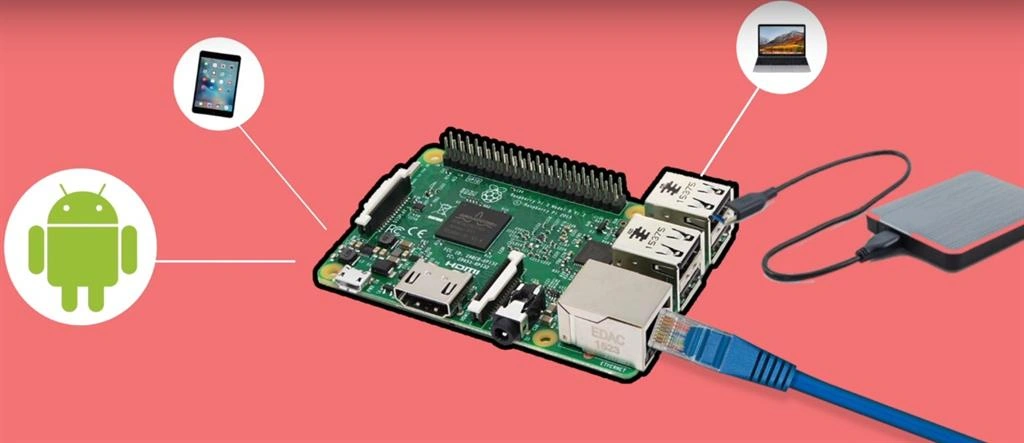
Step 1
First, the Raspberry Pi must be connected to your desktop. Then, connect your wi-fi on your Pi or connect your ethernet. After that, open the terminal of your Operating System using the following code.
- hostname -I
Next, open PuTTY or VNC software and paste the Host Name (or IP Address) on this PuTTY.
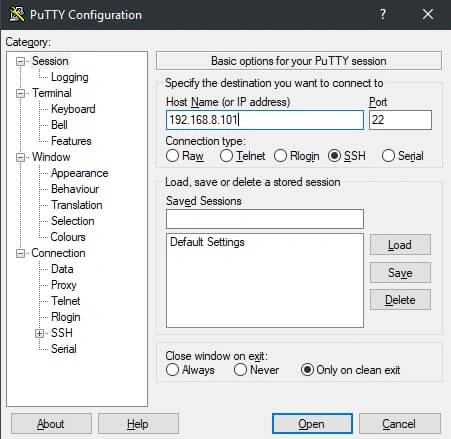
After that, open the terminal box and enter your default PI name and password.
Username (pi)
Password (raspberry)
Step 2
Next, we need to update the Raspberry Pi. So, install the latest packages. You can do that using the following commands.
- sudo apt-get update
- sudo apt-get upgrade
or
- sudo apt-get update && upgrade
Step 3
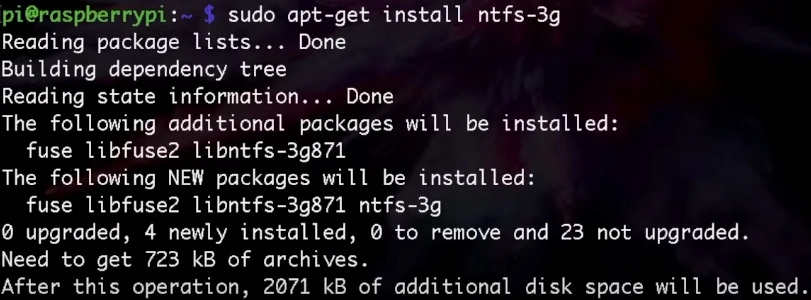
Next, we will need to install the samba server. Just use the following commands.
- sudo apt-get install samba samba-common-bin

About Samba Server
- Samba is a free software re-implementation of the SMB networking protocol.
- Samba is the standard Windows interoperability suite of programs for Linux and Unix.
- Samba provides file and print services for various Microsoft Windows clients and can integrate with a Microsoft Windows Server domain.
Join the conversation! Your thoughts help the community grow.