

Introduction
In today's article you will learn about how to install the Operating System without a CD or through the Network.
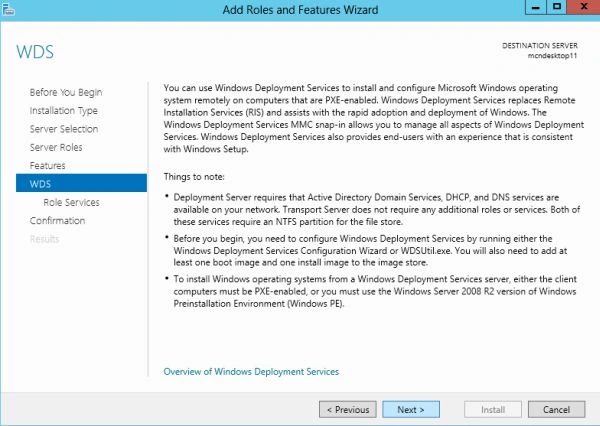
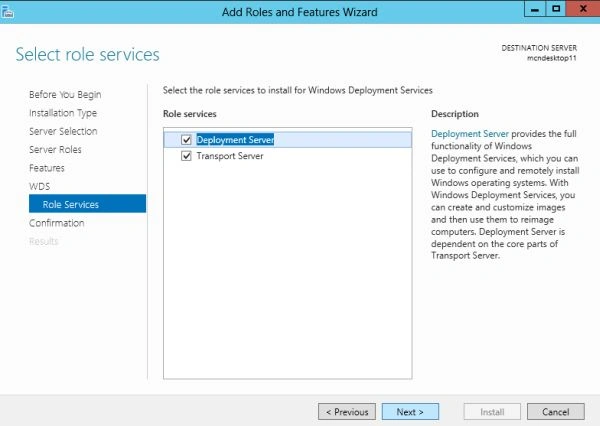
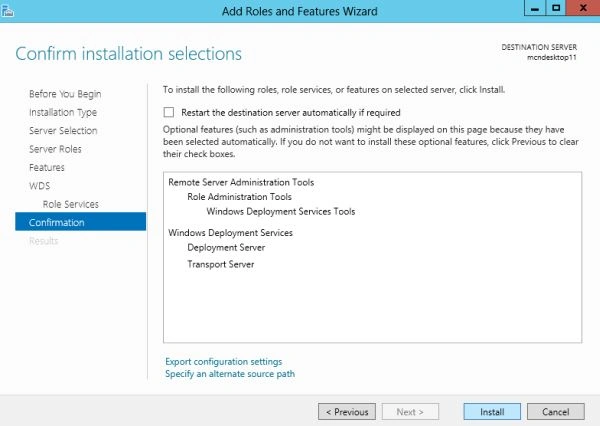
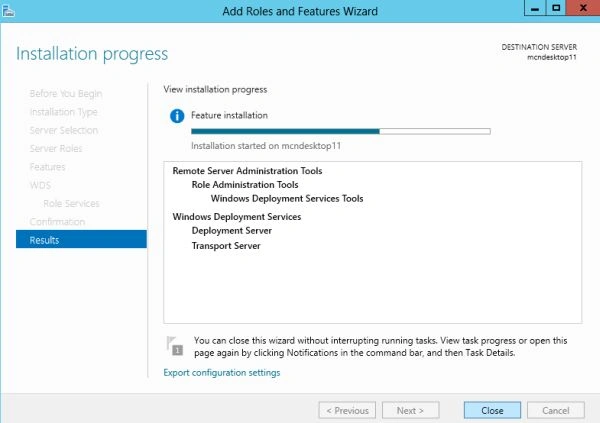
This article is the first part of installing an Operating System through the Network. In this article we will "Install Windows Deployment Services" (WDS) that is a necessary part for installing the Operating System.
Before reading this article make sure you have already installed the following features in your Windows Server 2012:
- Domain; you should create a domain.
- DNS
- DHCP Server
- Partitions should be made in NTFS.
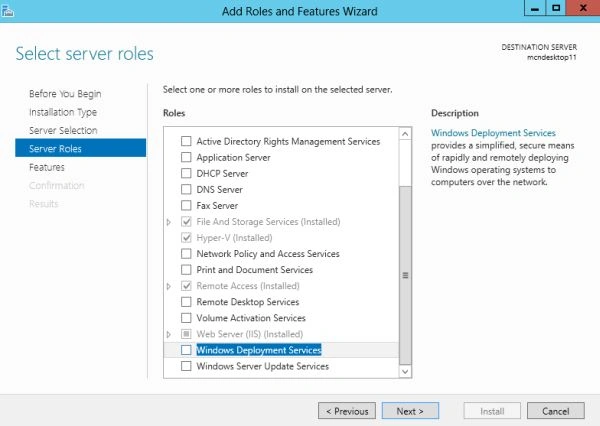
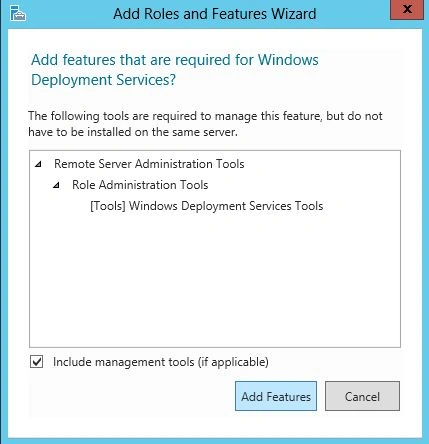
Now we will install the WDS in our Windows Server 2012.
Step 1
First of all login to your Windows server 2012 as an Administrator When your login process is completed the Server Manager will be opened automatically, if it doesn't open then you must open it manually.

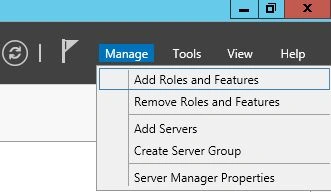
Now in the Server Manager click on the Manage Button to open the "Add Roles and Features" to add the new feature.
Step 2
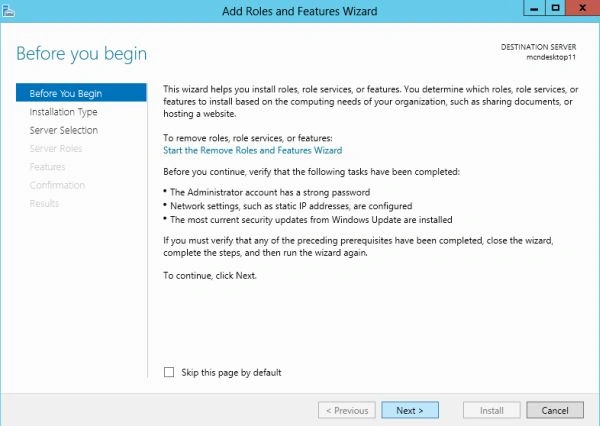
Now a new Window will be opened in which few instructions would be given, click on "Next".
Step 3
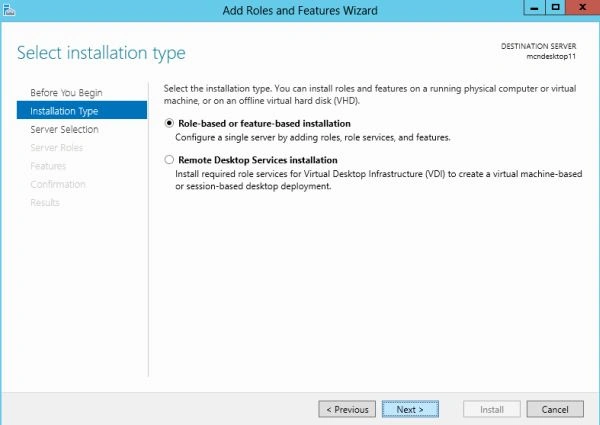
Now you will be prompted for the "Installation type" from which you select the first option and then click on "Next".
Nitin BhardwajPosted Mar 25, 2013, 2:19 AM
Nice Article.