

Introduction
This article explains how to integrate Knockout with third-party components.
One of the best features of Knockout is that it has no problem with any other Client-side or Server-side Technology, it has no competition with jQuery or JavaScript, in fact it integrates with them and works with them.
If we want our "View" to have external JavaScript Library Components and want to bind those components with our "View Model" then we will need Custom Bindings to do that.
Custom Binding works as an intermediate between our "View Model" and "Third-party Components".
Now let's see a small example on Custom Bindings:
Step 1
First of all you need to add Knockout to the ASP.NET Application. For that you can either download it from it's Home Site or you can download my Zip File provided above and then fetch it and use it in your application.
After downloading this file go to your application and right-click on it and select "Add Existing Items", then browse to the file where you stored it and add it.

Now this file will be added to the Solution Explorer of your application, now drag it to the Head Section of your application.
<head runat="server">
<title></title>
<script src="knockout-2.3.0.js"></script>
</head>
Step 2
Now in this article we will simply create a jQuery UI Button in our Knockout Application.
Now suppose that earlier I had taken a small button in ASP.NET that will look like this:
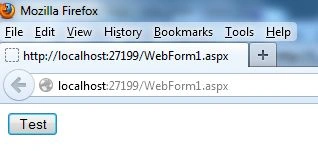
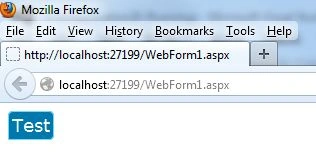
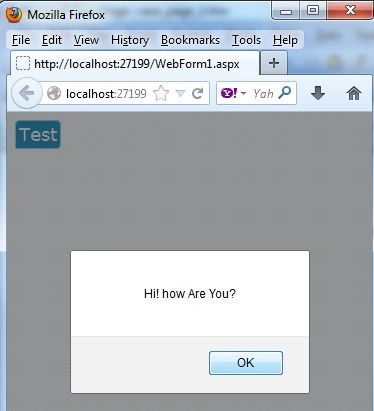
Now we will change this button to a jQuery UI Button; for that you first need to work on the View Model of your application.
<script type="text/javascript">
ko.bindingHandlers.jqButton = {
init: function (element, valueAccessor) {
var options = valueAccessor();
$(element).button(options);
ko.utils.domNodeDisposal.addDisposeCallback(element, function () {
$(element).button("destroy");
});
},
var x = {
Join the conversation! Your thoughts help the community grow.