

Introduction
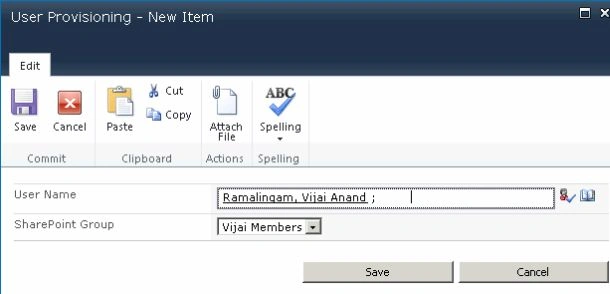
In this article you will see how to remove a user from a SharePoint group using a NINTEX workflow. We will be removing the user from the SharePoint group by calling the web service "_vti_bin/usergroup.asmx". I have created a custom list named "User Provisioning" in which I have the following columns: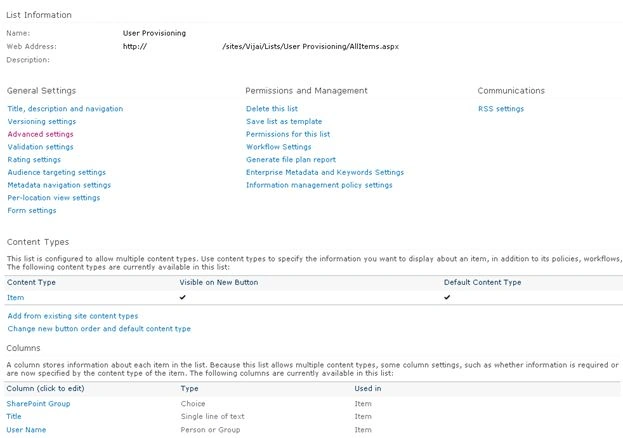
The SharePoint Group column specifies which group the user is to be removed from and the User Name column specifies the user to be removed from the specified group.
Delete User
The following procedure deletes a user from a group workflow:
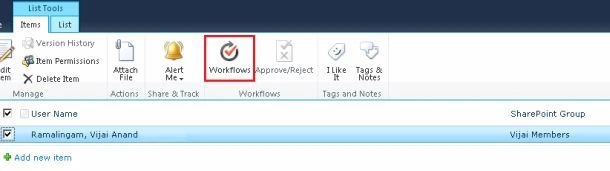
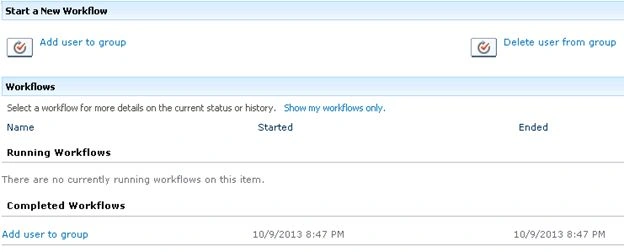
- Navigate to the User Provisioning list.
- Click on the "List" tab and then click on "Workflow Settings".
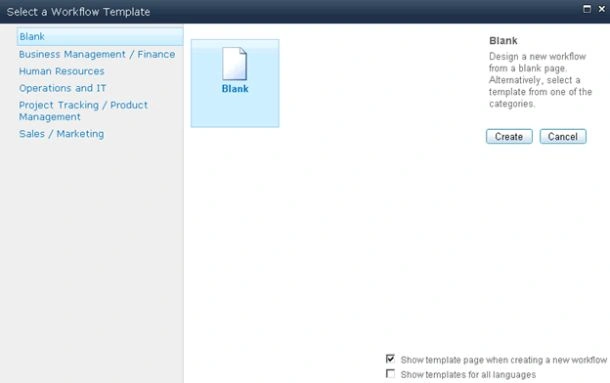
- Click on "Create a Workflow in Nintex Workflow".

- Click on "Cancel".
- Drag and drop the Call web service action from the Integration section.
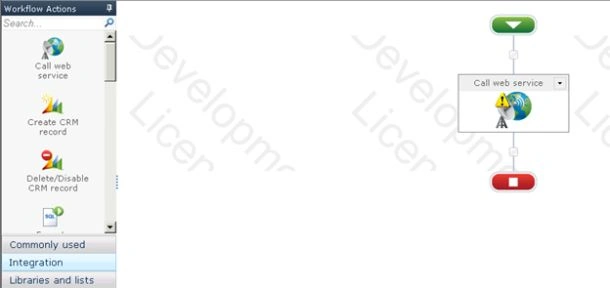
- You will see the warning symbol in the workflow action, click on that you will see the following warning message.
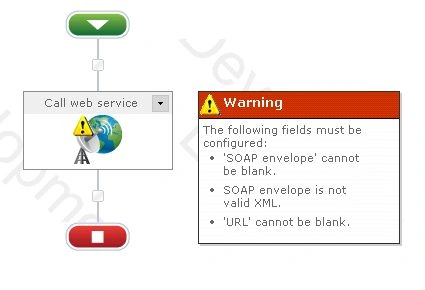
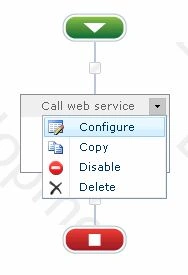
- Click on "Configure" from the drop down list in the Call web service action.
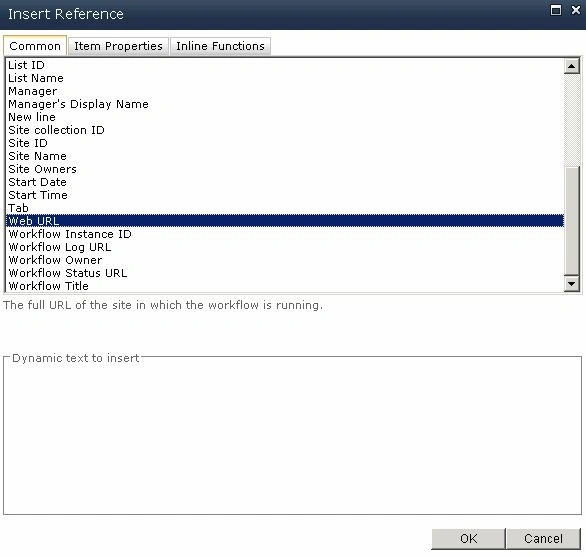
- Click on the "Insert Reference" button for the URL column and then click on "Common" tab. Select "Web URL" and then click on "Ok".
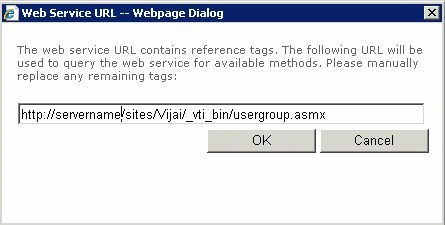
- Append "/_vti_bin/usergroup.asmx" in the URL column.
- Enter the User Name and Password to call the web service and then click on the "Reference" button.
- Click on "Ok".
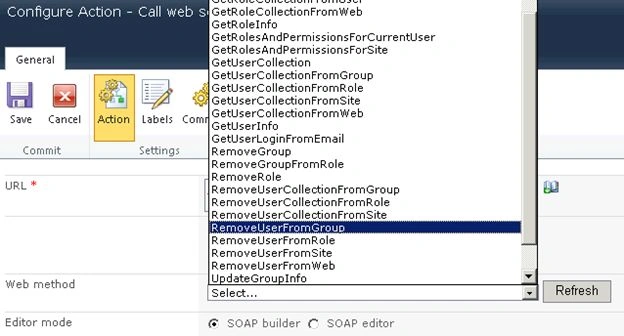
- All the web service methods will be populated. Select the "RemoveUserFromGroup" web method that adds the user to the specified SharePoint group.
- The Web Service Input section will be populated for passing the input values to the web method.
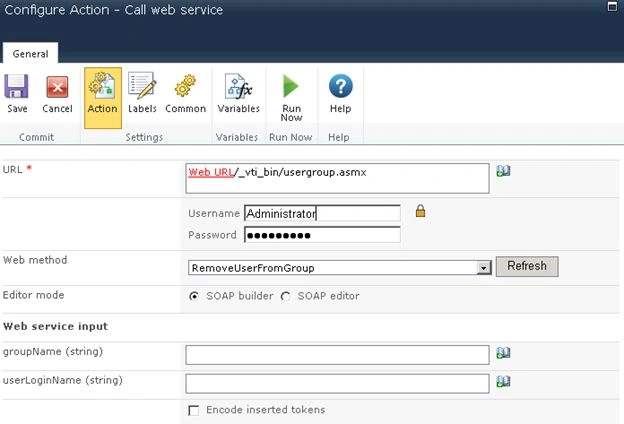
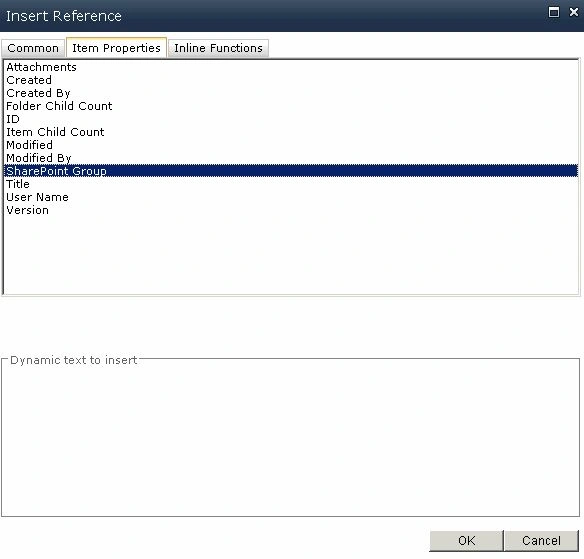
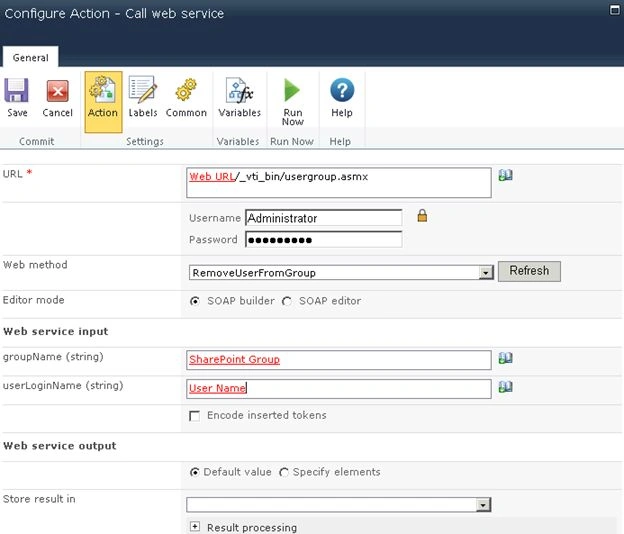
- Click on the "Insert Reference" button for the groupName column and then click on the "Item Properties" tab. Select "SharePoint Group" and then click on "Ok".
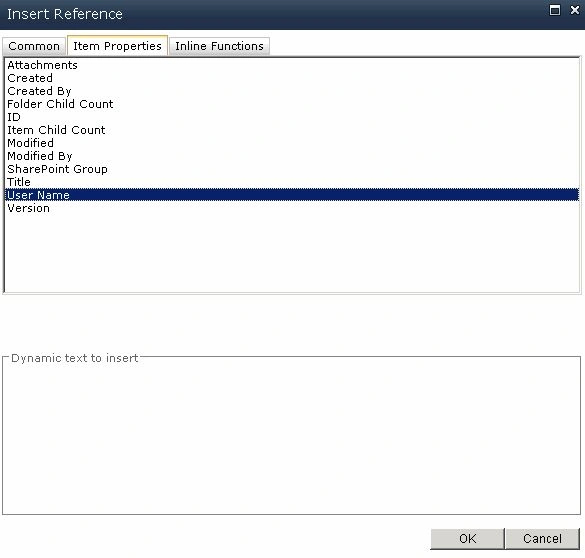
- Click on the "Insert Reference" button for the userName column and then click on the "Item Properties" tab. Select User Name and then click on "Ok".
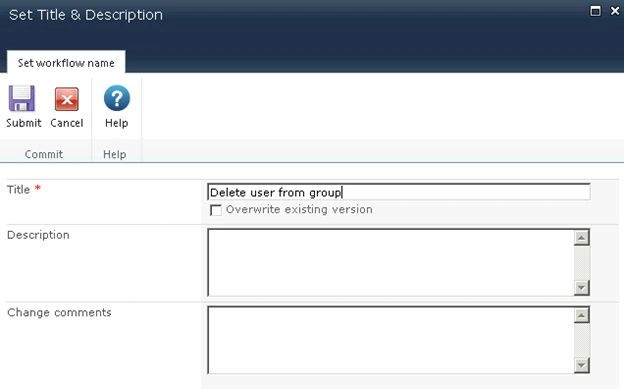
- Click on "Save".


Join the conversation! Your thoughts help the community grow.