

Introduction
In this article you will see how to create a site using NINTEX workflow in SharePoint. I have created a custom list named "Site Provisioning" in which I have the following columns: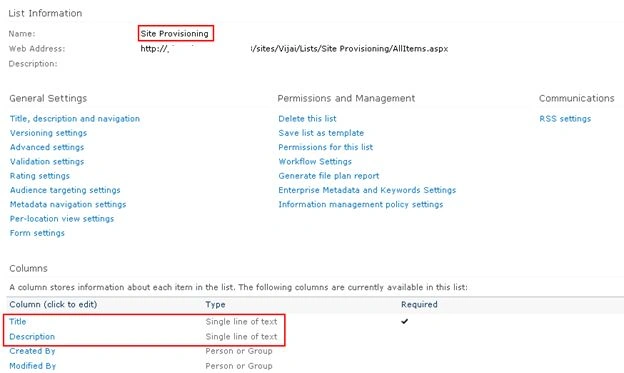
The Title column is used to specify the site Title and Description columns to be used to specify the site description.
Create site creation workflow
- Navigate to the Site Provisioning list.
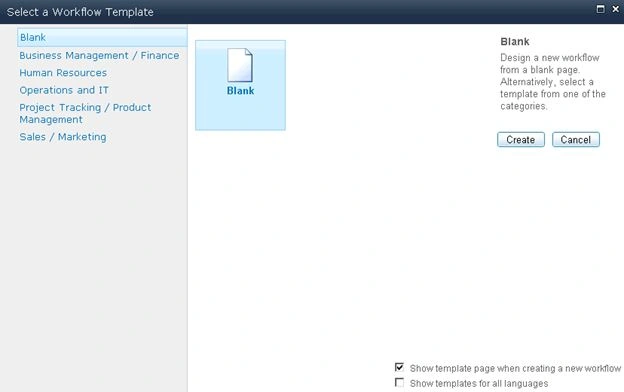
- Click on the List tab and then click on Workflow Settings.
- Click on Create a Workflow in Nintex Workflow.

- Click on Cancel.
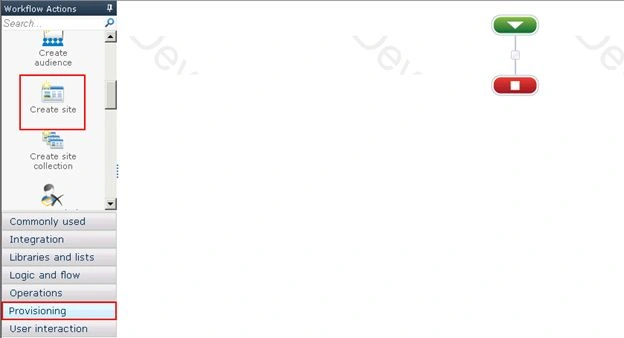
- Drag and drop the Create site action from the Provisioning section.
- You will be able to see the warning symbol in the workflow action, click on that; you will see the following warning message.
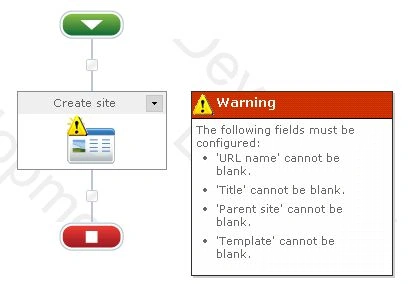
- Click on Configure from the drop down list in the Create site action.
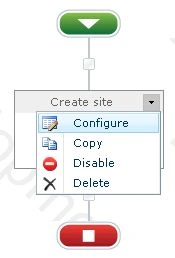
- Click on the Insert Reference button for the Title column and then click on Item Properties tab. Select Title and then click on Ok.
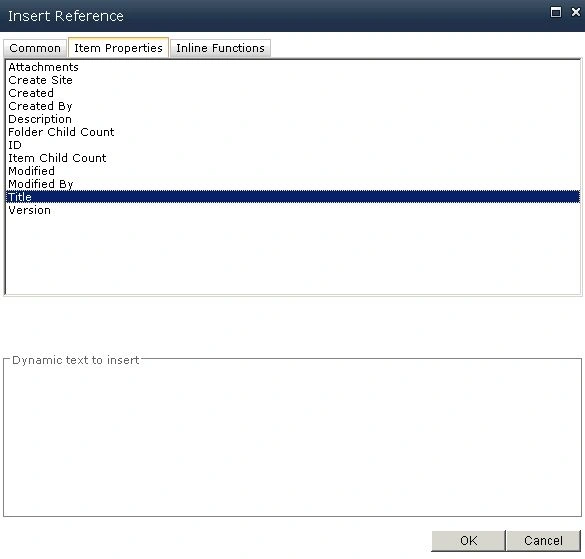
- Similarly select the Description item property for the Description column.
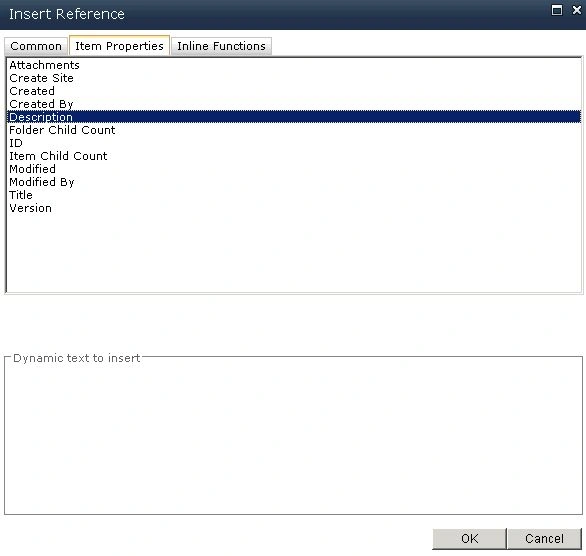
- Click on the Select a parent site link to select the parent site where the sites should be created.
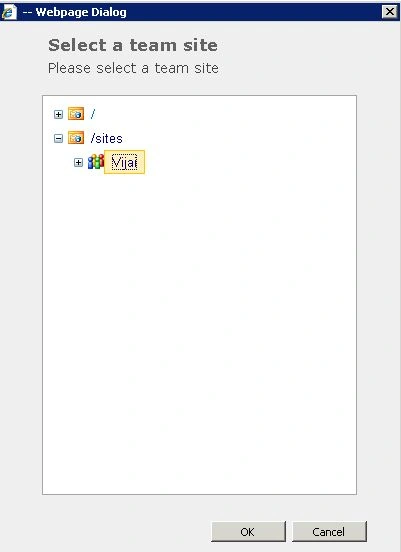
- In the URL column select the Title item property as mentioned in Step 8.
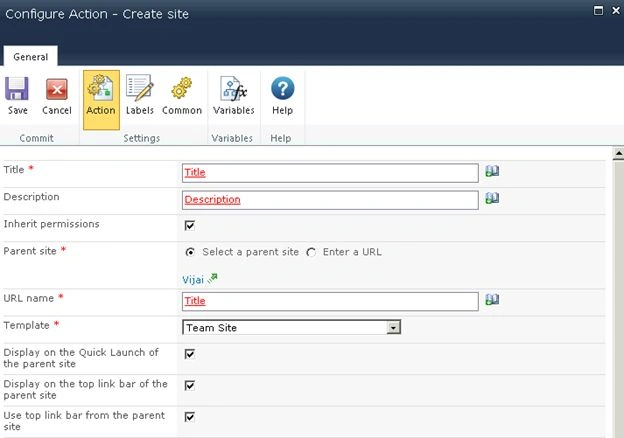
- Select the site template and other options as you require.
- Click on Save.
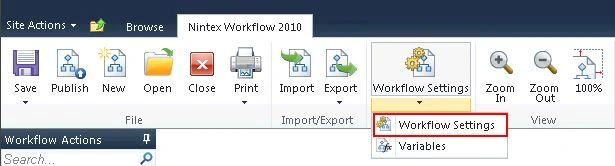
- Click on Workflow Settings in the ribbon interface.
- Enter the Name and select Yes for Start when items are created.
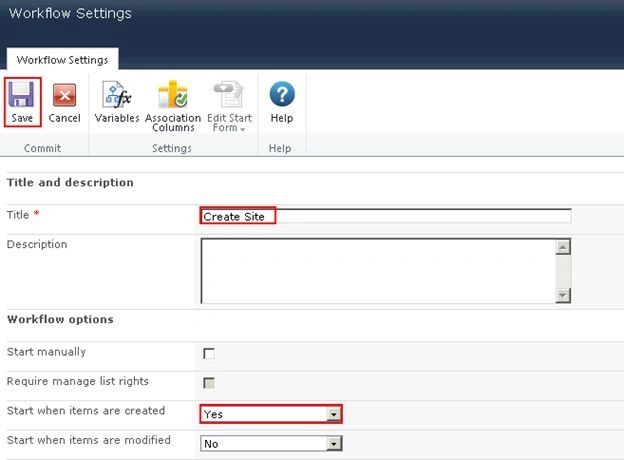
- Click on Save.
Publish the workflow
- Click on the Publish button in the ribbon interface.

- Ensure the Title is set; optionally you can set the values for Description and Change Comments.
- Click on the Submit button.

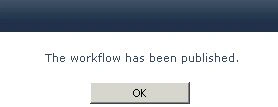
- The workflow is published successfully.
Test the workflow:
- Navigate to the Site Provisioning list.
- Create a new item.
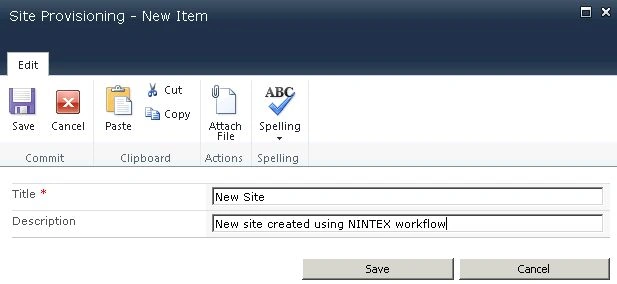
- The Create Site workflow will be started once the item is created.
- After a few minutes the workflow status will be changed to Completed.
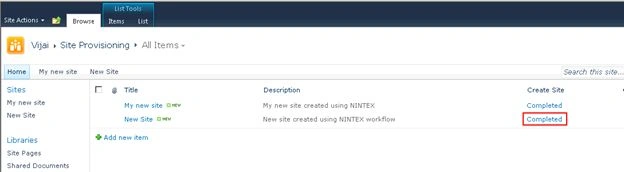
- A new site is created successfully.
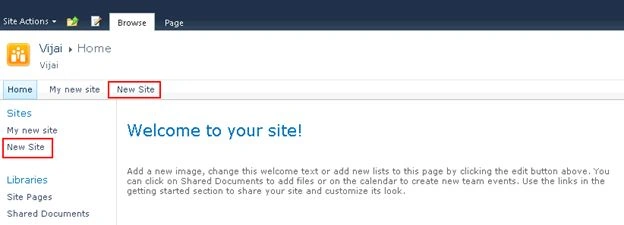
Summary
Thus in this article you have seen how to create a new site using a NINTEX workflow in SharePoint.
Join the conversation! Your thoughts help the community grow.