

Microsoft launched the .Net Core framework with the support of a cross-platform framework. it means now we need to develop once only and we can run it on different platforms like Windows, Linux, and macOS. Let's see with the example below how we can run a .net core console application with Ubuntu.
Please follow the below steps to run the .net core application on the Ubuntu server,
Step 1
Need to create .net core console application POC.
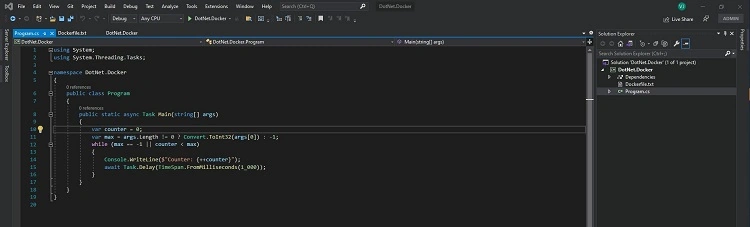
Just for demo purposes added sample counter code. It will increase the counter number as per user input.
Step 2
Create a docker image of the dotnet core application.
To create a docker image need to install docker on your machine.
Download docker from the link: https://docs.docker.com/desktop/windows/install/
Before installing docker please make sure the below things are enabled on the machine.
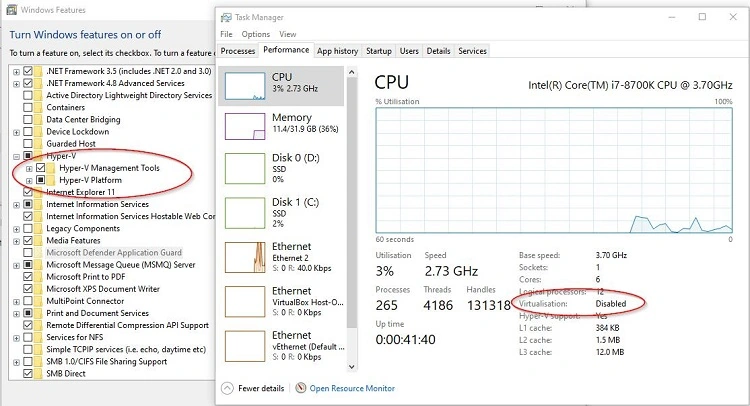
Virtualization should be enabled. We can enable it from Windows features On or Off.
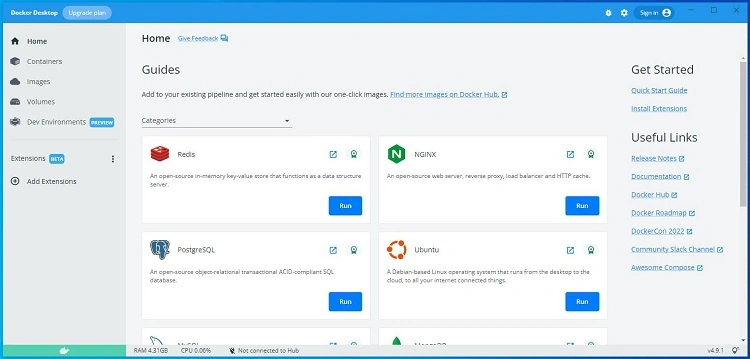
Now Install the docker downloaded from the link. After installation, it will look like below.
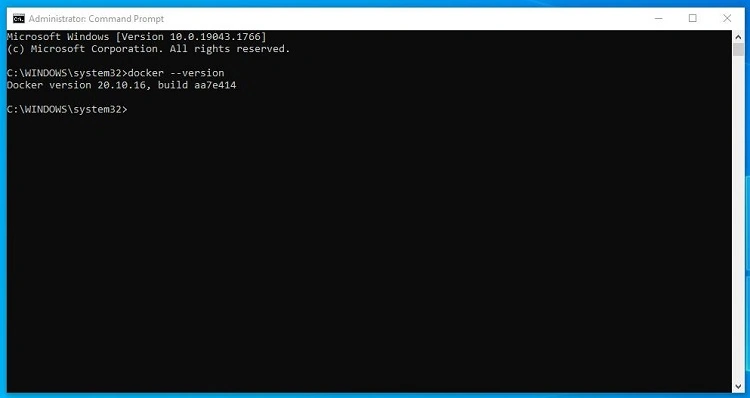
Also, make sure to check docker in the command prompt as below image.
Step 3
Once the docker is installed successfully. Start creating a docker image.
Create Dockerfile.txt in the root folder of the application and add the below code in that.
FROM mcr.microsoft.com/dotnet/sdk:6.0 AS build-env
WORKDIR /app

# Copy everything
COPY . ./

# Restore as distinct layers
RUN dotnet restore

# Build and publish a release
RUN dotnet publish -c Release -o out

# Build runtime image
FROM mcr.microsoft.com/dotnet/aspnet:6.0
WORKDIR /app
COPY --from=build-env /app/out .
ENTRYPOINT ["dotnet", "DotNet.Docker.dll"]
Run the below Command in the package manager console
docker build -t counter-image -f Dockerfile.txt
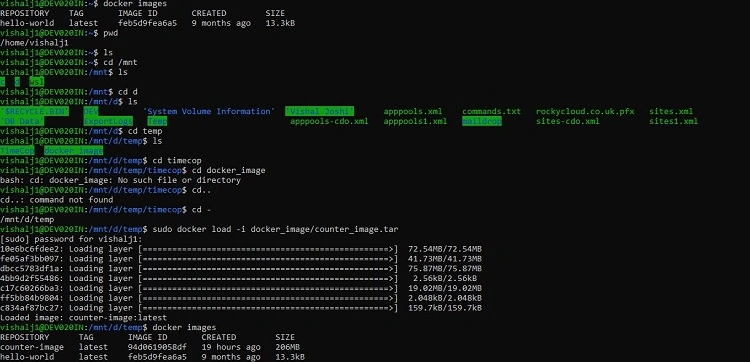
Once the command runs successfully Run Command
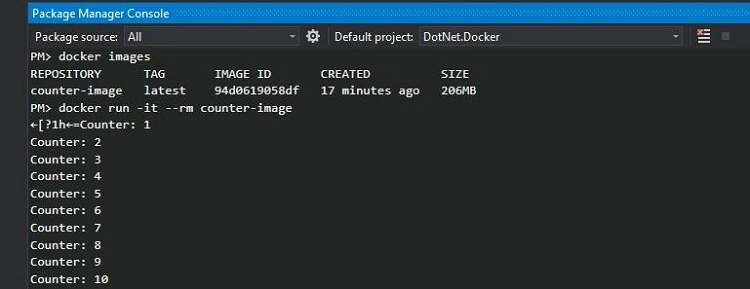
docker images
It should show the created image in docker as below image,



Join the conversation! Your thoughts help the community grow.