

How amazing would it be if we were able to run an Operating System over our base Operating System? Well, this is actually possible. Want to know more? Explore!
Note
My base Operating System is Linux, to be precise, Fedora 29. I will install Fedora 30 over my base, using Virtual Machine Manager. You can install a Windows image on it as well.
My base Operating System is Linux, to be precise, Fedora 29. I will install Fedora 30 over my base, using Virtual Machine Manager. You can install a Windows image on it as well.
Setting up a Virtual Machine
If you have Fedora, just as I do, then Virtual Machine Manager will be pre-installed. Fedora ships with pre-installed Virtual Machine Manager. Otherwise, check this link.
You can install it using the following commands,
- # yum install virt-manager (Fedora)
- # apt-get install virt-manager (Debian)
- # emerge virt-manager (Gentoo)
- # pkg_add virt-manager (OpenBSD)
Now download any iso image. Here I have downloaded this image,
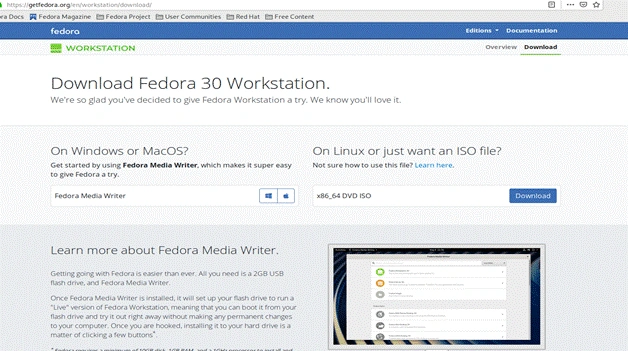
Click on the Download button for downloading the x86_64 DVD ISO image. Check this following link.
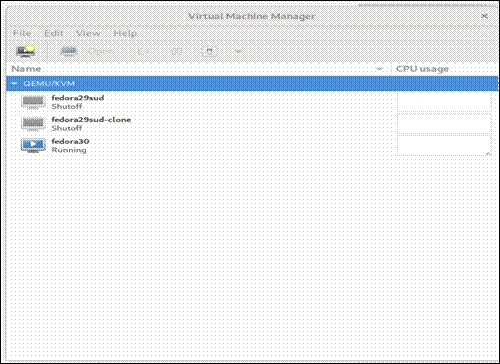
After the download is complete, open virtual machine manager. It might ask for your root password. After starting the tool, this window will appear.
Note
Your virtual machine manager might be empty. I have two virtual machines created already.
Your virtual machine manager might be empty. I have two virtual machines created already.
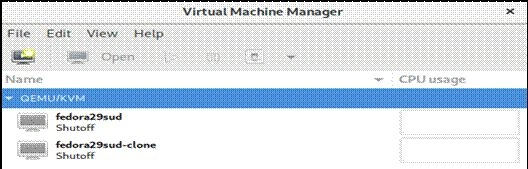
Now, from “File” tab, select “Add Connection” and this window will appear. By default, you will find that the manager is connected directly to localhost. You can connect another host remotely as well.
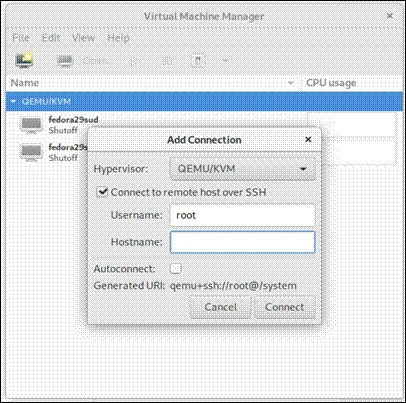
Check the "Connect to remote host" option then provide Hostname/IP of the remote server. If you need to establish the connection to the remote host every time the manager starts, just check the Auto Connect option.
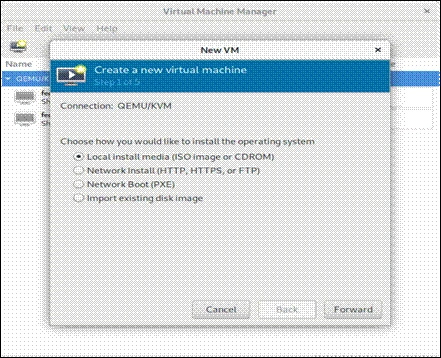
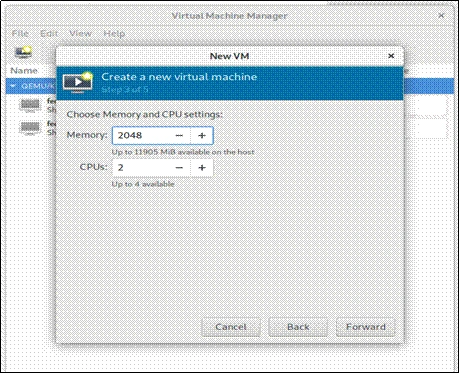
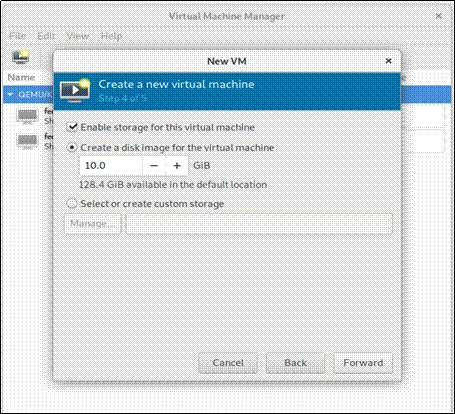
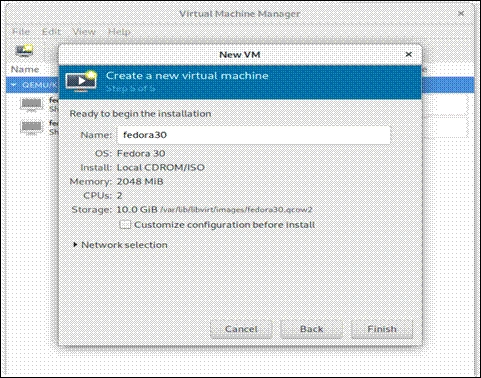
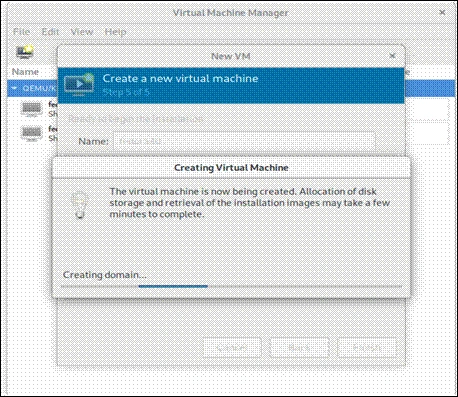
Let’s return to our localhost and hit the button VM in the main window, this wizard window will appear.
Join the conversation! Your thoughts help the community grow.