

SharePoint Designer 2013 – a tool that is most useful a few years back, still handy in some projects, and that still gives me trouble when need to set up for any new machine. So, here is a setup process that I believe can be helpful in the future.
Here is the order of installation we are going to follow in this article,
- Pre-requisite Installation
- Service pack 1 for .Net Framework 3.0
- SharePoint Designer 2013
- Service Pack 1
- Security Update for Microsoft SharePoint Designer 2013 (kb2863836)
- Update for Microsoft SharePoint Designer 2013 (kb3114337)
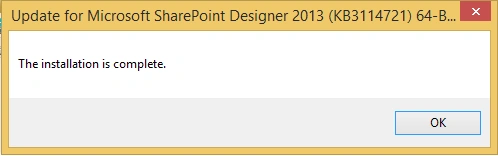
- Update for Microsoft SharePoint Designer 2013 (kb3114721)
Pre-requisite Installation
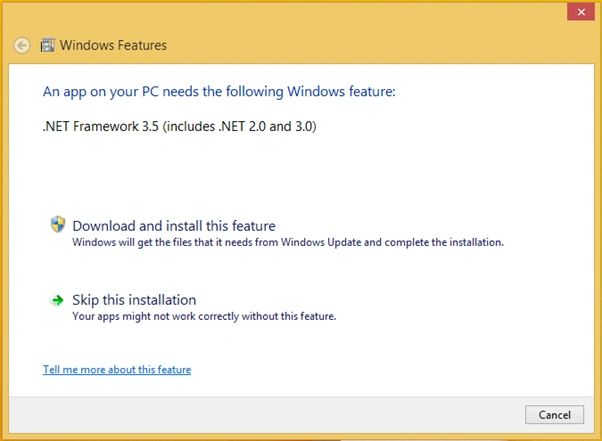
This will save you from error - Windows workflow Foundation, part of .Net Framework 3.0 must be installed to use this feature.

When you start the installation, it will take a moment to identify the features to be install. Click “Download and install the feature”.
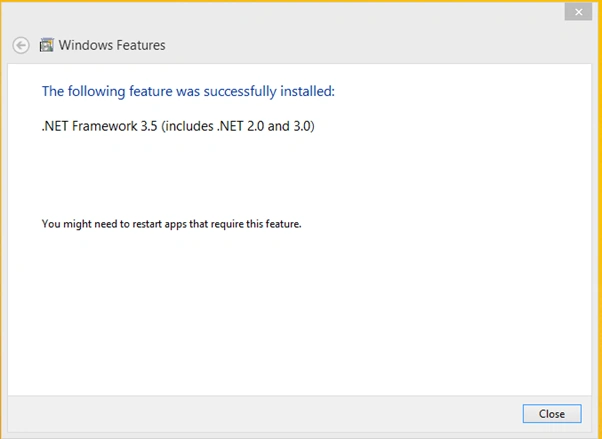
Once installation is complete, click close.
SharePoint Designer & related updates Installation
The first step is to download the SharePoint Designer 2013. Check your system type.
- SharePoint Designer 2013 download link,
- 64-bit (sharepointdesigner2013_64bit.exe)
- 32-bit (sharepointdesigner2013_32bit.exe)
https://www.microsoft.com/en-in/download/details.aspx?id=35491
Follow the below steps to install the SharePoint Designer 2013. For this blog, I will use 64 Bit download:
- Double Click on the “sharepointdesigner2013_64bit.exe” file to start the installation.
- It will extract the files first.
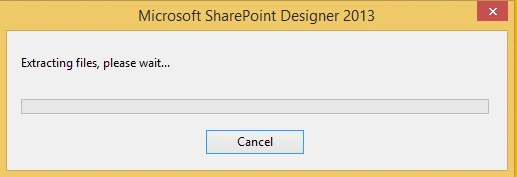
Once extraction is done, it will open the installation wizard. Click “Install Now”.
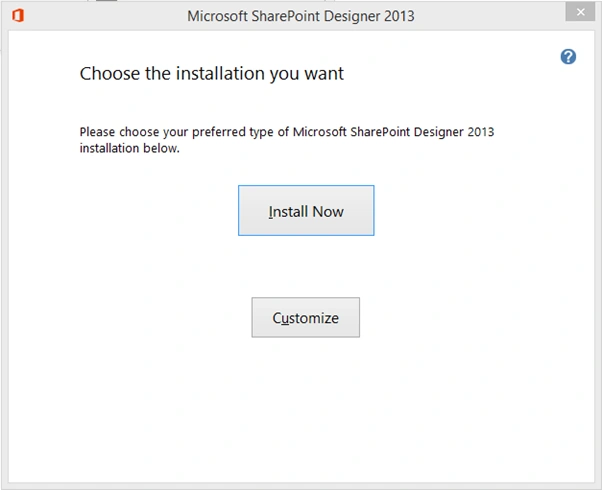
It will install the designer in the system. This may take a couple of minutes.
Once installation is done, click close to complete installation.

Once the SharePoint designer 2013 is installed, we need to install Service Pack 1 and other updates. Without this, I face blank workflow open or workflow, no open issues.
- SharePoint Designer Service Pack 1 download link:
- spdsp2013-kb2817441-fullfile-x64-en-us.exe
https://www.microsoft.com/en-us/download/details.aspx?id=42009 - spdsp2013-kb2817441-fullfile-x86-en-us.exe
https://www.microsoft.com/en-eg/download/details.aspx?id=42015
- spdsp2013-kb2817441-fullfile-x64-en-us.exe
- Double click on “spdsp2013-kb2817441-fullfile-x64-en-us.exe” to start the installation.
- It will ask to read the License terms and accept them.
- Check the “Click here to accept the Microsoft Software License Terms” checkbox after reading the terms. It will enable the continue button.
- Click the “Continue” button.
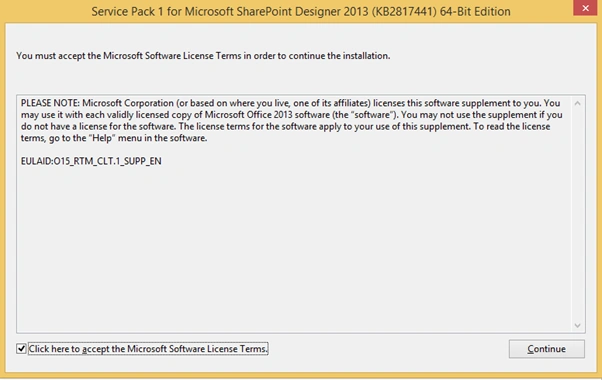
It will start the installation of Service pack 1. It may take a couple of minutes to install.
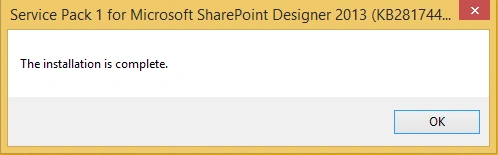
Once installation is done, click ok.
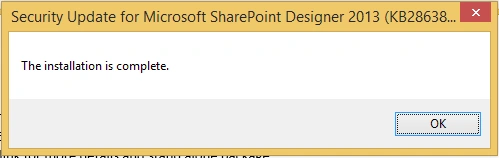
Security Update for Microsoft SharePoint Designer 2013,







sarath kumarPosted Jun 2, 2022, 8:59 AM
It works for me .. Big thanks. Stuck alot now resolved
Ramakrishnan RPosted Oct 8, 2021, 11:02 AM
Useful one!
Sagar LadPosted Sep 24, 2021, 8:11 PM
Informative article
Harshad TretiyaPosted Sep 24, 2021, 12:14 PM
Good Explanation