

Create an Angular application with Angular CLI with the following command:
- ng new DemoApp
And set all CLI prompt question as per your need, as you can see in the following image,
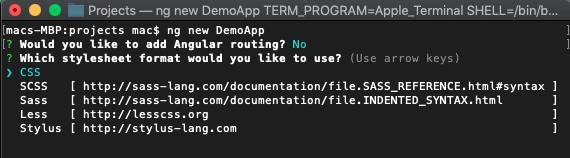
So after this, the angular app will be ready and you’ll find this message on your Terminal or Command prompt.

Now open your app code in Visual Studio Code or any other IDE that allows you to edit your HTML and TS. If you need to open in VS Code, you can directly write a command “code .” But you must be in your project folder.
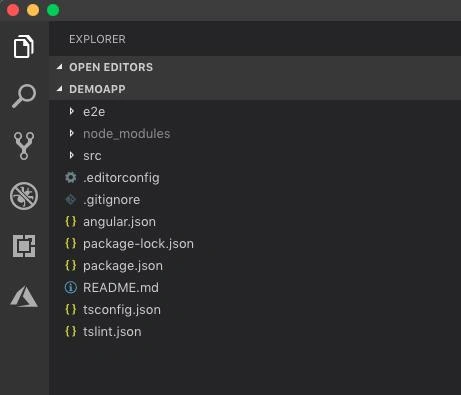
Now serve your app in a browser for a default preview without Bootstrap and Font-Awesome. Open terminal in Visual Studio code using Menu option as Terminal -> New Terminal or use shortcut key Ctrl + ~ and press enter after writing the following Command,
ng serve --open

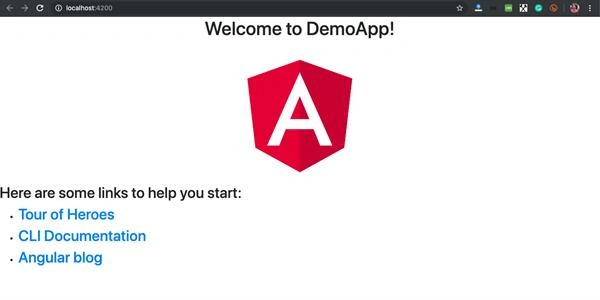
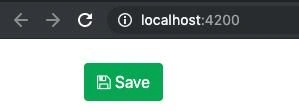
Now you must have your app’s default view in the browser on http://localhost:4200 this is a default URL for Angular Development Server to preview and deploy locally, so now you’ll see your app is working in your default browser with this default view,
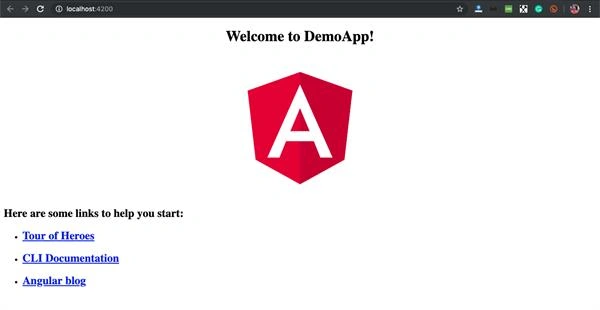
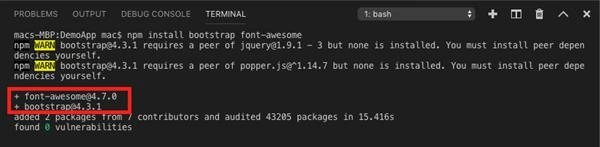
Now let’s have Bootstrap and Font Awesome in this application. Go two your terminal again and stop the last job that was “ng serve” using Ctrl + C and press y to terminate this, now write the command to install Bootstrap and font awesome from NPM in a signal command and press enter after it:
- npm install bootstrap font-awesome --save
or if you want only bootstrap:
- npm install bootstrap –save
or for only Font Awesome
- npm install font-awesome --save

Join the conversation! Your thoughts help the community grow.