

We are very familiar with font dialog, we
frequently use font dialog in various text editor like word
pad,MS word,Notepad etc. this is very important for text
managing and editing. net framework provides us strong Font Dialog class,
through this we can also change the font size, pattern, style etc of text or
selected text.
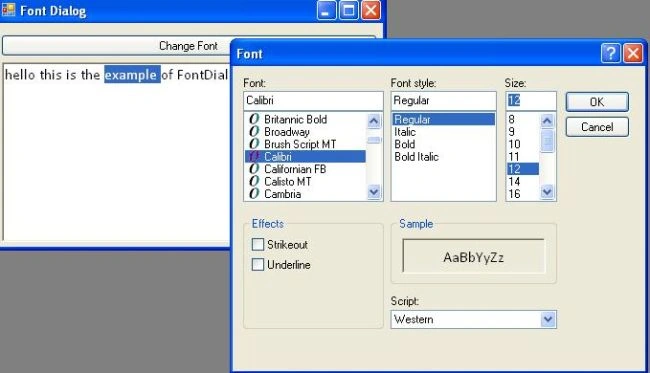
This article shows how to use fontdialog in vb.net application.i have already said that The FontDialog box is pretty familiar to anyone who has used a Windowsbased
word processor. The key point to remember is that its Font property returns
a Font object that you assign to a control or form's Font property.
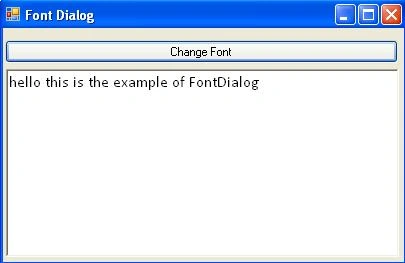
Example code : Assumes you have a Richtextbox named RichTextBox1 on your form,
Along with a button that uses the default name of btnFont:
Code :
Join the conversation! Your thoughts help the community grow.