

In this mini-article I will be showing how to use Rectangle.
Lets take a look at Rectangle's Structure first:
Creating a new Instance(null) of a Rectangle:

Creating a new Rectangle with 4-int values:

Setting Bottom Value of a Rectangle:

Setting Center Value of a Rectangle:

Know whether the Rectangle has a specific Point.
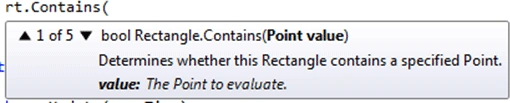
Know whether Rectangle has another Rectangle value:

Know whether Rectangle has 2-int values(Point):

Know whether Rectangle has a reference Point and the result:
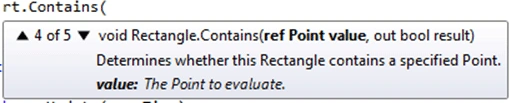
Know whether Rectangle has a reference Rectangle and the result:

Setting the Height value of Rectangle:
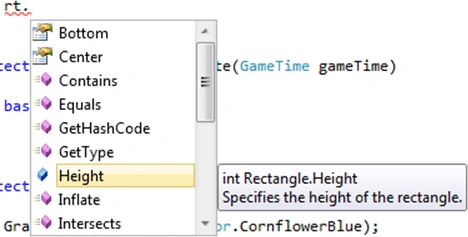
Pushing the edges of Rectangle out:

Know whether Rectangle Intersects another Rectangle:

Know whether Rectangle intersects a reference Rectangle with its result value:

Getting value whether Rectangle is empty or not:

Getting the Left value of the Rectangle:

Get or Set Location of the Rectangle:

Set Position of the Rectangle with a Point value:
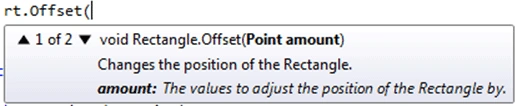
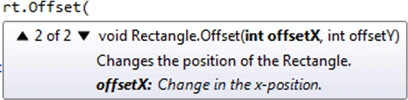
Set Position of the Rectangle with 2-int values:
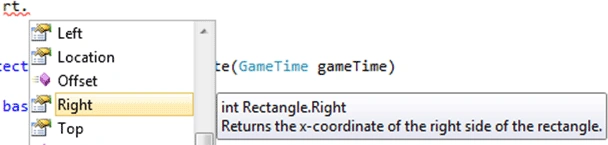
Getting Right value of the Rectangle:
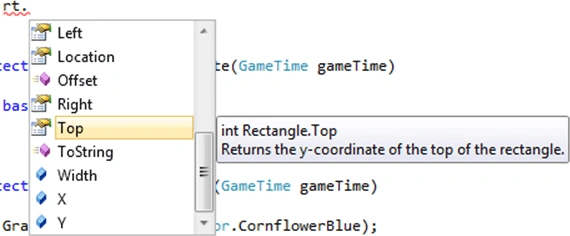
Getting Top value of the Rectangle:
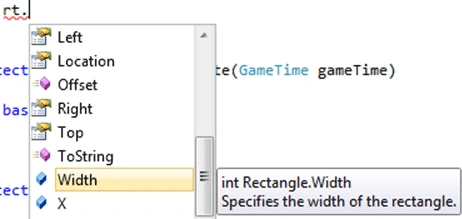
Setting the Width value of the Rectangle:
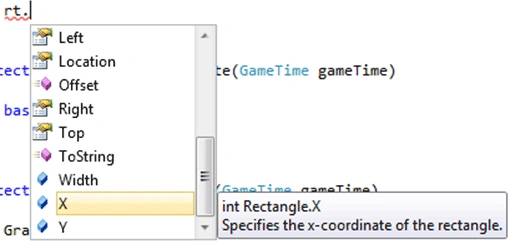
Setting the X value of the Rectangle:
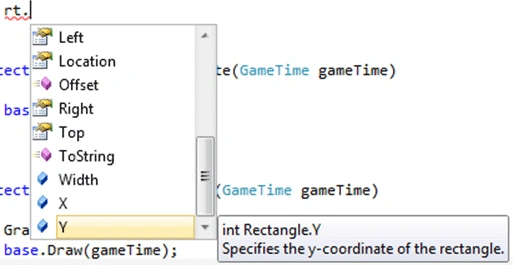
Setting the Y value of the Rectangle:
So we now know the Structure of the Rectangle,lets use them in a sample:
Rectangle rt = new Rectangle(); //null instance
Rectangle rt2 = new Rectangle(100,
200, 200, 200); //4-int instance
int bottomval =
rt.Bottom; //get Bottom value
Point centerval =
rt.Center; //get Center value
Join the conversation! Your thoughts help the community grow.