

Introduction
- number
- URL
- tel
- search
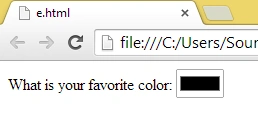
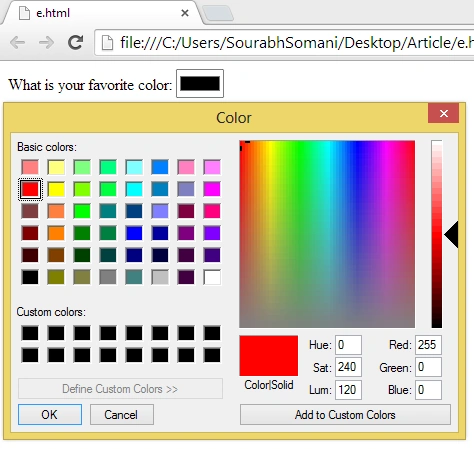
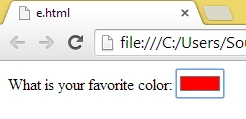
- color
email
The email attribute is essentially an attribute that is mainly used in the registration and login of webpages. The email input type provides validation for the email entered by the user, so there is no need for JavaScript validation. Mainly the browser will expect a user input that matches the syntax of an email address.
Example
- <!DOCTYPE html>
- <html lang="en">
- <body>
- <form>
- <label for="email">Your Email Address:</label>
- <input type="email" name="email" id="email" placeholder="[email protected]" required aria-required="true" />
- <input type="submit" />
- </form>
- </body>
- </html>
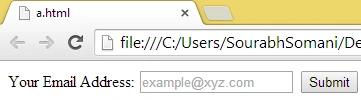
Initially when the page is loaded
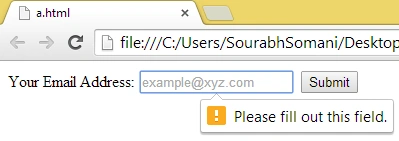
If we do not provide any input then:
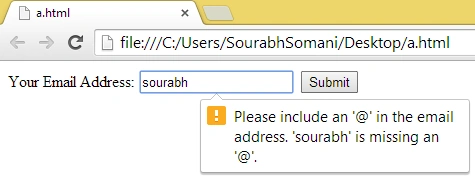
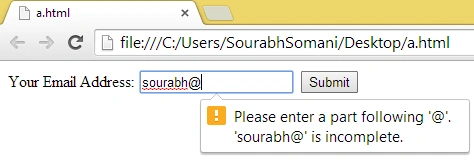
 If the Email is invalid then:
 number
This input type is used when numbers are expected in the field.
Example
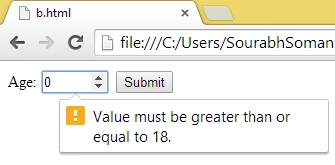
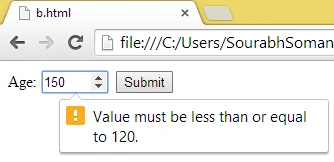
In the preceding example, we can provide age, but as we know, age has a maximum and minimum limitation like age cannot be negative and cannot be more than 120, so there are some more attributes for the number input element that is as follows:
- <!DOCTYPE html>
- <html lang="en">
- <body>
- <form>
- <label for="age">Age:</label>
- <input type="number" name="age" id="age" />
- <input type="submit" />
- </form>
- </body>
- </html>
- min: Minimum value for the number input field.
- max: Maximum value for the number input field.
- value: Initial value or default value. The value to be shown when the page is loaded.
- step: Each incremental value stop.
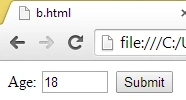
So we can make the change as in the example above and we can write it as in the following:
- <!DOCTYPE html>
- <html lang="en">
- <body>
- <form>
- <label for="age">Age:</label>
- <input type="number" name="age" id="age" min="18" max="120" value="18" step="1" />
- <input type="submit" />
- </form>
- </body>
- </html>
URL
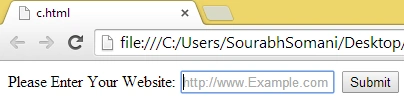
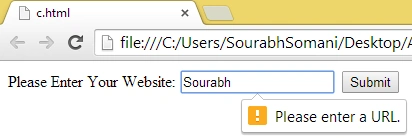
the URL input element only expects a URL and validates the URL.
SubashPosted Jul 14, 2016, 5:58 AM
Nice work riend
Sanjay SinghPosted Jun 1, 2014, 1:21 PM
very nice article sir. thanks for sharing