

Introduction
The <canvas > element is used for graphics that completely draw through JavaScript. Just basic Javascript knowledge is enough to draw with <canvas>.
Attributes of <canvas>
id: This is a core attribute.
width and height: These two specific attributes define the size of the canvas.
Syntax
- <canvas id="canv1" width="300" height="200">
- </canvas>
Note: You can use more than one canvas on the same HTML web page.
Find the canvas element
If we want to find the canvas element, getElementId(), use the following method:
- var canv = document.getelementId("canv1");
Uses of Canvas
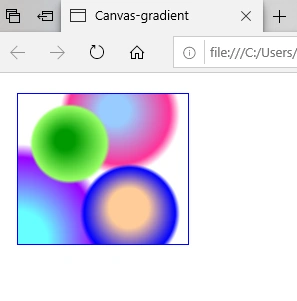
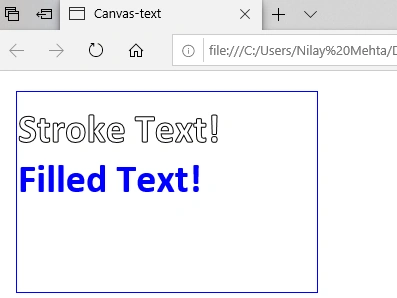
HTML Canvas allows you to draw simple lines like graphs and charts and more complex animations like a bouncing ball. It can also let you display colorful text with gradient or animation effects.
HTML canvas is an interactive graphical element that responds to JavaScript events and user actions like a mouse click, button clicks, key click, finger hover.
HTML Canvas supports animation so it can be used with Games.
Rendering Canvas
There are no border displays on the content, so it’s quite convenient to use the style attribute with the canvas element.
The canvas element uses a method getContext, which contains drawing context and its functions, with one parameter, type of context2d.
Syntax
- var canv = document.getelementId(“canv1”);
- if (canv.getContext)
- {
- var c1= canv.getContext("2d");
- // drawing code
- else
- //unsupported code
- }
- <html>
- <head>
- <title>Canvas </title>
- </head>
- <body>
- <canvas id="canv1" width="300" height="200" style="border:1px solid #0000ff">
- </canvas>
- <script>
- var canv = document.getelementId("canv1");
- var c1= canv.getContext("2d");
- </script>
- </body>
- </html>
Output
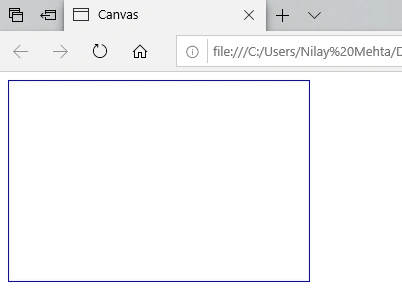
Note: Initially, Canvas is blank, so we have to use the Style attribute with the <canvas> element which will draw this rectangle.
Canvas Drawing
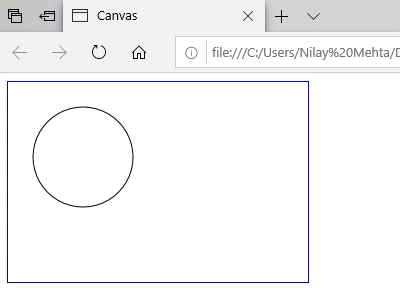
Let’s draw a circle on the above canvas.
Three steps are required to draw a circle:
Step 1 - Find the canvas Element
- var canvas = document.getElementById("canv1");
Step 2 - Create a drawing object
- var c1 = canvas.getContext("2d");
Step 3 - Draw a circle on a Canvas
- beginPath(): Starts the drawing
- arc(x,y,r,start,stop): Sets the parameters
- stroke(): Ends the drawing
Sourav Kumar DasPosted Nov 14, 2019, 10:37 PM
Nice Article Mam.