

In this article you will learn about SiteMap implementation.
- Create a new ASP.NET Empty Web Application,


- Add a new Web Form named Home.aspx,
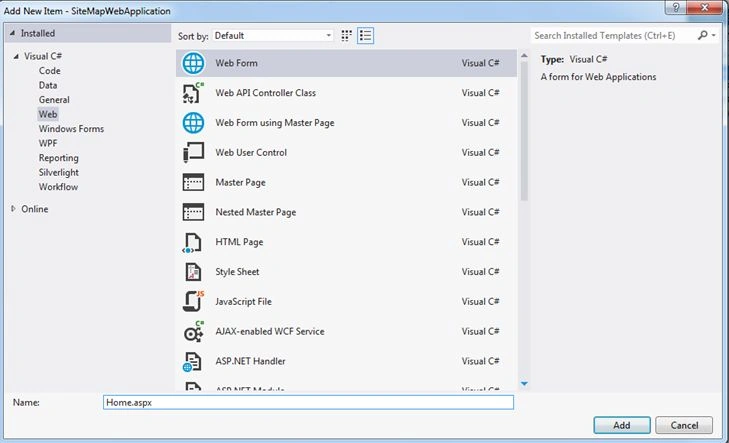
- Add new Web Form named ProductGroups.aspx,

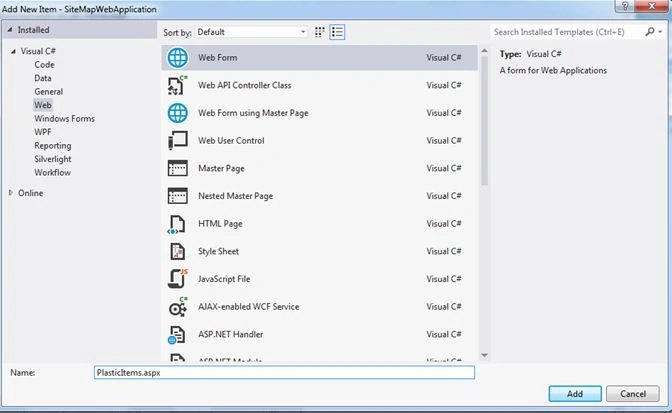
- Add a new Web Form named PlasticItems.aspx,
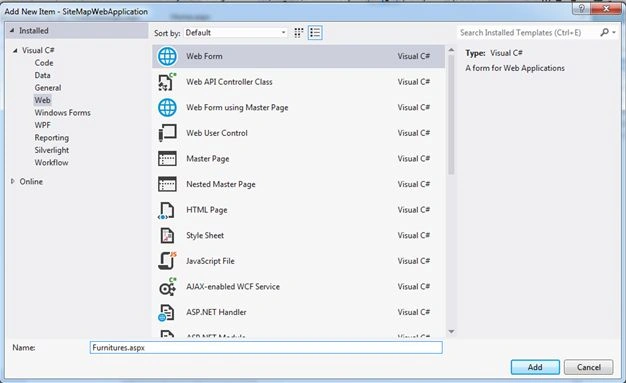
- Add a new Web Form named Furniture.aspx
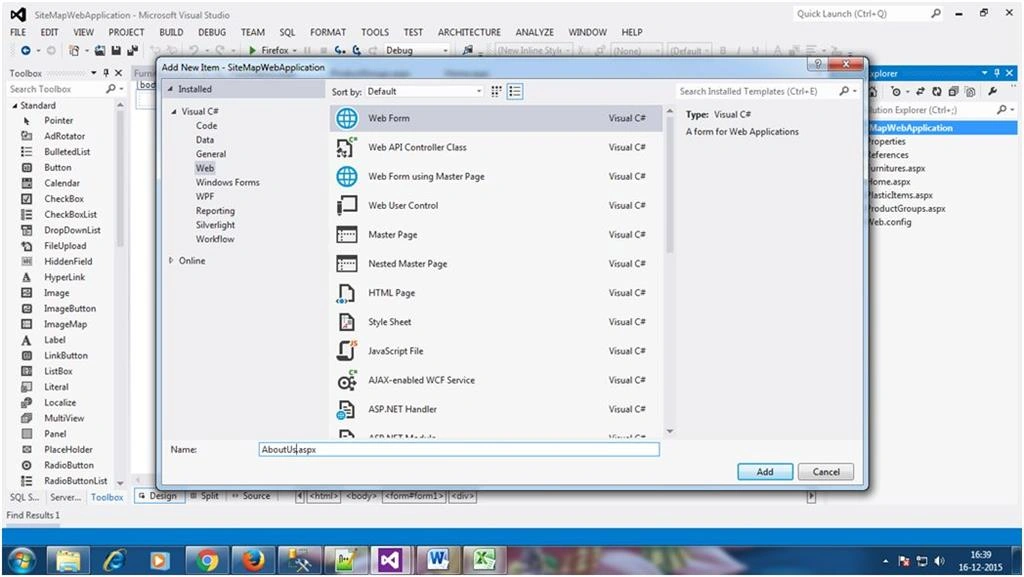
- Add a new Web Form named AboutUs.aspx
- Add a new Web Form named ContactUs.aspx,

Till now, we added the following WebForm files,
1. AboutUs.aspx
2. ContactUs.aspx
3. Furnitures.aspx
4. Home.aspx
5. PlasticItems.aspx
6. ProductGroups.aspx
- Add Sitemap file. Right click on Project and select,

- Double on Web.sitemap file type the following code:
- <?xmlversionxmlversion="1.0"encoding="utf-8" ?>
- <siteMapxmlnssiteMapxmlns="http://schemas.microsoft.com/AspNet/SiteMap-File-1.0">
- <siteMapNodeurlsiteMapNodeurl="Home.aspx" title="Home" description="Home Page">
- <siteMapNodeurlsiteMapNodeurl="ProductGroups.aspx" title="Product Group" description="Product Group Page">
- <siteMapNodeurlsiteMapNodeurl="Furnitures.aspx" title="Furnitures" description="Furniture Items Page" />
- <siteMapNodeurlsiteMapNodeurl="PlasticItems.aspx" title="Plastics" description="Plastic Items Page" />
- </siteMapNode>
- <siteMapNodeurlsiteMapNodeurl="Aboutus.aspx" title="About Us" description="About Us Page" />
- <siteMapNodeurlsiteMapNodeurl="Contactus.aspx" title="Contact Us" description="Contact Us Page" />
- </siteMapNode>
- </siteMap>
- Explanation of Web.sitemap code
Web.sitemap is XML base file.
In this file there is one main SiteMapNode that is HOME - Home.aspx. Under that we have the following two sections :
1. ProductGroup section -- (ProductGroups.aspx) having following child link:
a. Furniture.aspx
b. PlasticItems.aspx
2. Two Independent Page.
a. AboutUs.aspx
b. ContactUs.apx
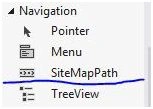
- Now, Drag and Drop the SiteMapPath control from ToolBox inside Navigation group,
Inside following files,
1. AboutUs.aspx
2. ContactUs.aspx
3. Furnitures.aspx
4. Home.aspx
5. PlasticItems.aspx
6. ProductGroups.aspx
Write some sample text in every page:
PAGE NAME SAMPLE TEXT AboutUs.aspx : This is About Us detail page. ContactUs.aspx This is Contact Us detail page. Furnitures.aspx This is Furnituresdetail page. Home.aspx This is Home detail page. PlasticItems.aspx This is Plastic Items detail page. ProductGroups.aspx This is Product Groups detail page. - Now run application. I had typed Furniture.aspx in address bar.

You can see furnitures.aspx page shown. You came here via Home, Product Group, Furnitures. That’s sitemap!. Next article I will explain TreeView and Menu.
Humayun Kabir MamunPosted Dec 28, 2015, 1:59 AM
Nice...
Roshan MulePosted Dec 25, 2015, 1:13 PM
Very Nice Article, Thank you sir!!
Sibeesh VenuPosted Dec 25, 2015, 10:15 AM
Nice Share
Gowtham KPosted Dec 25, 2015, 10:10 AM
Good One, Thanks for sharing
Ankur MistryPosted Dec 25, 2015, 2:11 AM
Nice share
Raja TPosted Dec 25, 2015, 1:44 AM
Nice,Thanks for sharing
Santhakumar MunuswamyPosted Dec 25, 2015, 12:54 AM
Thanks for nice article. keep it up