

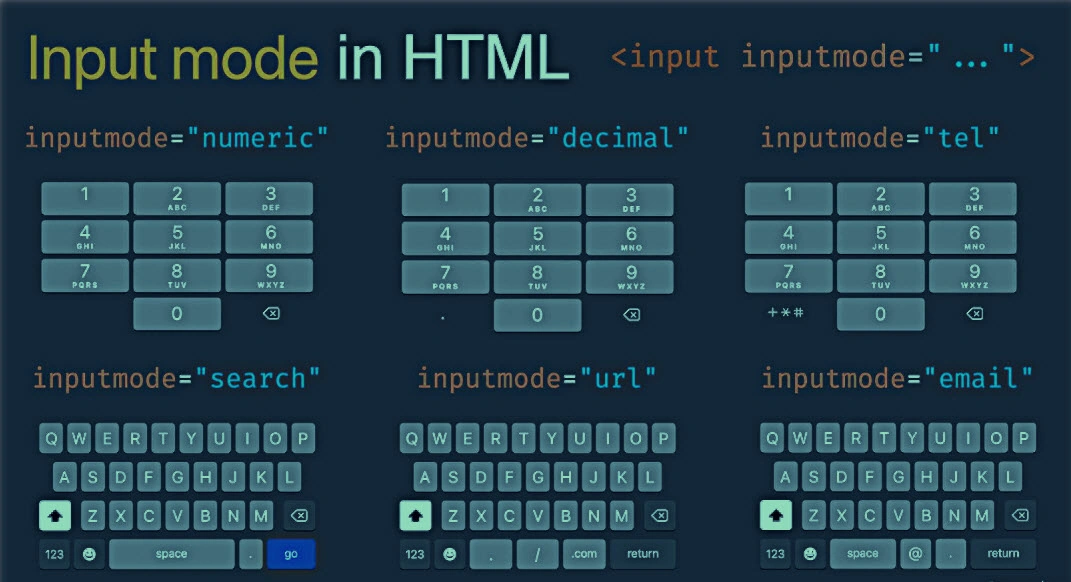
User experience is always of the highest concern for any better solution. Input mode plays a pivotal role when it comes to input records/forms in any application. We use only input control in HTML for textbox/forms entry for user input. We enter several kinds of data like plain text, number, decimal, email, mobile number, rich text, search, telephone, URL, date, range etc.
However, a small change in inputmode and type of input control can improve the user experience significantly and ease the typing and entering the data.
In this article, I will explore various inputmode used in HTML for input types like email, text, number, phone number, URL etc. Furthermore, I will illustrate various inputmode for input control with examples and explain how they can improve user experiences and ease the data entry.
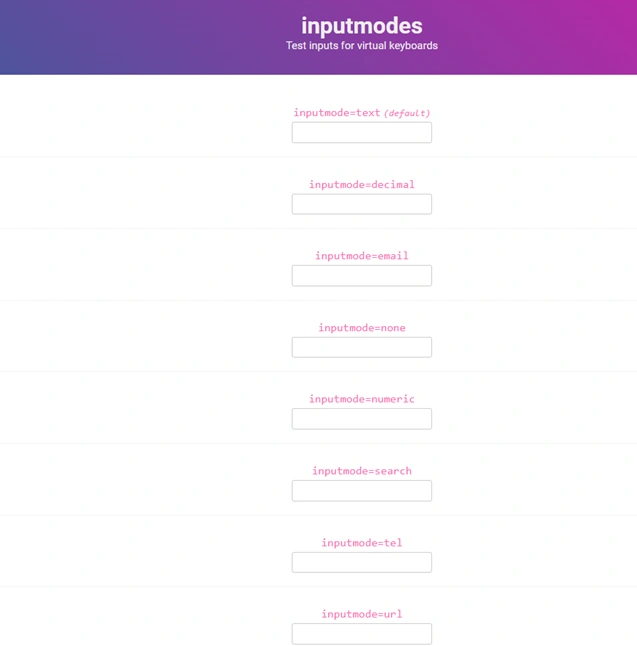
Various type of input based on inputmodes and types in HTML are listed below:
- Default or Text
- None
- Number
- Decimal
- Search
- Tel
- URL
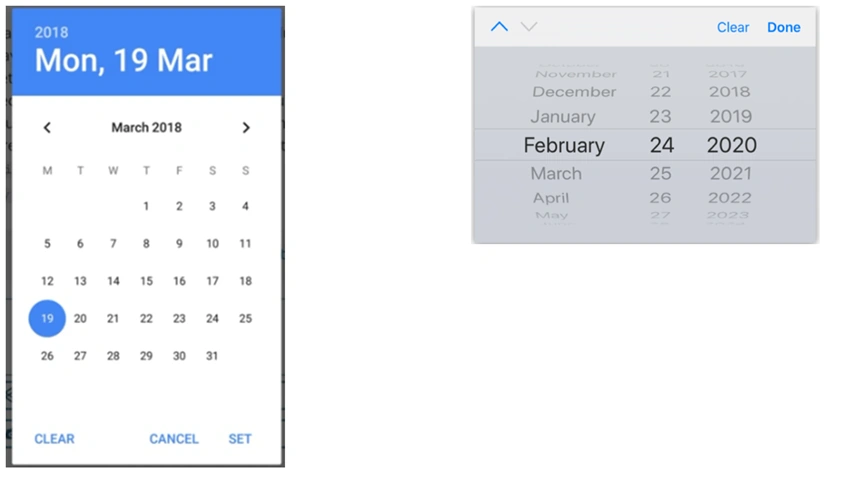
- Date
- Range
- Color
- File
Why do we need various inputmodes and types attribute in HTML input control?
Well, the answer is quite straight forward: To ease the user input and validation. Let me explain in more detail. This attribute inputmode can be extremely useful in mobile keyboards. Adding a small attribute in input controls enhances user experiences by overwriting the keyboard of mobile. Isn’t it cool?
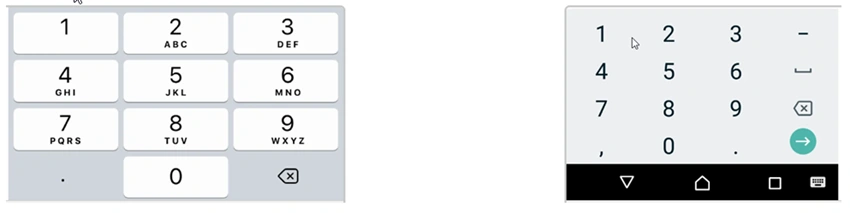
The attribute inputmode=”numeric”, for instance, overwrites the keyboard of mobile with number related keys only as portrayed.
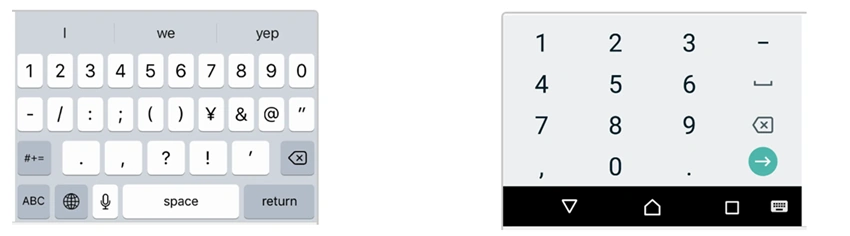
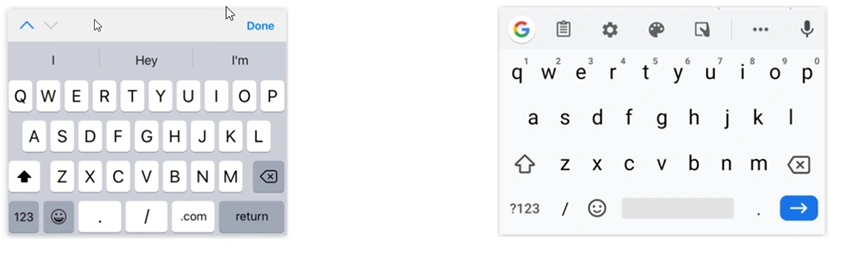
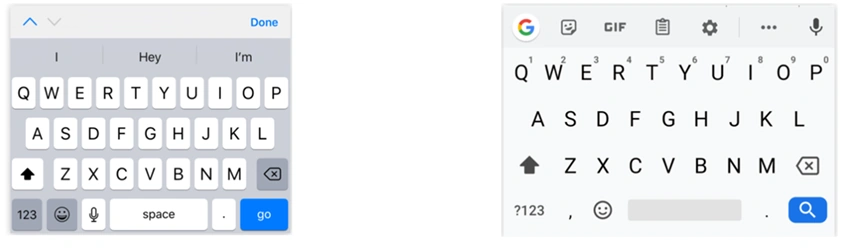
The above keyboard layout is with inputmode =”numeric”. However, if we don’t use the attribute inputmode and keep it default, then the keyboard layout will be as shown below.
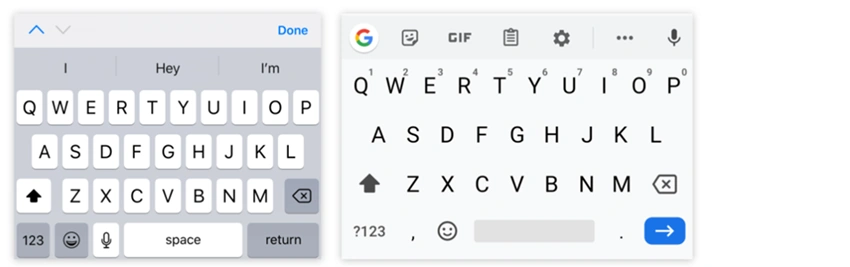
Left (iOS) and Right (Android). This keyboard layout is with default text type.
Consider a case where the input field requires only numeric input like age or quantity, then adding a simple inputmode numeric can help users with numeric keys only.
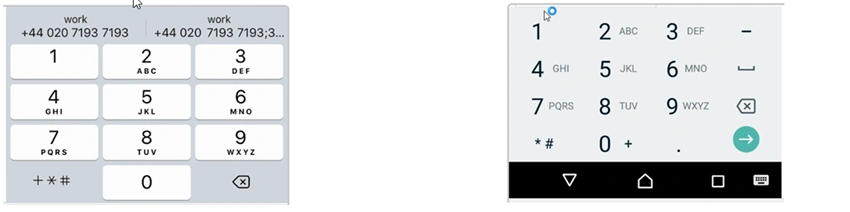
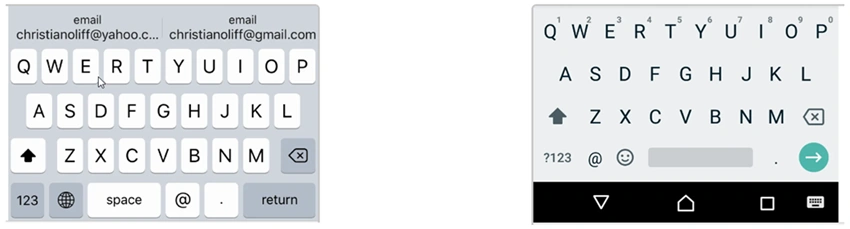
Similarly, there are several cases where users need to input emails, telephone number, URL, Date and so on, therefore using inputmode and type attribute can heighten user experiences and ease in entering the values specially with mobile. Furthermore, HTML 5 adds additional validation for those data types.
Let take some examples inputmodes and types in input control.
Numeric
As shown in the above example, we can use inputmode as numeric for values like age, pin, zip code, credit card number and many similar numeric values.
<input type="text" inputmode="numeric" />
This is one of most commonly used inputmode and further we can add maxlength, minlength, patterns to cover diverse cases.
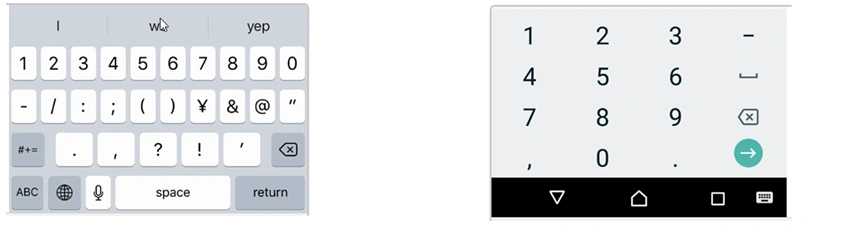
In addition to the above, we can add an autocomplete attribute to provide a more accurate keyboard for mobile users. This autocomplete helps users significantly while inserting the records.
Default
We use this inputmode as Text for default input like string values. We allow users to input any characters.
<input inputmode="text" />
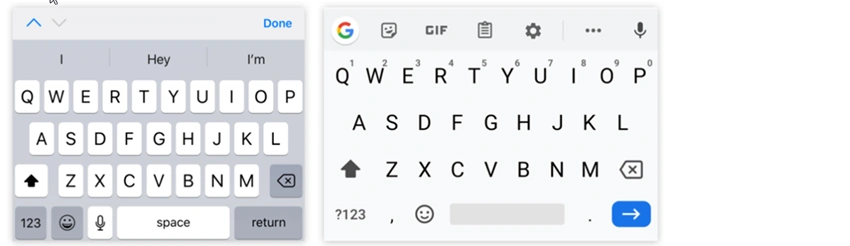
Default keyboard layout is as shown below.
Join the conversation! Your thoughts help the community grow.