

In this article you will see how to add a NINTEX workflow app to SharePoint 2013 Online.
Use the following procedure to install NINTEX Workflow App in SharePoint 2013 Online.
- Navigate to the Office 365 site (microsoftonline).
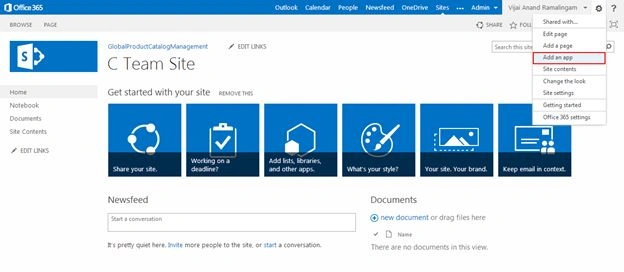
- Click on the Settings icon and then click on Add an app.
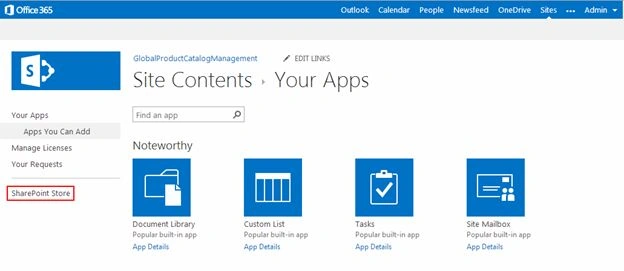
- Click on SharePoint Store in the left navigation.
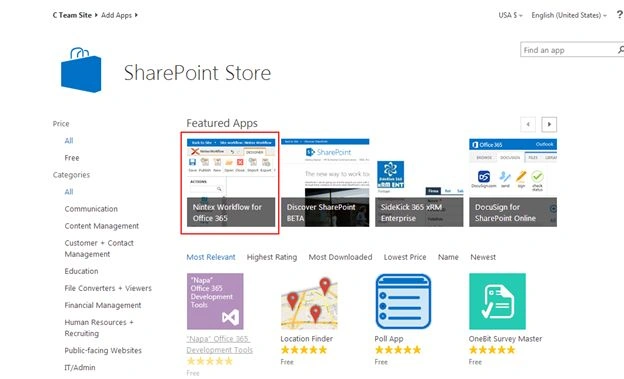
- Click on Nintex Workflow for Office 365 app.
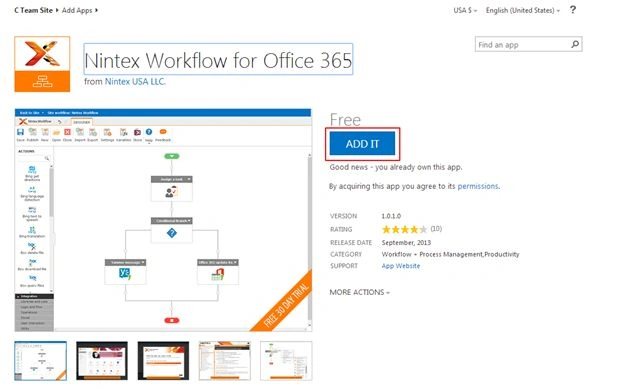
- Click on ADD IT.
- Click on Trust It.
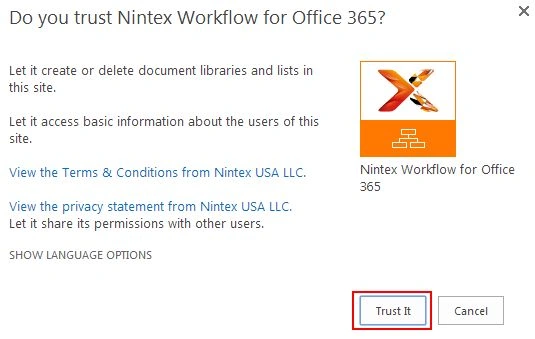
- Adding the Nintex Workflow for Office 365.
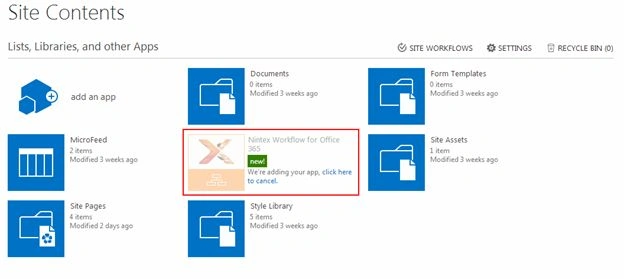
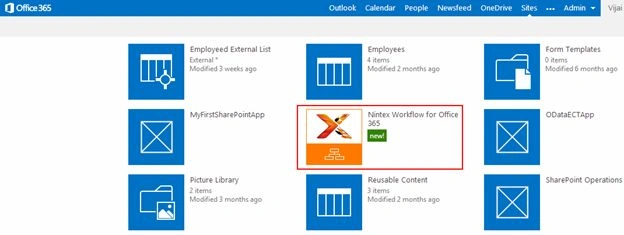
- Nintex Workflow is added successfully.
Summary
Thus in this article you saw how to add the NINTEX Workflow App in SharePoint 2013 Online.
Note
NINTEX Workflow App is available as a 30 day free trial and once installed you will be able to create NINTEX workflows in SharePoint 2013 Online.
Join the conversation! Your thoughts help the community grow.