

The following is the configuration of the server on which the installation is done: Windows Server 2012 R2, SQL Server 2014,
- Download the Setup.
- Execute prerequisiteinstaller.exe,


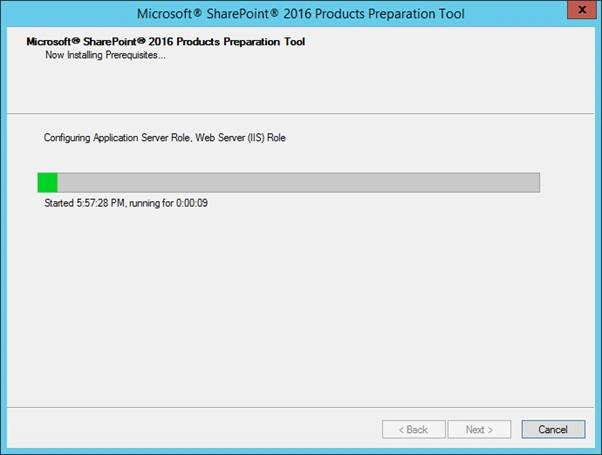
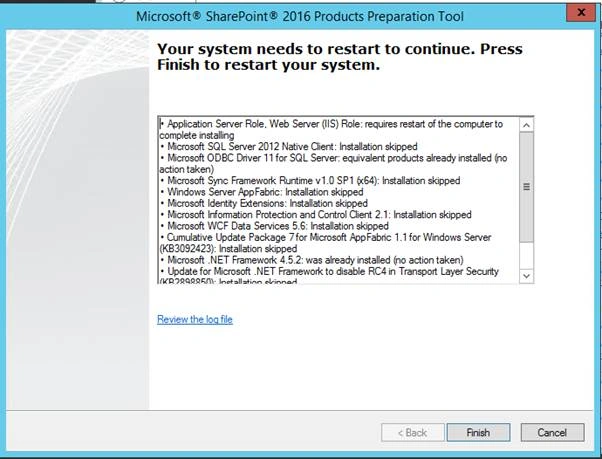
- You may need internet connection enabled during the prerequisite installer for services like app fabric to be downloaded and installed.
a. During the installation of prerequisites the server will restart several times. - Post prerequisite installation. Start the SharePoint installation by clicking on setup.exe,
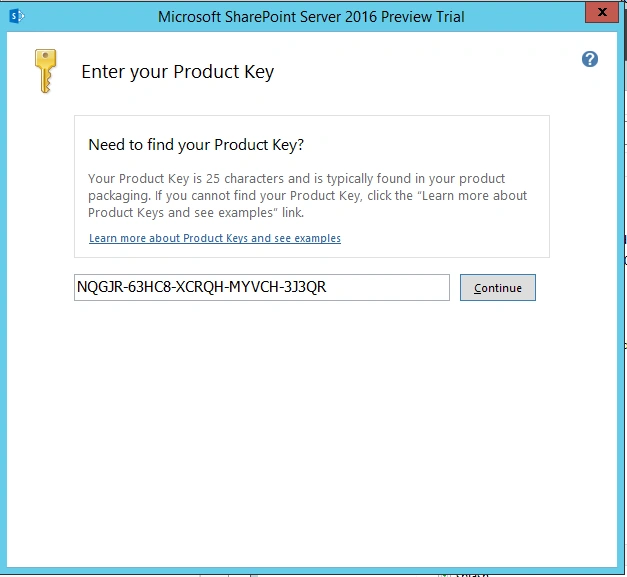
This product key is shared by the MS product team and valid for 180 days only. - Post accepting the terms and conditions you will be prompted to choose the installation location.

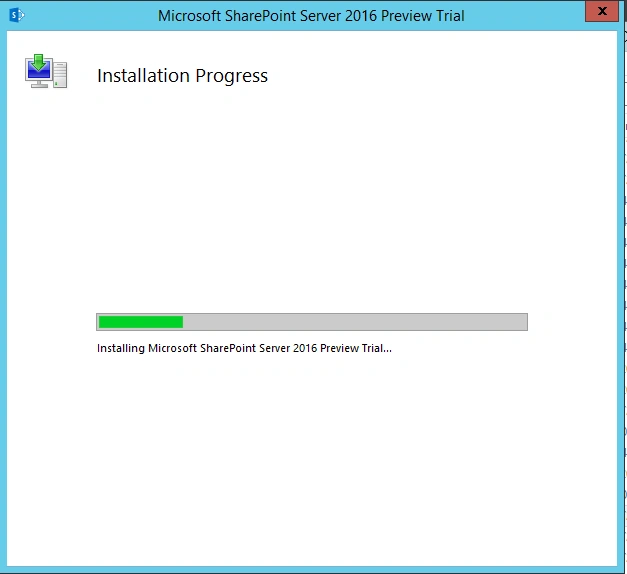
- Once the binaries are successfully installed, it will prompt you to run the configuration wizard. This is pretty much the usual SharePoint installation step.

- At this point the SharePoint installation is complete, but you will not be able to use it as you still need to execute the SharePoint Configuration wizard. (This will be captured in the Part 2).
Ankit SaxenaPosted Feb 3, 2016, 11:14 AM
Thanks all for posting your valuable comments.
Santhakumar MunuswamyPosted Jan 17, 2016, 2:29 PM
Thanks for nice share
Nanddeep NachanPosted Jan 14, 2016, 3:28 AM
Nice share