

Introduction
With the introduction of HTML5, we are able to do infinite things on the web, like playing audio, video, etc. The question is - Can we develop 3D content that can be run on the browser? It would be so cool if we could develop 3D games, a 3D logo, or a complete 3D website, with the web technology and run it on the browser.
The answer is: Yes, we can. HTML5 offers a 3D library called WebGL - it stands for a web graphics library.
But, the problem is that the web developer does not know about 3D and to create something in 3D, one should have the basic knowledge of 3D in theory as well as in programming. Well! That is not an easy thing and takes a lot of time to learn and create something.
What you need
- A text editor
- A browser with html5 compatibility
- Basic knowledge of HTML
- Basic knowledge of CSS
- Basic knowledge of JavaScript
- Basic knowledge of 3D (optional)
Introduction to 3D in three.js
A 3D world consists of multiple numbers of elements, but only some of them are necessary to initiate a 3D world. These elements are-
- Camera (to see the objects -acts as an eye)
- A Scene
- An Object - cube, cylinder, bottle, a ship, etc.
- Renderer - responsible for showing the objects
In three.js, an object has three parts-
- Material - e.g.- color.
- Geometry - e.g- cube, cylinder.
- Mesh - it takes geometry and material and forms an object.
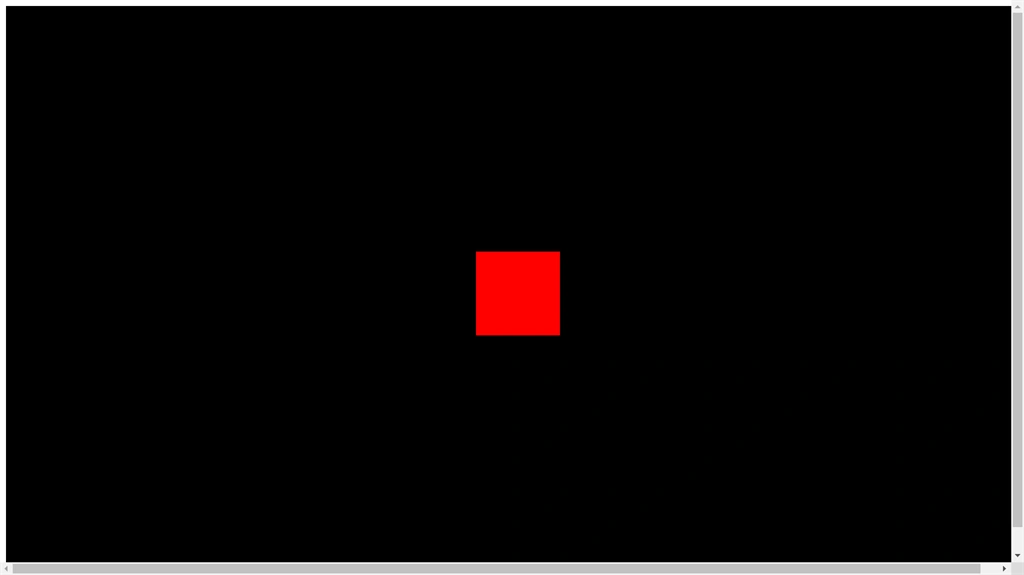
For example, if you want a cube which is a geometry of color-red (the material), then the mesh will take the geometry (cube) and paint it with a red color.
A Simple Scene
Initialize four basic variables.
- var Camera;
- var Renderer;
- var Scene;
- var Cube;
- Now let's create a basic scene
- function InitScene()
- {
- Scene = new THREE.Scene();
- //creating the camera
- var Fov=75; //it acts like camera lens
- var AspectRatio=window.innerWidth / window.innerHeight;
- var Near=1; //Set camera to see the objects- how much near
- var Far=10000; //set camera to see the objects- how much far
- Camera = new THREE.PerspectiveCamera( Fov, AspectRatio, Near,Far);
- Camera.position.z = 1000;
- //creating a render of size equal to our screen size
- Renderer = new THREE.WebGLRenderer();
- Renderer.setSize( window.innerWidth, window.innerHeight );
- geometry = new THREE.BoxGeometry( 200, 200, 200 );
- material = new THREE.MeshBasicMaterial( { color: 'red'} );
- Cube = new THREE.Mesh( geometry, material );
- Scene.add( Cube);
- document.body.appendChild( Renderer.domElement );
- }

SubashPosted Oct 21, 2016, 12:28 AM
Great one
Raja TPosted Jul 29, 2016, 4:33 AM
Nice,Thanks for sharing
Prasanna MuraliPosted Jul 28, 2016, 9:57 AM
Nice post
Shobana JPosted Jul 28, 2016, 7:06 AM
NICE ONE
Muhammad Aqib ShehzadPosted Jul 28, 2016, 6:38 AM
Nice one
Humayun Kabir MamunPosted Jul 28, 2016, 3:47 AM
Nice...
Ujjwal GuptaPosted Jul 25, 2016, 2:11 AM
Thank you guyz
kalu singh raoPosted Jul 25, 2016, 1:43 AM
Excellent
Nigel FernandesPosted Jul 25, 2016, 1:13 AM
Interesting