

Introduction
Beginning with this article, I am going to start writing a new series on Machine Learning using Azure Machine Learning Studio. Microsoft launched Azure Machine Learning Studio last year, for data analysis, predictive analysis, data mining, and data classification etc. Microsoft has already implemented most of the classic machine learning algorithms in Azure Machine Learning Studio. We don’t need to write our own data analysis algorithm if we use Azure ML Studio but still, there is opportunity for us to design our own data analysis algorithm using Python and R language.
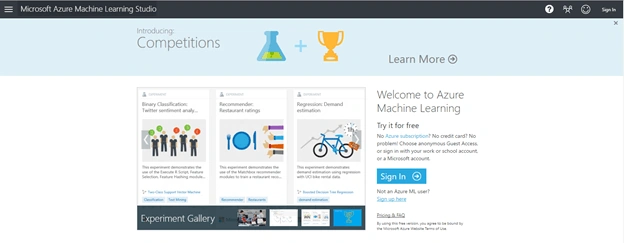
This article is going to be an introduction of Azure ML Studio where I will talk about machine learning, Azure Machine Learning Studio subscription, data type, algorithm categories, and algorithms. Let’s talk about Azure Machine Learning Studio.
Machine Learning
Machine learning is a way to understand the data pattern, recognize it, analyze it, get insight of it, and predict accordingly for the future. It helps in data mining, language processing, image recognition, and Artificial Intelligence.
We can split machine learning into several areas - supervised learning, unsupervised learning, and recurrent learning. In this tutorial series, we will only talk about supervised and unsupervised learning.
Supervised learning is predicting the future by learning from past examples.
Unsupervised learning is understanding the past, making sense of data, learning the structure of data, and compressing data for consumption.
Azure Machine Learning Studio
Azure Machine Learning Studio is built considering the cloud-first mobile-first world.
- This tool is fully managed and we don’t have a need to install any external software, or manage any hardware, as there is one portal to view and update everything.
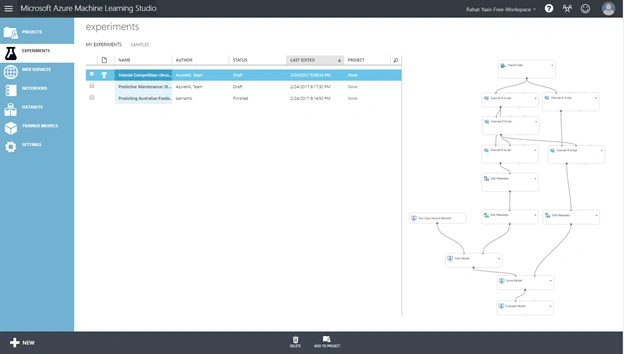
- It’s very simple to use. Simple drag, drop and connect interfaces are there to use for data science features. We don’t need any programming for common tasks.
- 33+ classic and mostly used data analysis algorithms are already implemented on this tool. We don’t need to implement new algorithm for basic use. But, it supports R and Python for extensibility usage.
- We can create service and integrate our data analysis tool with our existing web, mobile, or desktop application very easily. We can monetize our designed data analysis model in machine learning marketplace as well.
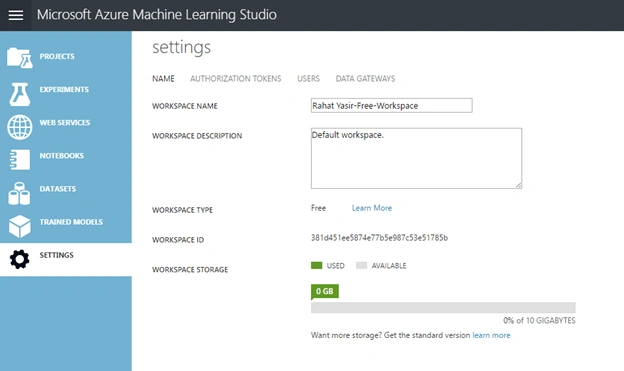
- We can collaborate work with anyone, anywhere via Azure workspace.
- There is visual composition with end2end support for data science workflow.
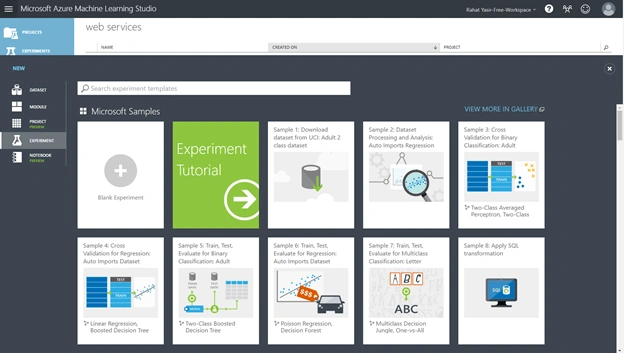
- There are built in immutable libraries of models. So, developers just need to search, discover, and reuse them according to their need.
- As we don’t need to do implement our own code, we can test our dataset with different algorithms and models in few minutes.
Applications
Azure Machine Learning has endless possibilities. We can perform social network analysis, predictive maintenance, web app optimization, healthcare outcomes, natural resource exploration, fraud detection, churn analysis, life science research, network intrusion detection and many more.
Application Process
For any type of data analysis application, at first we need proper dataset. To develop a data analysis application for Azure Machine Learning Studio , we need to setup cloud environment. Azure Machine Learning Studio is there for us, it is integrated with our Azure cloud environment and it is fast, efficient, and very easy to use.
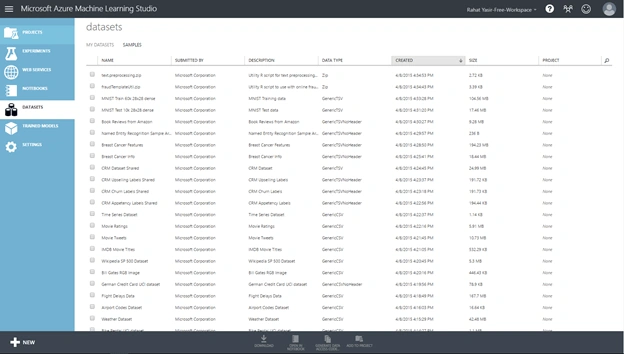
Azure Machine Learning Studio supports different types of data format. It supports,
- ARFF
- CSV
- TSV
- Excel
- ZIP as data format.
We can use different data sources in Azure ML Studio. Some of the supported data sources are,
- Azure Blob Storage
- Azure SQL DB
- Azure SQL DW
- Azure Table
- Hadoop Hive Query
- OData Feed
- Web URL(HTTP)
- Desktop Direct Upload etc.
We can use different types of data preprocessing methods to explore and process our collected data. Some of them are,
- Clean Missing Data
- Clip Outliers
- Edit Metadata
- Different Filters
- Feature Selection
- Normalization of Data
- Partition
- Quantization etc.
We can use different methods of data visualization in Azure Machine Learning Studio. These data visualization models are already implemented. We just need to integrate in our system and use them. Some of them are,
- Box Plots
- Histograms
- Bar Charts
- Scatterplots
- Python Plotting Libraries
- ROC Graph
- Decision Tree
- Confusion Matrix
Implemented algorithms
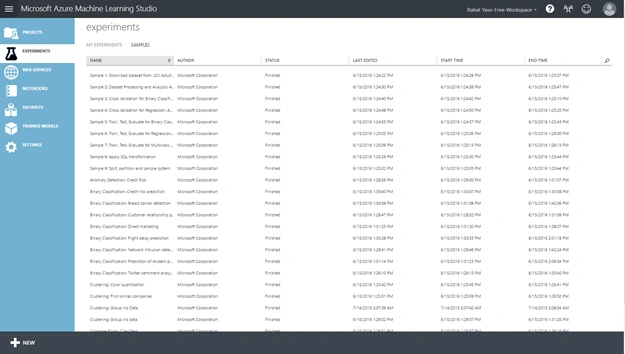
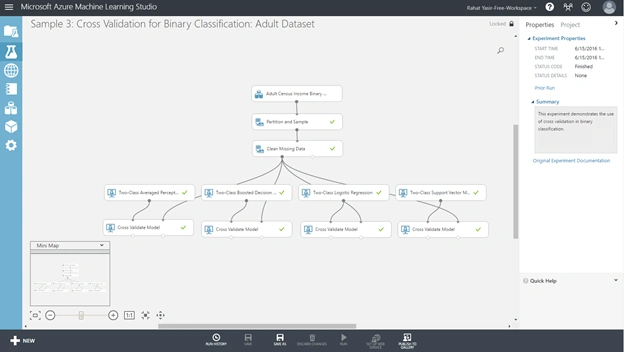
On 8 major categories, 33+ classic and mostly used machine learning algorithms are already implemented in Azure Machine Learning Studio. Major categories and algorithms are,
- Clustering
Humayun Kabir MamunPosted Mar 7, 2017, 5:50 AM
Thanks Rahat Bhai for this wonderful article...
Vivek KumarPosted Mar 3, 2017, 4:15 PM
Very nice explanation...
Deepak KaushikPosted Mar 1, 2017, 6:04 AM
Good Article on Machine learning!!