

Introduction
In .Net we create a Class Library to reuse our code or make our code reusable with the same type of application only, but that might not work for some conditions. Assume you have created a class library for WPF or any other type of application. Then if you want to access the same class library for a Windows 8 or Windows Phone application then in this scenario you can’t, this is referred to as a class library.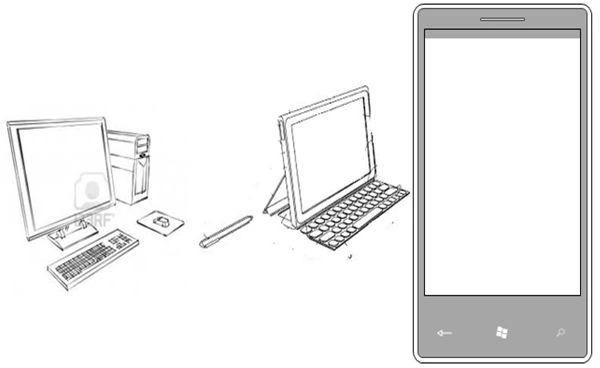
Time is changing, people want the same application on all platforms to make life easy. An example is if you are working in an Office then probably you use a Desktop application or web application. If you are traveling then at that time you use your tab or mobile app. In other words, the same application is used on multiple platforms. Microsoft technology is growing day by day and it’s covered end to end with software for nearly every device, all types applications you can build and validate within one framework on all types of platforms, Windows, Web, Mobile or Tab.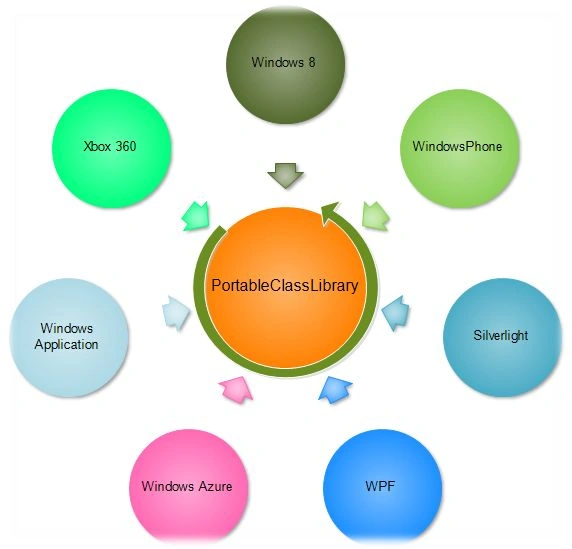
What PortableClassLibrary In .Net
The problem I explained above can be solved by the Portable Class Library(PCL). .Net 4.5 introduced the Portable Class Library (PCL) for developing your business logic in one location and you can use this library end to end in all types of applications or all platforms (Windows, web or Mobile) on the .Net Framework. In a single word, the Portable Class Library (PCL) allows the targeting of a set of platforms. For example WPF is a Windows application, it’s a Desktop based application. Windows Phone is a mobile application, it runs inside Windows Phone, if you refer to the same class library for WPF and Windows Phone then you will get the some error, because WPF has a different dependency and Windows Phone has a different dependency.
Above I defined the Portable Class Library (PCL) flow. All these applications run on the .Net framework but a different environment and platform but they all can easily use the Portable Class Library. In other words, you only need to prepare the UI and do the DataBinding of your application to be ready for all Windows, web and Mobile, because your same business logic can then use all platforms.
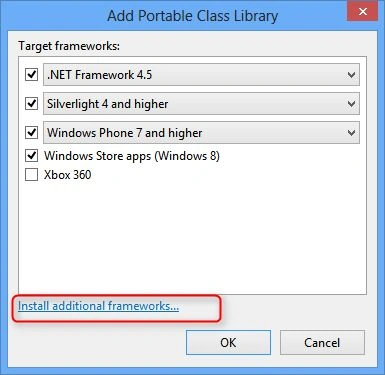
Supported platform by PortableClassLibrary
| Platform | Versions |
| .NET Framework | .NET Framework 4 and higher .NET Framework 4.0.3 and higher .NET Framework 4.5 |
| Silverlight | Silverlight 4 and higher (selected by default) Silverlight 5 |
| Windows Phone | Windows Phone 7 and higher (selected by default) Windows Phone 7.5 and higher Windows Phone 8. |
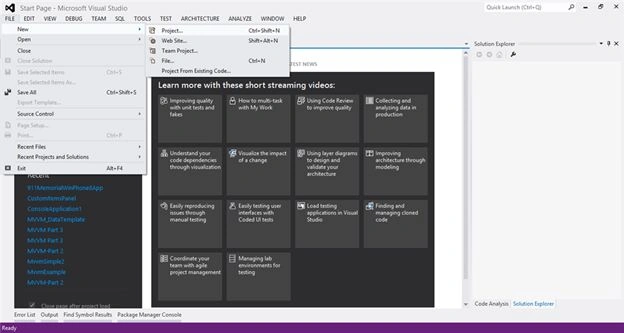
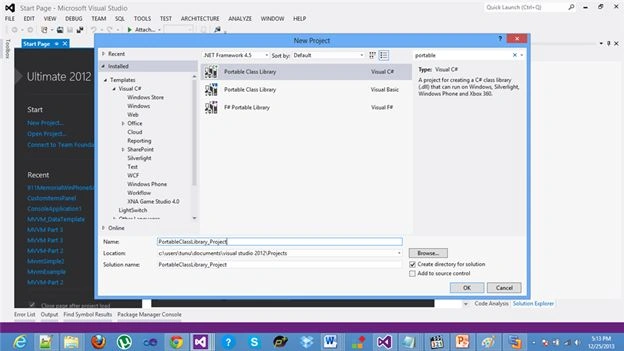
Suresh MPosted Aug 4, 2015, 1:41 AM
hi is there any way to convert old class library to portable library?