

You can see the CRUD operations using REST here. In this article, we are going to discuss how to join two lists in SharePoint 2013 using REST.
I have two lists in the Office 365 SharePoint site.
- ListA
- ListB
ListA contains two columns -> Title and Code.
ListB contains four columns including Lookup column -> Title, EmployeeName, Salary, Dept (looks up to ListA).
Find the below screenshots of ListA and ListB.
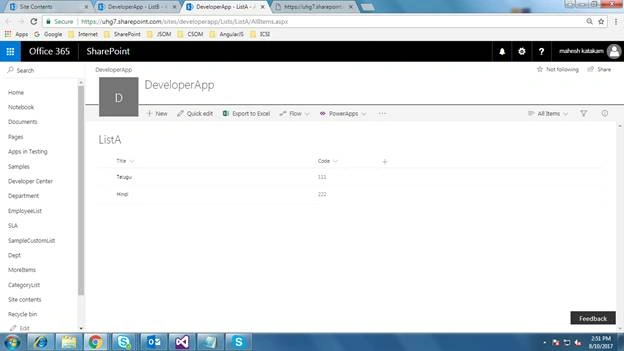
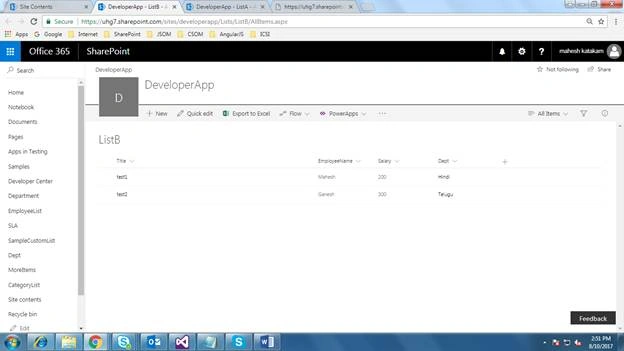
Now, I want to join these two Lists and query the ListB.
The REST query will looks like the below.
https://server/Sites/SiteName/__api/web/lists/GetByTitle('ListB')/items?$Select=ListBField1,ListBField2 LookUpColumnInListB/ListAField,LookUpColumnInListB/ListAFiled&$expand=LookUpColumn
In our example, the REST query looks like the following after these setting values.
https://servername/Sites/SiteName/__api/web/lists/GetByTitle('ListB')/items?$Select=Title,EmployeeName,Salary,Dept/Title,Dept/Code&$expand=Dept
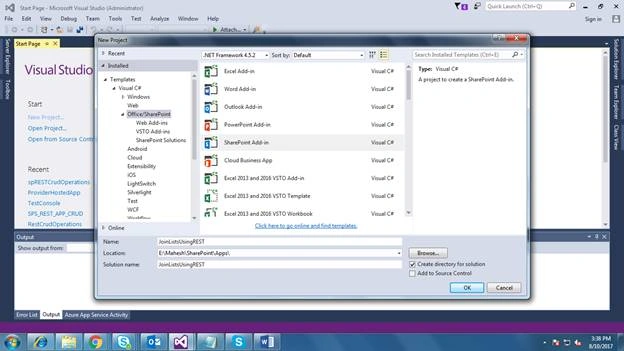
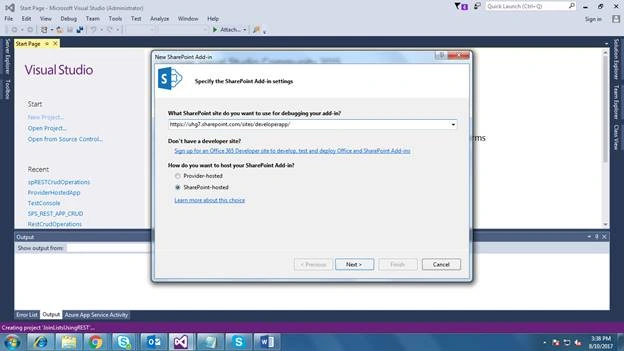
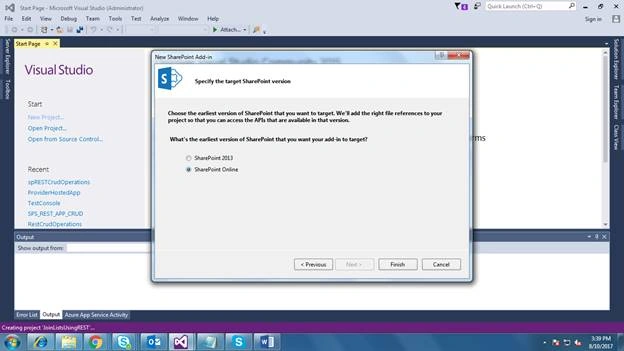
Once you create the project, you will find default pages and scripts under Project Solution.
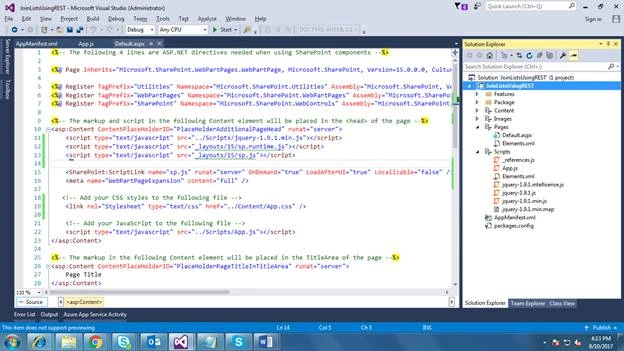
On the default.aspx page, we will make some changes to display the data.
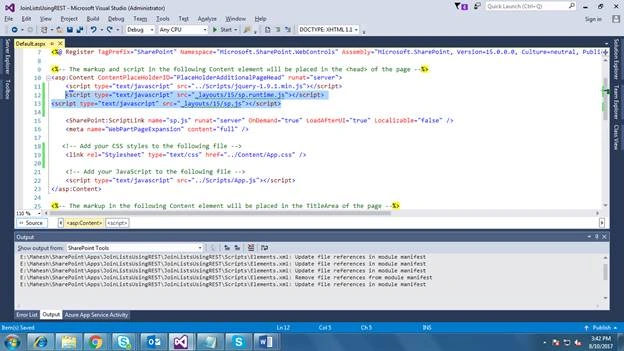
- Add the below script tags after the jQuery script tag.
- <script type="text/javascript" src="_layouts/15/sp.runtime.js"></script>
- <script type="text/javascript" src="_layouts/15/sp.js"></script>
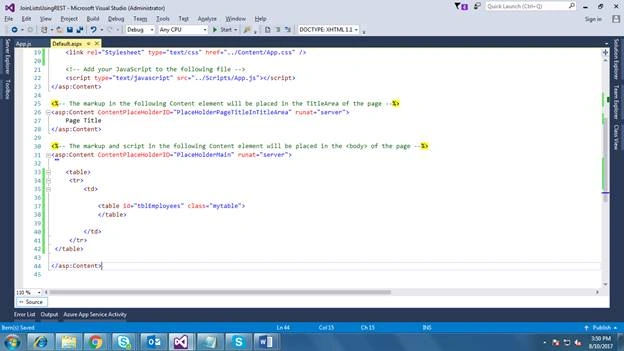
Write the below HTML code for User Interface under ContentPlaceHolderID tag.
- <table>
- <tr>
- <td>
- <table id="tblEmployees" class="mytable">
- </table>
- </td>
- </tr>
- </table>
- Now open the App.js file. Here, we will write one method to get the data from two lists using joins in REST.
Method name - GetEmployeeDetails()
Call this method in Document.ready function.
- $(document).ready(function () {
- GetEmployeeDetails();
- });
- function GetEmployeeDetails() {
- $.ajax({
- url: _spPageContextInfo.siteAbsoluteUrl + "/_api/web/lists/GetByTitle('" + listName + "')/items?$Select=Title,EmployeeName,Salary,Dept/Title,Dept/Code&$expand=Dept",
- type: "GET",
- headers: { "Accept": "application/json;odata=verbose" }, // return data format
- success: function (data) {
- var table = $("#tblEmployees");
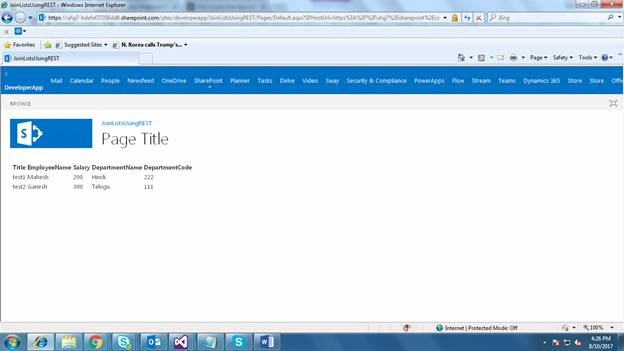
- var html = "<thead><tr><th>Title</th><th>EmployeeName</th><th>Salary</th><th>DepartmentName</th><th>DepartmentCode</th></tr></thead>";
- for (var i = 0; i < data.d.results.length; i++) {
- var item = data.d.results[i];
- html += "<tr><td>" + item.Title + "</td><td>" + item.EmployeeName + "</td><td>" + item.Salary + "</td><td>" + item.Dept.Title + "</td><td>" + item.Dept.Code + "</td></tr>";
- }
- table.html(html);
- },
- error: function (error) {
- alert(JSON.stringify(error));
- }
- });
- }
Mahmoud AlgoulPosted Dec 31, 2017, 3:38 AM
Nice article, thanks for sharing. what about insert multiple lists in one add form.
Tarun DPosted Aug 14, 2017, 1:18 AM
Good one Mahesh.. Thanks for sharing..