

Introduction
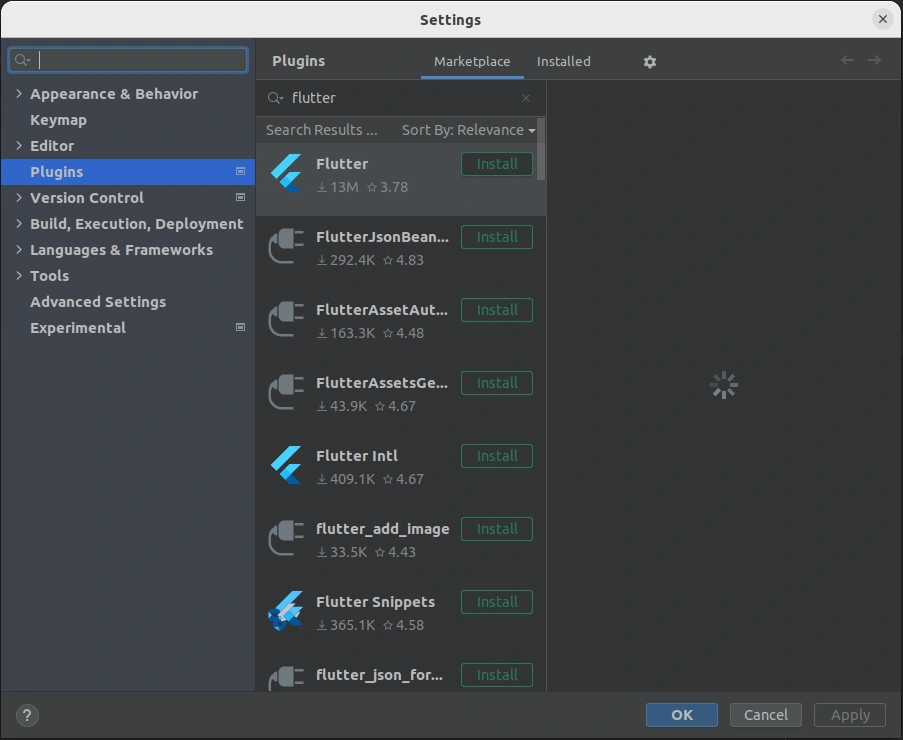
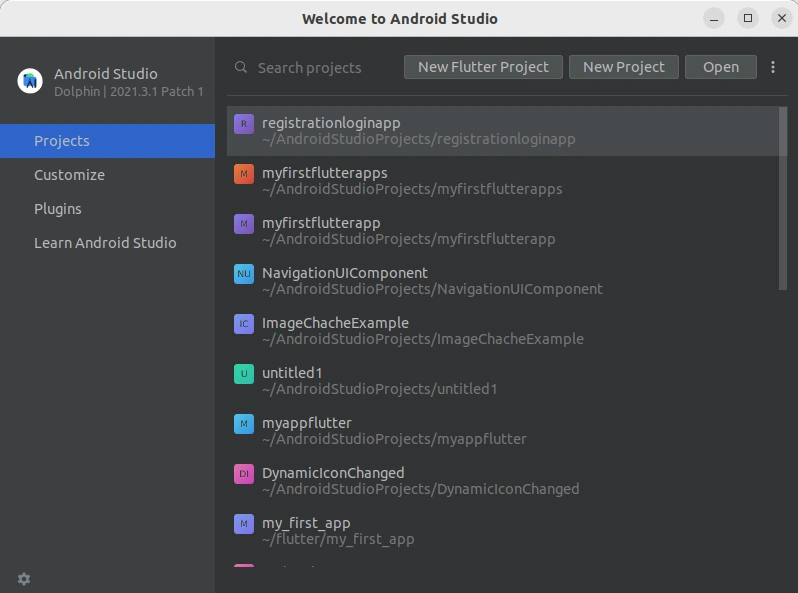
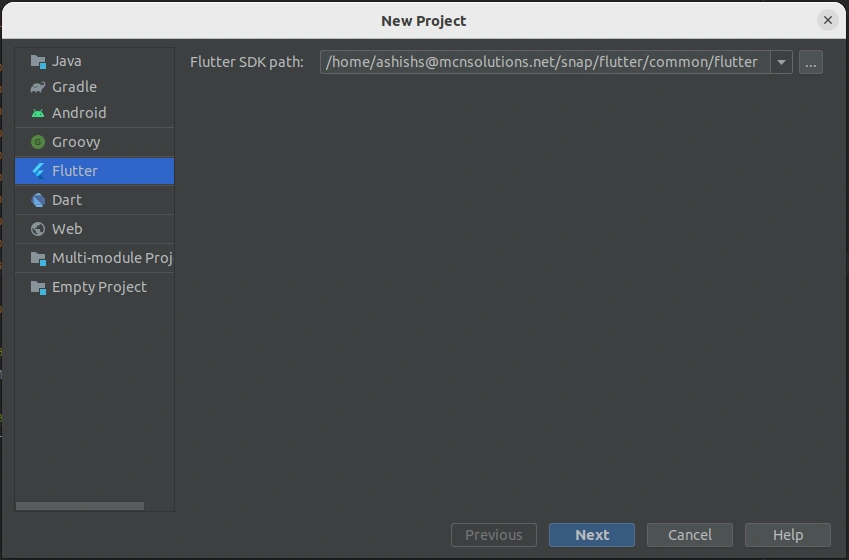
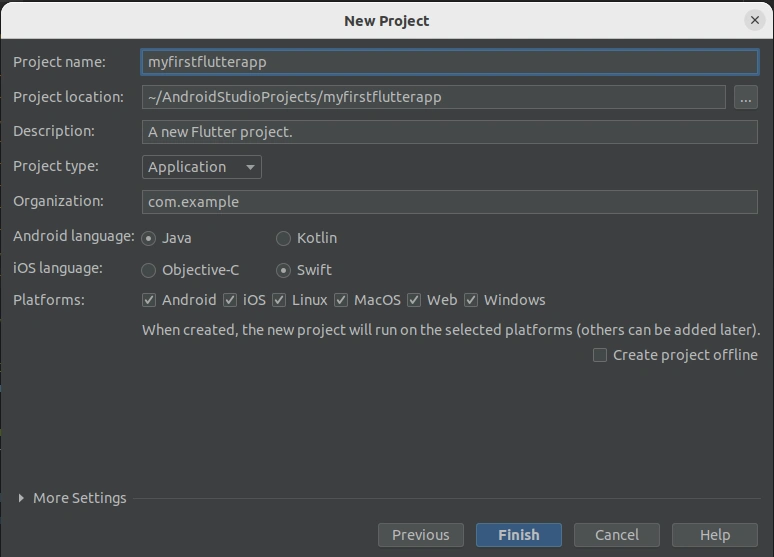
In this article, we will learn what is flutter and its features, how to install flutter in our android studio, and how we can create our first flutter project in Android Studio.
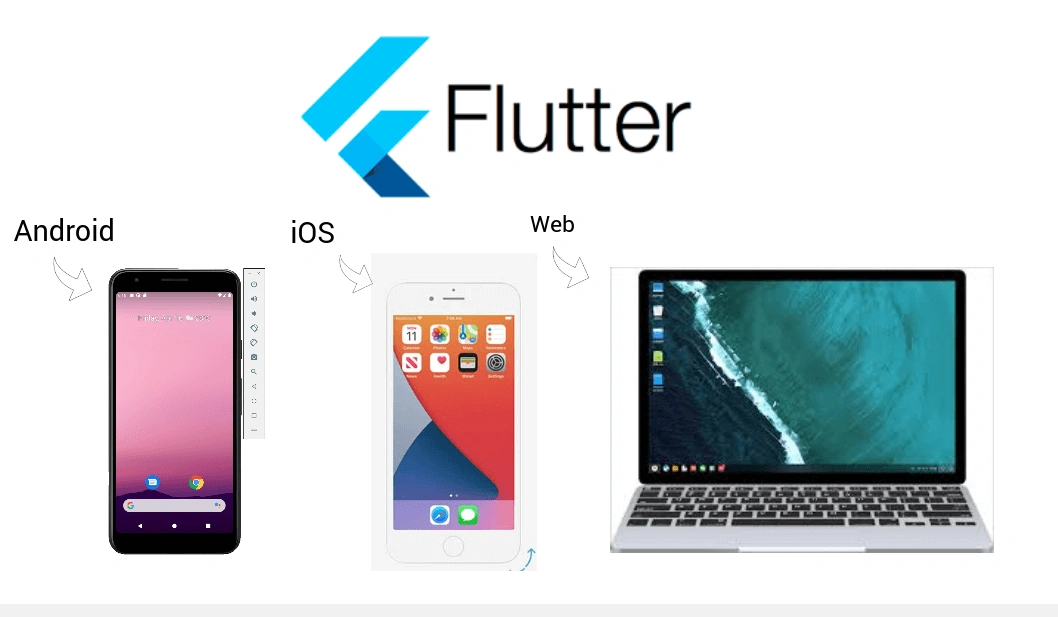
What is flutter
Flutter is an open-source UI software development kit (SDK). It was developed by Google in May 2017. Flutter application runs cross-platform (android, ios, desktop, web, etc) using a single code base so we don't need to write different code for the different operating systems. Since the flutter applications run on multiple platforms using a single code so this saves our time, effort, cost, etc. Flutter uses dart programming language. The dart programming language is easy to learn and syntax-wise, it is similar to c, c++, java, etc.
Features of flutter
Some of the flutter features are as follows,
- Cross-Platform Development
Flutter application runs on multiple platforms such as android, ios, web, etc using a single code base. This feature saves our time, effort, money, etc. - Open-Source
Flutter is open-source so it is free. Anyone can use flutter without paying any money. - Hot reload
This is a very useful feature in a flutter. Any code changes reflect instantly on UI without running the application. Using this feature, minor bugs can be fixed quickly. - Widget
Flutter has a rich set of widgets. The widget can be a text, textfield, menu, color, etc. we can create a beautiful UI by using a Widget.
Advantages of Flutter
Some of the flutter advantages are as follows,
- Fast Development
Flutter application can be built quickly because we have to write only a single code base and this code runs on multiple platforms. With the hot reload feature, changes are reflected instantly on UI. - Large community support
Flutter is developed by Google. Google consistently supports Flutter developers with frequent updates and issue fixes. - Beautiful UI
Flutter has a rich set of widgets. We can make a beautiful user interface using widgets.
How to install Flutter in Android Studio
Step 1
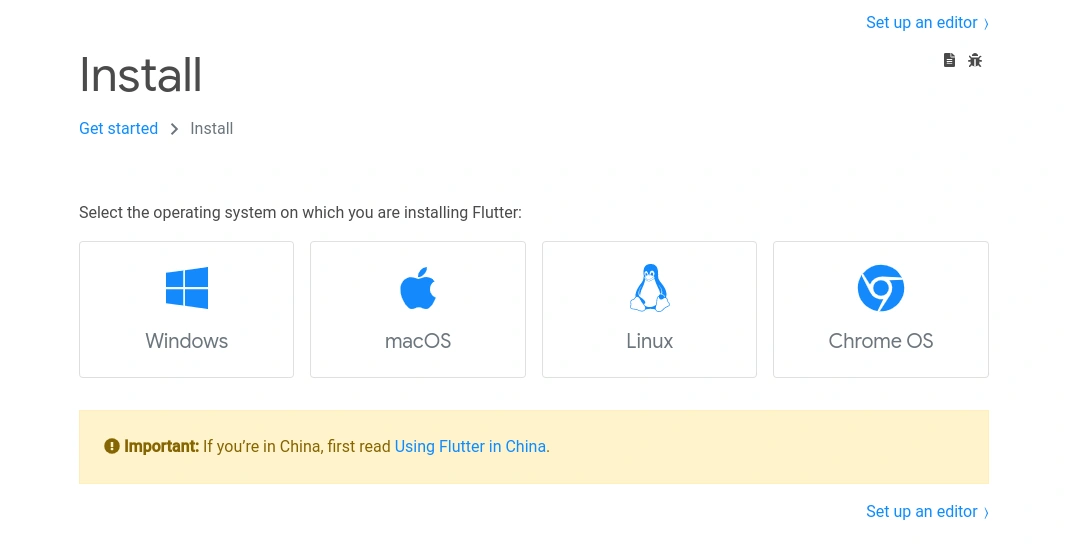
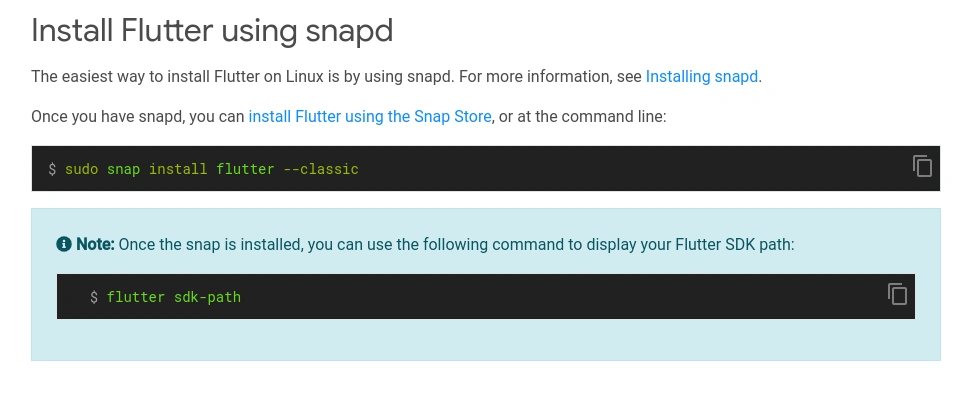
Install Flutter SDK using this link -> https://docs.flutter.dev/get-started/install
1) Select your operating system
Join the conversation! Your thoughts help the community grow.