

Before reading this article, I highly recommend reading the introduction part:
In this article, we are going to learn about Button control in C++/UWP.
Button Control
Button control allows the user to perform actions. They possess mainly two properties, content and click event. Content properties are used to set the caption of the Button and the click event is used to trigger the event.
Content
Content property is used to set the caption of the button. We can’t directly assign the text (In VB or C#, we can directly assign the text value), instead we use the Inspectable interface to assign the text.

IInspectable
IInspectable is the base interface to all Windows runtime classes. This interface is used for projecting COM features to the other languages, like C++, C#, JavaScript etc. To convert the string to IInspectable, we have to use the PropertyValue class.
PropertyValue
PropertyValue is used to convert the datatype (like string, int, float) to IInspectable.
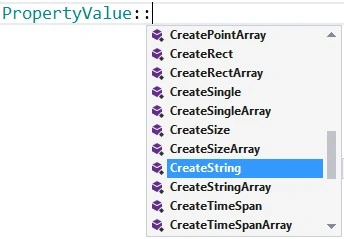
Here is the sample code assigning the Content text.

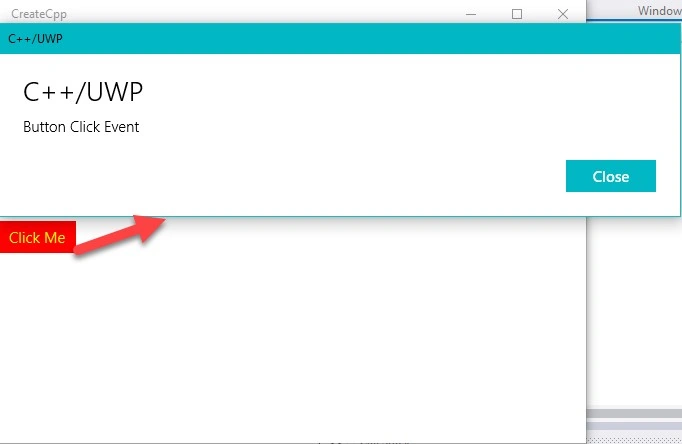
Button click is handled in the RoutedEventHandler event, passing the RoutedEventHandler function as argument (callback function). RoutedEventHandler callback has two input parameters, one is Sender, sender parameter IInspectable interface, then RoutedEventHandler as a 2nd argument.
Ex
- BtnClick.Click(&App::BtnClick);
- void App::BtnClick(IInspectable const & sender,const RoutedEventArgs &args)
- {
- }
Join the conversation! Your thoughts help the community grow.