

This article will explain how to make websites on Google. First of all enter the address https://www.site.google.com into your browser and provide your Google email and password.
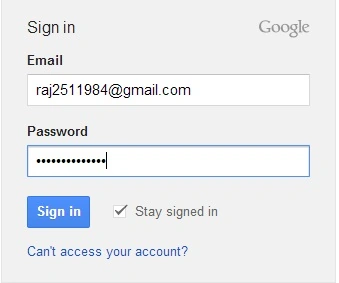
Image 1.
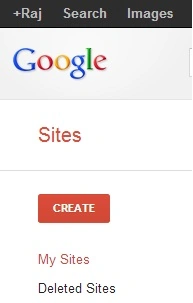
Image 2.
Now click on the "Create" button to proceed.
As you can see there are many default templates available, you can select any template. You can use the default template or browse the gallery for more templates.
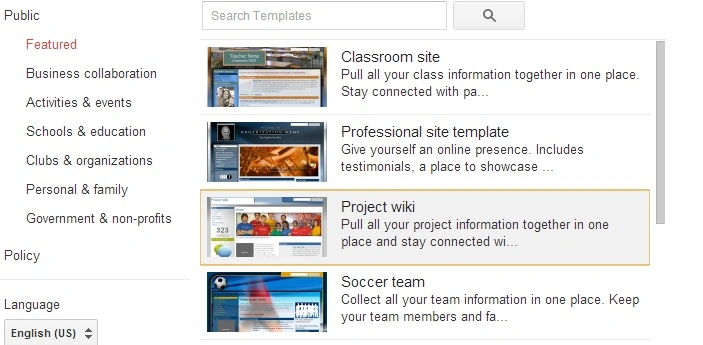
Image 3.
I have selected personal stuff. Then click "Select".
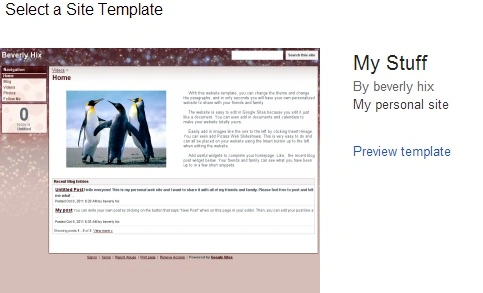
Image 4.
Now enter the name of your site and select color themes and provide the security code and click the "Create" button.
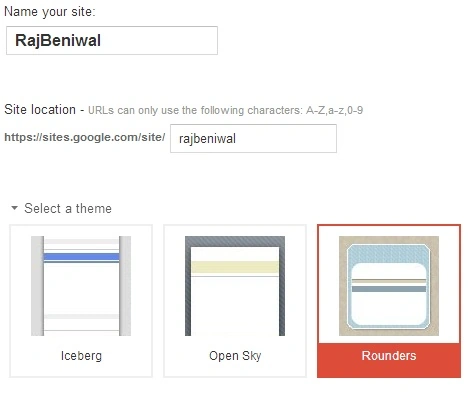
Image 5.
Now the site is ready.
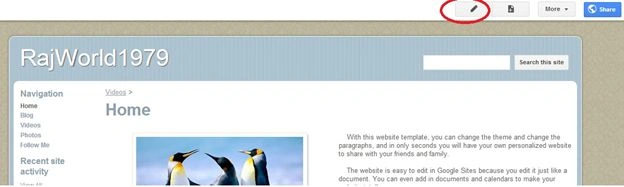
Image 6.
You have an option to edit site content, images and videos in a red circle. There you will see four tabs to change the layout.
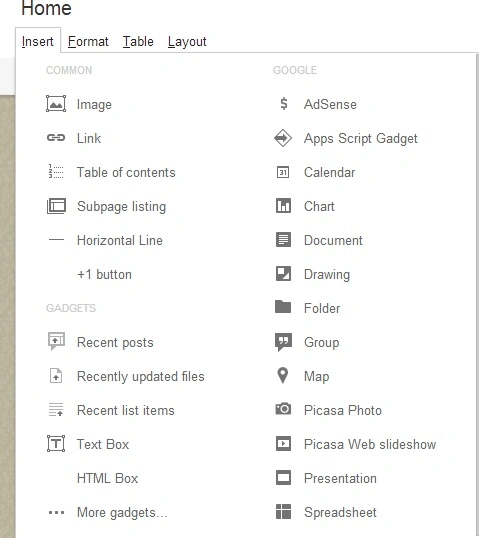
Image 7.
You can change page actions by clicking on the "More" button.
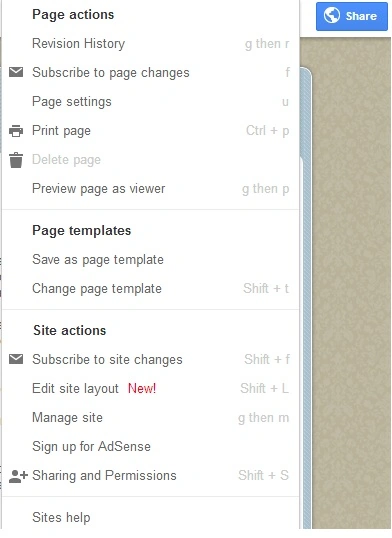
Image 8.
AKBAR AKIPosted Nov 27, 2013, 2:47 PM
nice
Mahesh AllePosted Mar 11, 2013, 2:00 AM
This is very useful information for people who want to create his own site. Thank you for posting this article. Is there is any way where I can upload my own site files?