

Microsoft 365 Enterprise Services
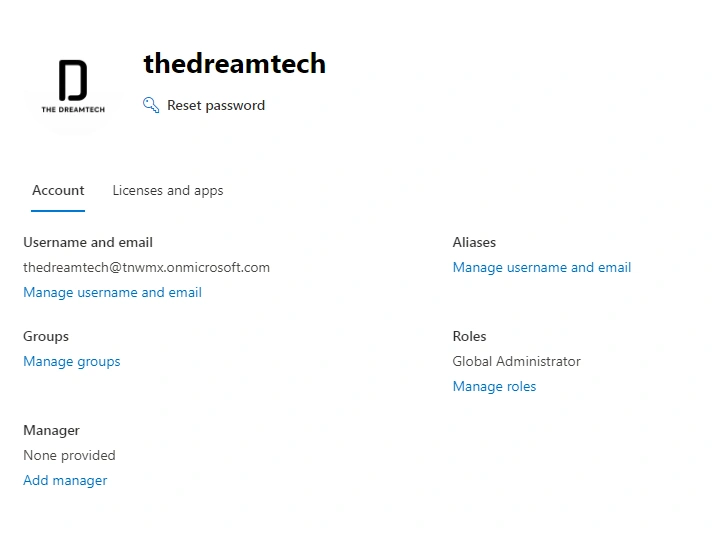
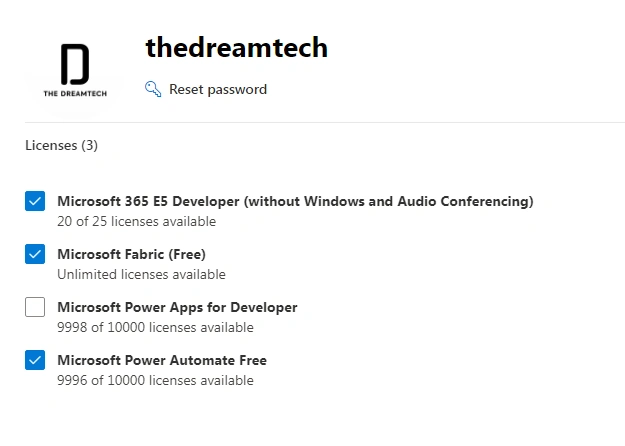
Earlier, Microsoft used to provide us with all the services for free. In Enterprise, licenses were also available for free. If any student wanted to study Sharepoint or Exchange server, then all the services were free for him, but from Jan 2024, the free trial of enterprise E5 and F3 licenses has been discontinued, which has affected many Admin services. If you have the admin portal created before Jan 2024 then all services will be auto-renew automatically.
What is E5(Microsoft Enterprice E5/E3/F3 licance)?
Features included in Microsoft 365 E5 and E3Microsoft 365 E5 includes
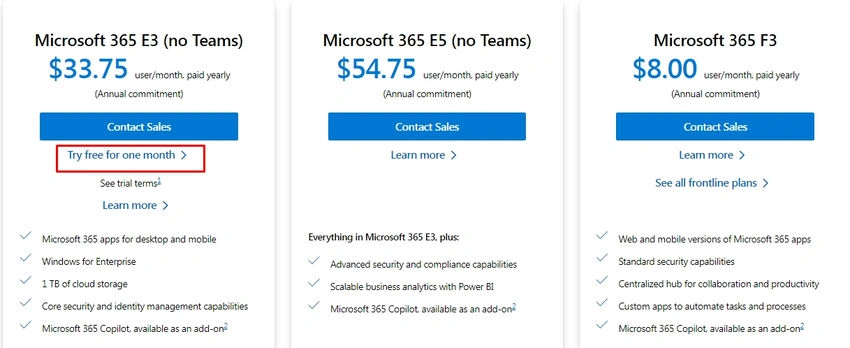
See Now only Free Trail version E3 Licance.
Microsoft Entra ID P2 | Microsoft Defender XDR | Microsoft Defender for Cloud Apps | Microsoft Purview Insider Risk Management | Power BI Pro
Microsoft Defender for Endpoint | Microsoft Defender for Identity | Microsoft Defender for Office 365 Plan 2 | Microsoft Purview eDiscovery
Built-in non-Microsoft connectors
Built-in non-Microsoft connectors like built-in tools or features that are included in Microsoft services and give easy connection and exchange of data with other third-party applications, platforms, or systems. These connectors are built into Microsoft's security, compliance, and productivity solutions. They also improve and allow users to integrate Microsoft tools with other software they already use.
Microsoft 365 Apps for Enterprise
- Microsoft 365 on the web | Exchange | SharePoint | Microsoft Lists | Sway | Power Automate for Microsoft 365 | Microsoft To Do | Microsoft Viva Insights (personal insights)
- Microsoft Viva Engage | Windows Autopilot | Universal Print | Mobile device management | Microsoft Intune | Credential Guard | Device Guard
- Windows Information Protection | Visio for the web | Microsoft Loop
Add-on services
Microsoft 365 Copilot | Microsoft Teams Enterprise | Microsoft Defender Vulnerability Management | Windows 365 | Microsoft Viva | Microsoft Priva Privacy Risk Management
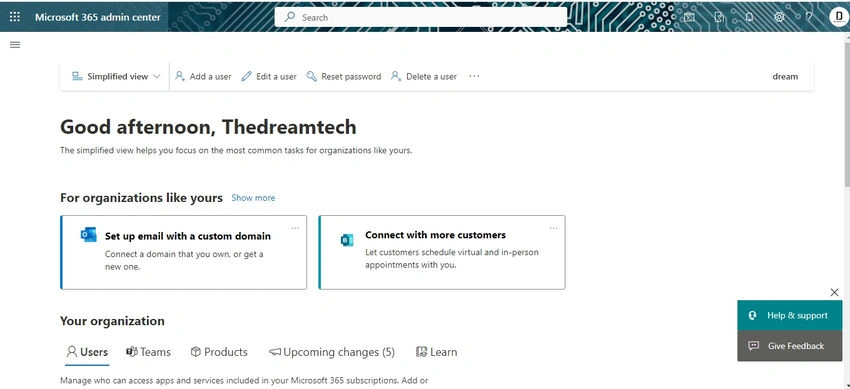
Earlier, if we created a free trial business ID, which used to be made with Microsoft domain in which we got 25 admin licenses or 10000 power apps or P2 licenses, but now if we go to create an ID, an error is created in any business account.
So now, if you want to create a business account, then for that, you simply need to have a license of any Microsoft ID like Visual Studio Professional 2022 USer ID. Then you can create a business account through its ID password.
Join the conversation! Your thoughts help the community grow.