

Introduction
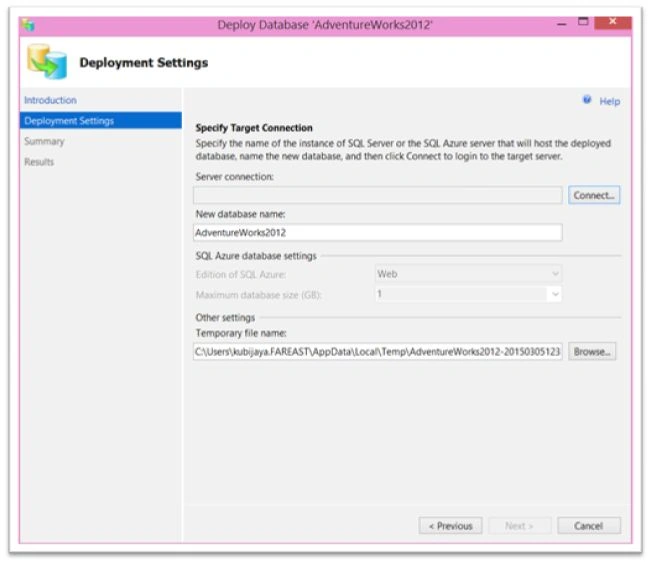
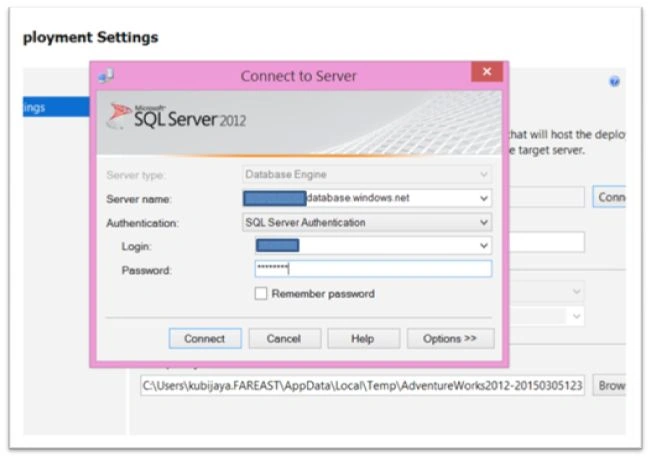
By this we will be migrating On-Premise SQL Server database to Azure SQL database using different tools available, like – SQL Database Migration Wizard, SSMS – Deploy database to SQL Azure, Import and Export Wizard.
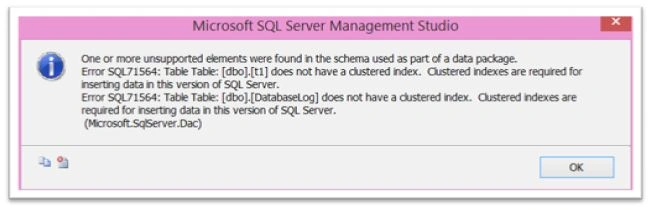
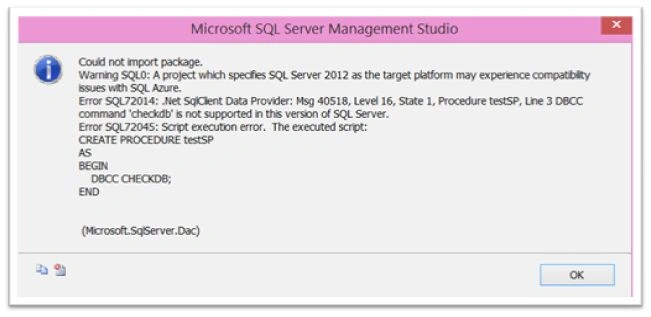
Here we will also discuss about the features that are not supported in Azure SQL database and ways to identify such features/syntax.
Scenario
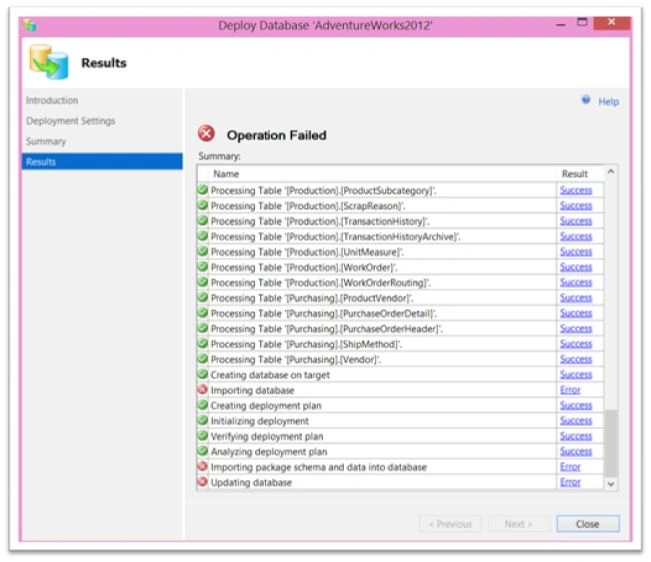
- Migrate on-premise database as-is and find out features not supported in Azure SQL Database. Rectify the problems and migrate again.
- Migrate database using SQL Database Migration Wizard.
- Migrate database to a Premium P3 database and compare performance.
Prerequisites
- Microsoft Azure subscription.
- OS - Microsoft Windows 8.1 Enterprise.
- SQL Server 2012 Enterprise Edition.
Microsoft SQL Server 2012 - 11.0.2218.0 (X64)
Enterprise Edition (64-bit) on Windows NT 6.2 <X64> (Build 9200: ) (Hypervisor)
- The following in C:\Contents folder of the machine -
a. SQL Database migration Assistant(SQLAzureMW v4.15.4 Release Binary for SQL Server 2012.zip) - can be downloaded here.
b. AdventureWorksFull.bak - can be downloaded from http://bit.do/adventureworks2012
Step 1


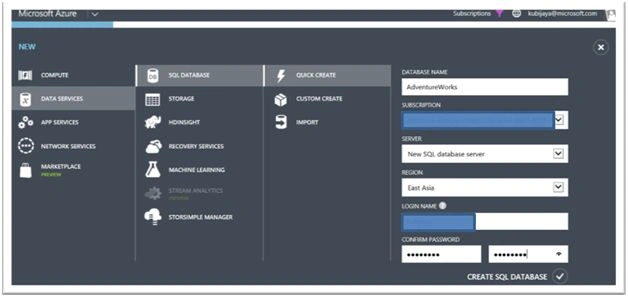
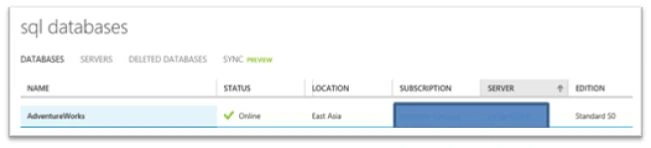

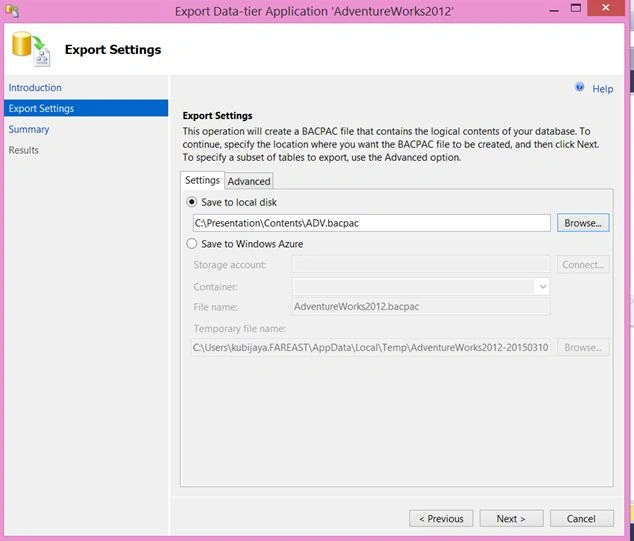
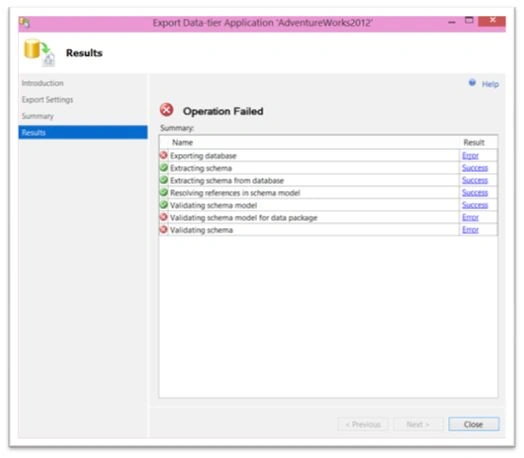
Praveen SreeramPosted Jun 11, 2016, 11:44 PM
Do you suggest creating BACPAC for migrating Huge databases? say 500 GB size? We have couple of databases whose size is between 200 GB to 500 GB. Any suggestions are highly appreciated!
Anbu ManiPosted May 18, 2016, 12:08 AM
Nice
Neeraj KumarPosted May 17, 2016, 2:50 PM
Nice explanation
Bhuvanesh MohankumarPosted May 17, 2016, 2:22 PM
Nice
Praveen SreeramPosted May 17, 2016, 11:37 AM
Nice.. Do you suggest creating BACPAC for migrating Huge databases? say 500 GB size? We have couple of databases whose size is between 200 GB to 500 GB. Any suggestions are highly appreciated!
Kuppurasu NagarajPosted May 17, 2016, 10:57 AM
Nice sharing..