

Introduction
In this article, we are going to develop an interaction between Python and MongoDB.
In another article, we set up a MongoDB Atlas account and also completed some basic exercises in Mongo DB, such as creating a database, creating a collection and inserting some documents as well. If you are interested, then please go through this article before starting.
Before beginning this, I am expecting that you should aware of the basics of Python. This article is not covering Python installation and setup
Atlas Setup
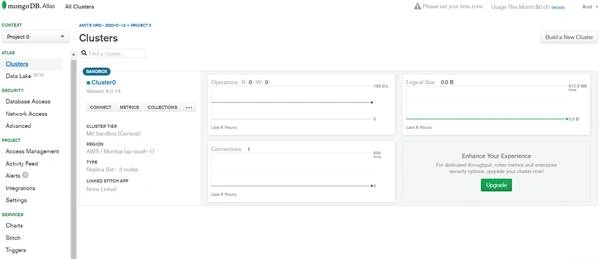
First, open the mongodb Atlas in a browser.
Select cluster from the left panel.
And press the CONNECT button.
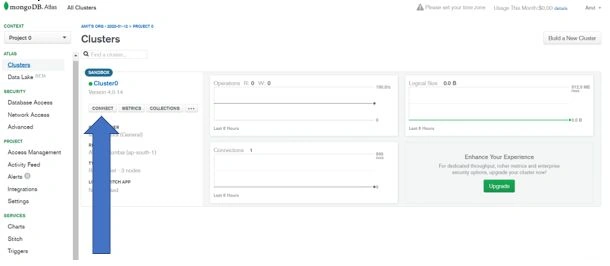
You will see a popup with three options. We will explore each option.
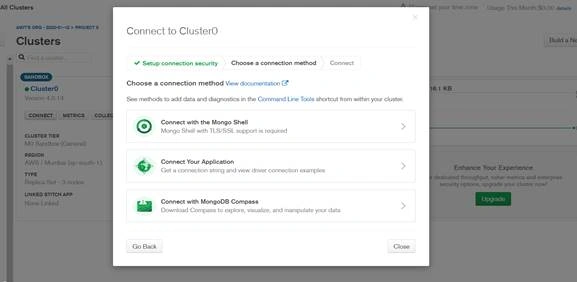
Here, we will choose the “Connect to your Application” option
We will get a popup with 2 options:
- DRIVERS and VERSIONS
- Connection String or Full driver example
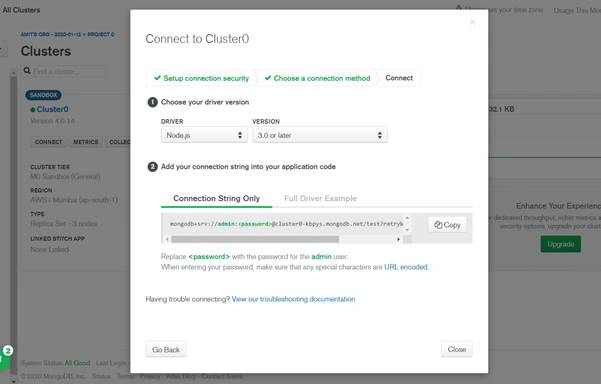
From drivers, select Python and the latest version after that. Copy the connection string only.
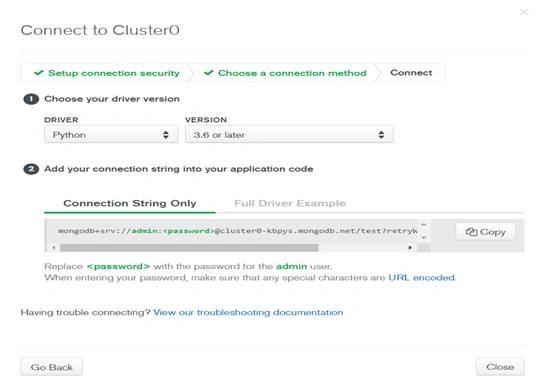
mongodb+srv://admin:<password>@cluster0-kbpys.mongodb.net/test?retryWrites=true&w=majority
Note
Now open any Python editor. I am using PyCharm.
Start development
First, open pycharm.
Create an open sample project.
Open a terminal in pycharm.
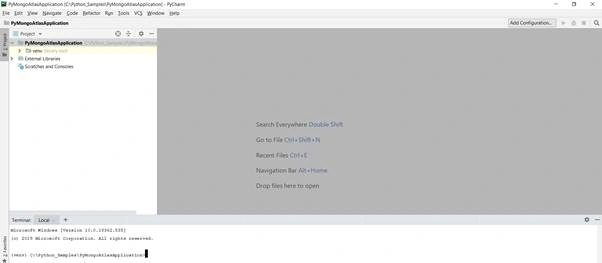
Now install mongodb dependencies for python from the terminal.
pip3 install pymongo[srv]
Create one sample py file, mongo_atlas_database.py
Here we are going to print all databases and also add one database.
- import pymongo
- client = pymongo.MongoClient("<the atlas connection string>")
Copy the connection string from Atlas and paste it here.
- import pymongo
- client = pymongo.MongoClient("mongodb+srv://admin:[email protected]/test?retryWrites=true&w=majority")
- for name in client.list_database_names():
- print(name)
The output should look like:

Now we try to list the database and respective collections.
- import pymongo
- client = pymongo.MongoClient("mongodb+srv://admin:[email protected]/test?retryWrites=true&w=majority")
- for database_name in client.list_database_names():
- print("Database - "+database_name)
- for collection_name in client.get_database(database_name).list_collection_names():
- print(collection_name)
CRUD Operations
As we know in mongodb provides us database at the top hierarchy. In the database, we store collections and inside the collections, we add documents.
Create document
First, we create a database.
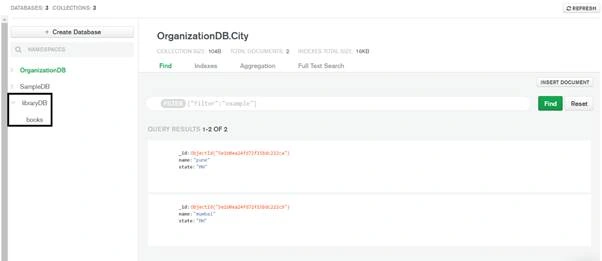
Oleg GorlovPosted Apr 19, 2020, 11:44 AM
Thanks Amit!
Badr Eddine BadriPosted Mar 26, 2020, 7:24 AM
Myquery = {"language": "Java"} newvalues = {"$set": {"language": "Advanced Java"}} client.libraryDB.books.update_one(myquery, newvalues) this is how to update from Java to Advanced Java