

Introduction
Let's see more on the Mouse and TouchPad controlling options in Windows 10.
Step 1
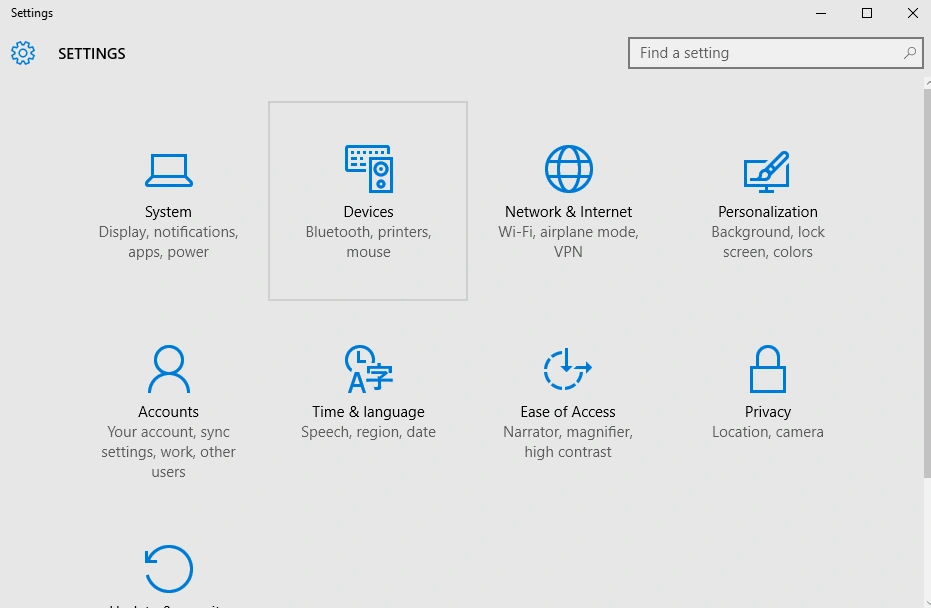
Go to the Settings option in Windows 10.

Step 2
Under Settings go to Devices option.

Step 3
Under Devices option select Mouse & touchpad.
- Option to set the left or right button as the primary button for the mouse.
- How much scrolling capability (Roll the mouse wheel to scroll).
- How many lines to scroll.
- Hovering capability on the inactive windows.
Read more articles on Windows 10:
Summary
In this article, we learned about Mouse And Touchpad In Windows 10.
Join the conversation! Your thoughts help the community grow.