

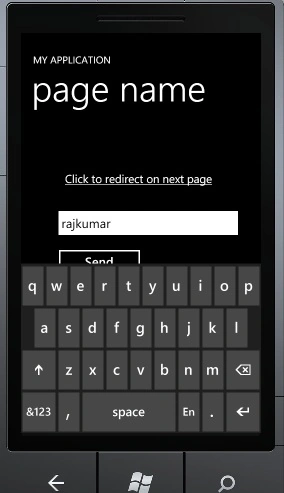
This article describes how to use Navigation in Windows Phone 7. In this article we'll see how to navigate from one page to another upon the click of a button and how to send a value using a query string from one page to the other page.
Getting Started
Creating a Windows Phone Application:
Open Visual Studio 2010.
Go to File => New => Project
Select Silverlight for Windows Phone from the Installed templates and choose Windows Phone Application
Enter the Name and choose the location.
Click OK.
First of all add a new Windows phone portrait page using add new item; click and give a name for the page. My page name is Page1.xaml.
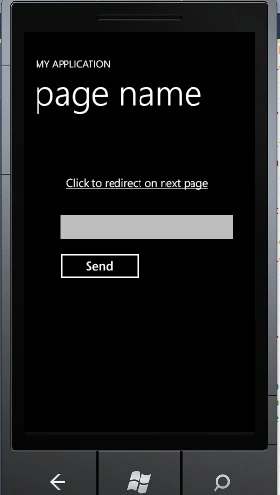
Now on the main page drag and drop a hyperlink button.
<HyperlinkButton Content="Click to redirect on next page" Height="39" HorizontalAlignment="Left" Margin="51,89,0,0" Name="hyperlinkButton1" VerticalAlignment="Top" Width="344" Click="hyperlinkButton1_Click" />
Click event.
private void hyperlinkButton1_Click(object sender, RoutedEventArgs e)
{
NavigationService.Navigate(new Uri("/Page1.xaml", UriKind.RelativeOrAbsolute));
}
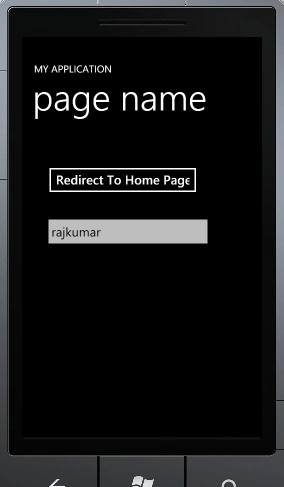
This code will redirect you to page1 and if you want to return to the previous page then add a button control to page1 and put this on button click.

Nirali ShahPosted Apr 20, 2011, 3:57 AM
If i want to navigate on the same page or refresh the page, how is it possible????