

There are three options in Model View Controller (MVC) for passing data from controller to view. This article attempts to explain the differences among ViewData, ViewBag, and TempData with examples. ViewData and ViewBag are similar and TempData performs additional responsibility. The following are the key points on those three objects.
ViewData
- The ViewData is used to move data from controller to view.
- The ViewData is a dictionary of objects that are derived from the "ViewDataDictionary" class and it will be accessible using strings as keys.
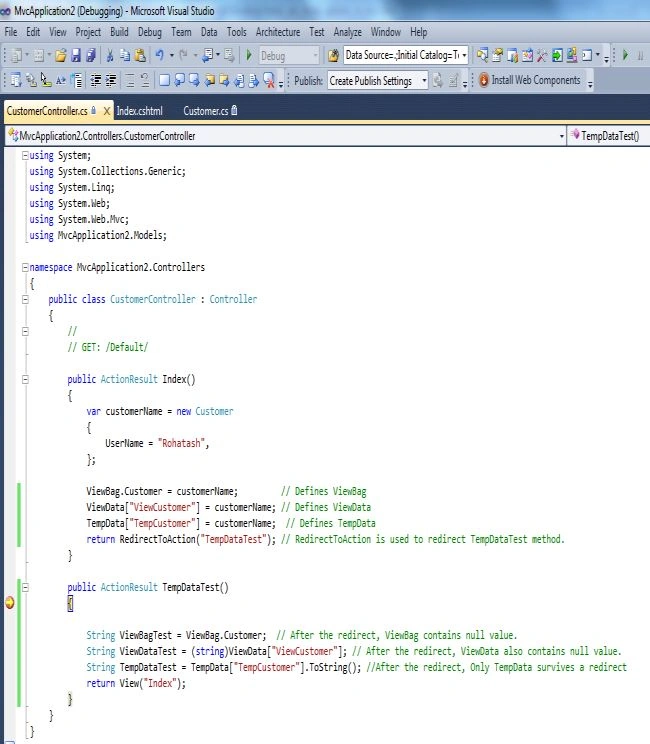
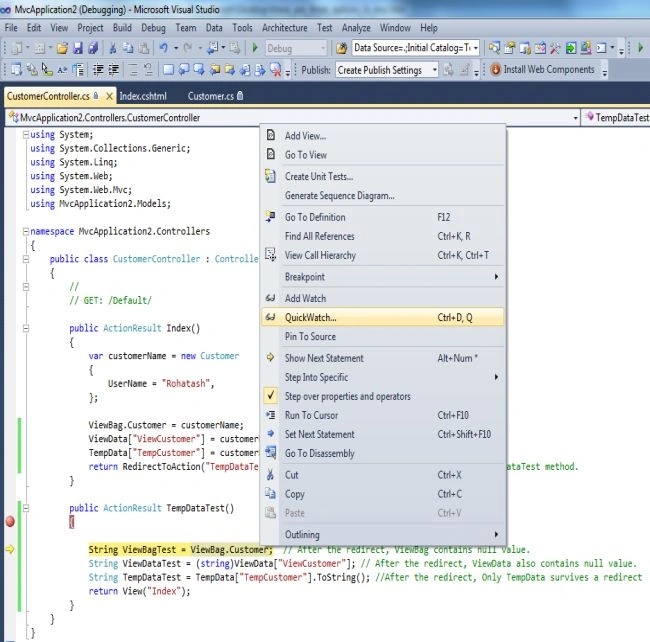
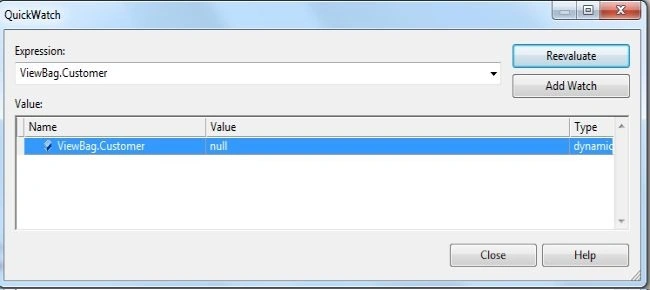
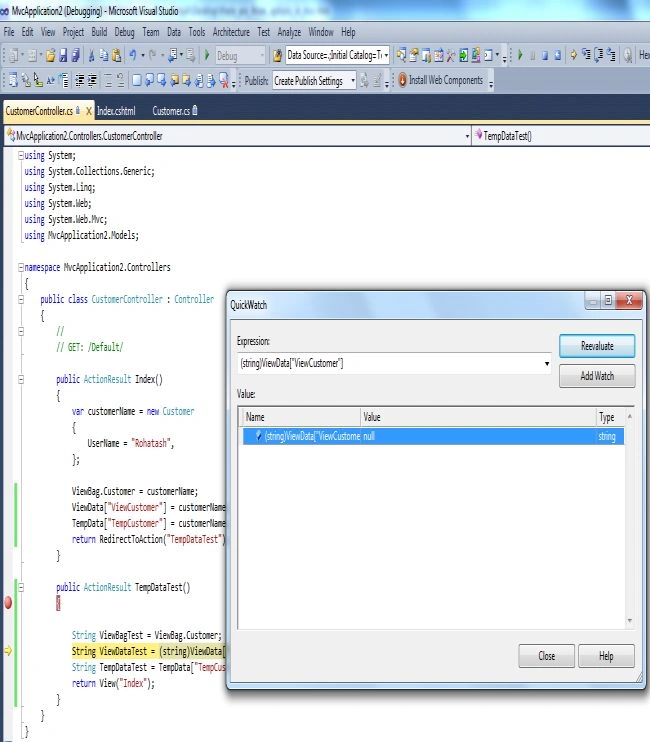
- ViewData contains a null value when redirection occurs.
- ViewData requires typecasting for complex data types.
ViewBag
- ViewBag is just a dynamic wrapper around ViewData and exists only in ASP.NET MVC 3. ViewBag is a dynamic property that takes advantage of the new dynamic features in C# 4.0.
- ViewBag doesn't require typecasting for complex data types.
- ViewBag also contains a null value when redirection occurs.
TempData
- ViewData moves data from the controller to the view.
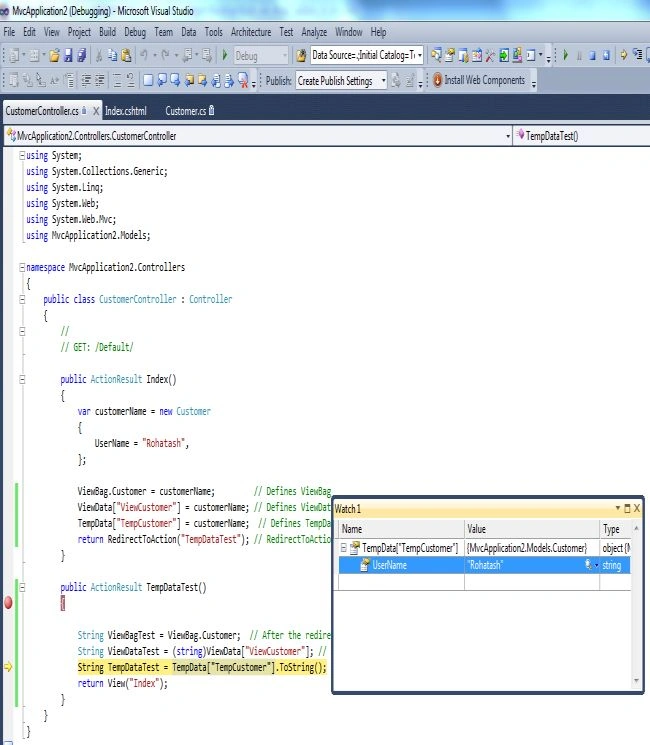
- Use TempData when you need data to be available for the next request, only. In the next request, it will be there but will be gone after that.
- TempData is used to pass data from the current request to the subsequent request, in other words in case of redirection. That means the value of TempData will not be null.
Now create an MVC Application to understand the differences between ViewData, ViewBag, and TempData. The following example is for a Current Request.
Model Code
Right-click on "Model" and add a class with the name Customer. cs and add the following code.
using System;
using System.Collections.Generic;
using System.Linq;
using System.Web;

namespace MvcApplication2.Models
{
    public class Customer
    {
        public string UserName { get; set; }
    }
}
Controller Code
Right-click on the "Controller" folder add a controller with the name "Customer Controller" and add the following code.
using System;
using System.Collections.Generic;
using System.Linq;
using System.Web;
using System.Web.Mvc;
using MvcApplication2.Models;

namespace MvcApplication2.Controllers
{
    public class CustomerController : Controller
    {
        //
        // GET: /Default/
        public ActionResult Index()
        {
            var customerName = new Customer
            {
                UserName = "Rohatash",
            };
            ViewBag.Customer = customerName; // Defines ViewBag
            ViewData["ViewCustomer"] = customerName; // Defines ViewData
            TempData["TempCustomer"] = customerName;  // Defines TempData
            return View();
        }
    }
}
View Code
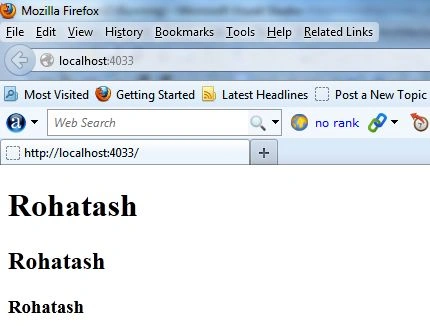
This is the View for showing the user's details. Right-click on "Controller method Index" add View to the corresponding controller and add the following code.
kalu singh raoPosted Mar 29, 2016, 12:33 PM
Nice...
Anil KumarPosted Sep 29, 2015, 10:07 AM
nyc
yuvaraj pPosted Apr 23, 2015, 6:22 AM
really nice article its very very useful for all of us
imran khanPosted Oct 29, 2014, 10:19 AM
gr8 article...please write some article on different ways to pass data from view to controller...
Rohatash KumarPosted Jul 31, 2013, 12:22 AM
Thanks sanjeev.
sanjeev kumarPosted Jul 30, 2013, 6:04 AM
This very good article for begineer