

What is Expression Encoder?
Microsoft Expression Encoder is a Windows based program for encoding web based videos and digital video.
Features of MS Expression Encoder
-
Preparing videos (you can do simple edits and overlays)
-
Capture you Desktop screen actions (to make online training videos)
-
Encoding high level video's to devices and web
-
We can customized Silverlight video's
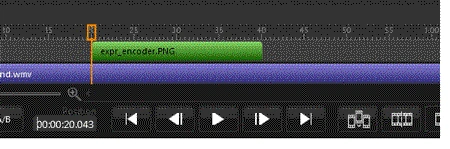
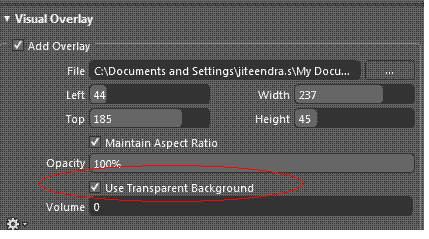
Steps to Overlay an image to a video file:
1.
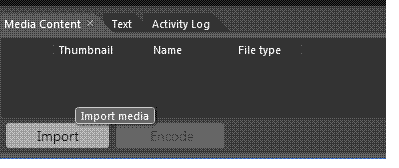
open the Expression Encoder from Microsoft Expression, select Transcoding
Project and click OK.

rachana tewariPosted Apr 3, 2012, 7:07 AM
I have an wmv file without an audio track, and I want to add an audio overlay to the encoding job. Whatever I do, I can't get the audio track to get added. In the Desktop app, I can do this by enabling the audio track and then setting the audio overlay file. From the SDK, I just can't get this to work. Does anyone have an example of getting this to work? Here is the basics of my code: MediaItem mediaItem= new MediaItem(wmvFilePath); mediaItem.AudioOverlayFileName = "C:\\clap.wav"; mediaItem.AudioOverlayFileName = L_Path; mediaItem.AudioGainLevel = 10; mediaItem.AudioOverlayGainLevel = 10; mediaItem.AudioOverlayLayoutMode = OverlayLayoutMode.Custom; mediaItem.AudioOverlayLoop = false; using (Job job = new Job()) { job.MediaItems.Add(mediaItem); job.OutputDirectory = outputFolder; job.CreateSubfolder = false; job.DefaultMediaOutputFileName = outputFileName; job.Encode(); }
rachana tewariPosted Apr 3, 2012, 6:44 AM
Using SDK function its not working properly