

Part I: Advanced Authentication Types For SQL Server and Other Database Systems
Part II : In-Depth Look at Advanced Authentication and Connection Strings for SQL Server and Databases
Part III: Best Practices for Handling Connection Strings in C#
1. Default Behavior Change
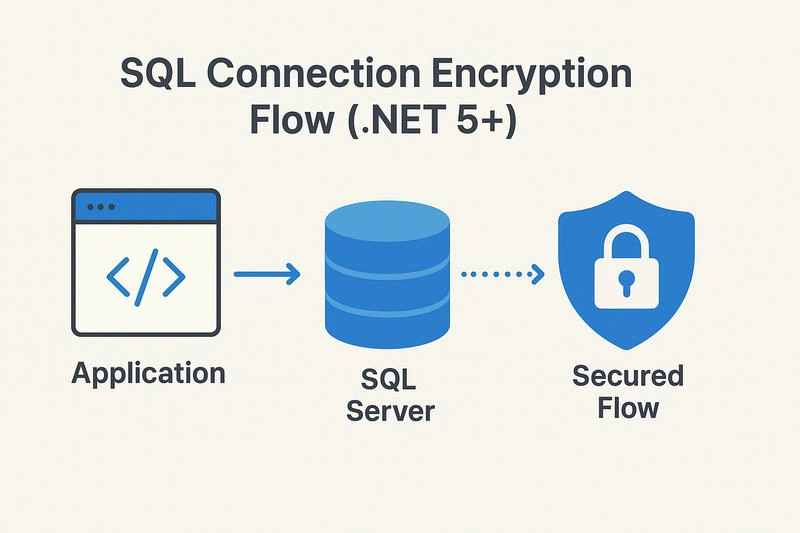
Starting from .NET 5, Microsoft changed the default value of the Encrypt property in SqlClient connection strings:
| .NET Version | Default Encrypt Value | Behavior |
|---|---|---|
| .NET Framework / .NET Core 3.1 and below | False | Data between app ↔ SQL Server is not encrypted unless specified. |
| .NET 5 and above | True | SQL Client requires encryption by default. |
That means — If you don’t explicitly set Encrypt=False or configure certificates correctly, the connection may fail with errors like:
A connection was successfully established with the server, but then an error occurred during the login process. (provider: SSL Provider, error: 0 - The certificate chain was issued by an authority that is not trusted.)
2. Reason: Security Hardening
Microsoft is enforced Encrypt=True by default to:
Prevent man-in-the-middle (MITM) attacks.
Ensure data confidentiality in transit.
Align with security compliance standards (GDPR, HIPAA, PCI DSS, etc.).
Encourage developers to use valid server certificates.
3. If You’re Using Self-Signed or Local SQL Server
When your SQL Server doesn’t have a valid SSL certificate (like local dev machines), you’ll need:
Encrypt=True;TrustServerCertificate=True;👉 TrustServerCertificate=True allows encryption without validating the certificate authority.
✅ Use only in development or internal environments.
4. For Cloud or Production Servers
Use
Encrypt=True;TrustServerCertificate=False;
✅ This ensures your app verifies the server’s certificate against trusted CAs — protecting against spoofing or redirection attacks.
Example Comparisons
Before (.NET Core 3.1 or lower)
"Server=MyServer;Database=MyDB;Trusted_Connection=True;"Works fine — unencrypted by default.
After (.NET 5+)
"Server=MyServer;Database=MyDB;Trusted_Connection=True;"❌ May fail if the server lacks a valid SSL certificate.
Fix
"Server=MyServer;Database=MyDB;Trusted_Connection=True;Encrypt=True;TrustServerCertificate=True;"Short Note
| Environment | Recommended Connection String | Notes |
|---|---|---|
| Development (Local SQL) | Encrypt=True;TrustServerCertificate=True; | Encrypts data; skips certificate validation. |
| Production / Cloud | Encrypt=True;TrustServerCertificate=False; | Fully encrypted + validated certificate. |
| Legacy Compatibility | Encrypt=False; | Not recommended; use only if forced by legacy dependencies. |
Best Practice
Always use
Encrypt=Truein .NET 5 and above.Use
TrustServerCertificate=Falsein production.Configure a proper SSL certificate on your SQL Server.
Update your connection strings across environments to avoid unexpected connection failures.
Join the conversation! Your thoughts help the community grow.