

In this article I will explain about using Angular services, a class with specific operations for specific purposes, which is very useful in sharing the data between components.
This article is in continuation of my previous article, Navigating from one component to another component using a router. You may be wondering why am I covering this topic in this article. Well, for navigating in my previous article, I have never used any Angular Services, as well as I didn't use MVC architecture. In that article, the component is not only responsible for displaying the data, it is also taking the responsibility of generating the data, which is not the function part of it.
So, the components should only be responsible to use the given data and display it which is generated from the services. So, in this article, I have used Angular services, in which users can use services to inject into components so that the components will be able to use only the data which is coming from services.
Now, we need to create a model class so that we can use the class properties for the specific purposes. I have created a class using the command as mentioned below,
ng generate class mlproduct
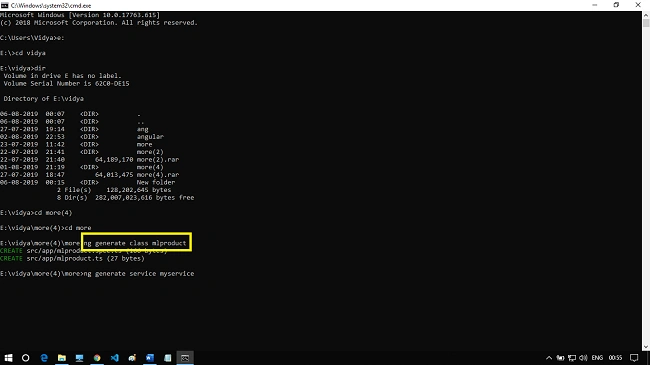
By using the above command, a model file has been created and I have added the properties that are required for the class file.
- export class mlProductList {
- productname: string;
- productdescription: string;
- productdescription01: string;
- productcost: string;
- productsrc: string;
- total: number;
- quantity: number;
- }
So, coming to the next step, we need to create the service. We can create a service by using this command.
ng generate service Myservice
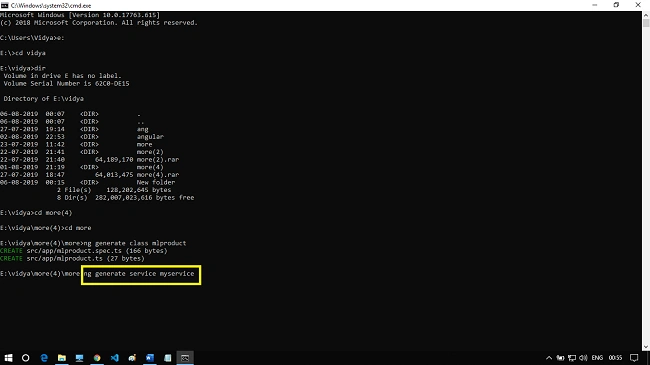
After generating the service file, open myservice.service.ts file and add the code as below.
- import { Injectable } from '@angular/core';
- import { mlProductList } from './mlProduct';
- @Injectable({
- providedIn: 'root'
- })
- export class MyserviceService {
- createproduct(data: mlProductList): void {
- throw new Error("Method not implemented.");
- }
- productList: mlProductList[];
- getproductlist() {
- this.productList = [{
- total: 0,
- quantity: 0,
- productname: 'nokia5.1',
- productdescription: '3000 mah',
- productdescription01: '4 GB RAM 64 GB Internal storage',
- productcost: '12,000',
- productsrc: 'assets/images/nokia5.1.jpg',
- },
- ];
- return this.productList;
- }
- }
The next step is to add these services in app.module.ts file, so open app.module.ts file and add the code as below.
- import { BrowserModule } from '@angular/platform-browser';
- import { NgModule } from '@angular/core';
- import { AppRoutingModule } from './app-routing.module';
- import { AppComponent } from './app.component';
- import { FormsModule } from '@angular/forms';
- import { NavigationComponent } from './navigation/navigation.component';
- import { ProductdescriptionComponent } from './productdescription/productdescription.component';
- import { CartComponent } from './cart/cart.component';
- import { MyserviceService } from './myservice.service';
- @NgModule({
- declarations: [
- AppComponent,
- NavigationComponent,
- ProductdescriptionComponent,
- CartComponent
- ],
- imports: [
- BrowserModule,
- FormsModule,
- AppRoutingModule
- ],
- providers: [MyserviceService],
- bootstrap: [AppComponent]
- })
- export class AppModule { }
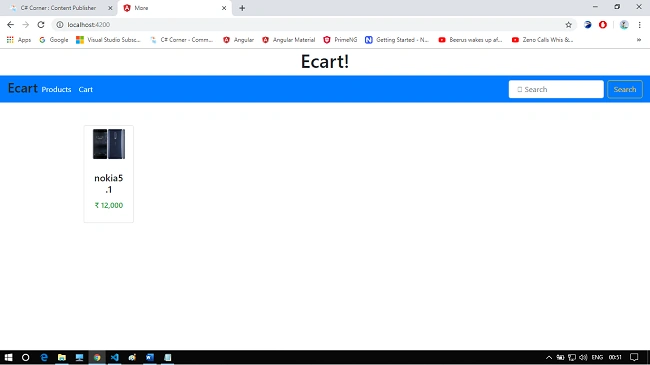
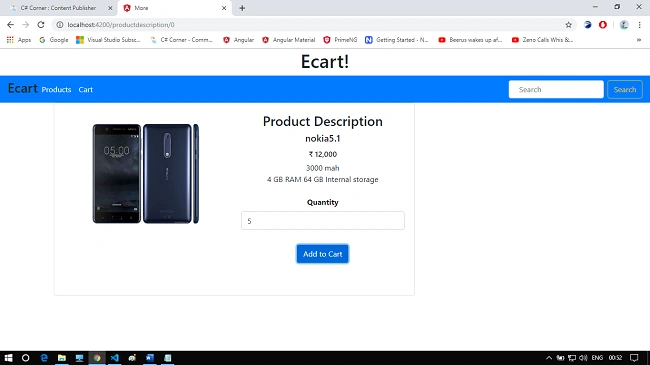
Prabakaran MPosted Oct 23, 2019, 7:52 AM
Good One Vidyadharran G..