

Ant Design Blazor is a worldwide popular Blazor component library. The component Table is a particularly powerful one especially for Blazor Server project. It can seamlessly interact with Entity Framework, supporting pagination, sorting, and filtering, and can get ranged and ordered dataset with very little effort. In this post, we will witness how easy it is.
Step 1
We create a project with Visual Studio 2022 Blazor Server template.
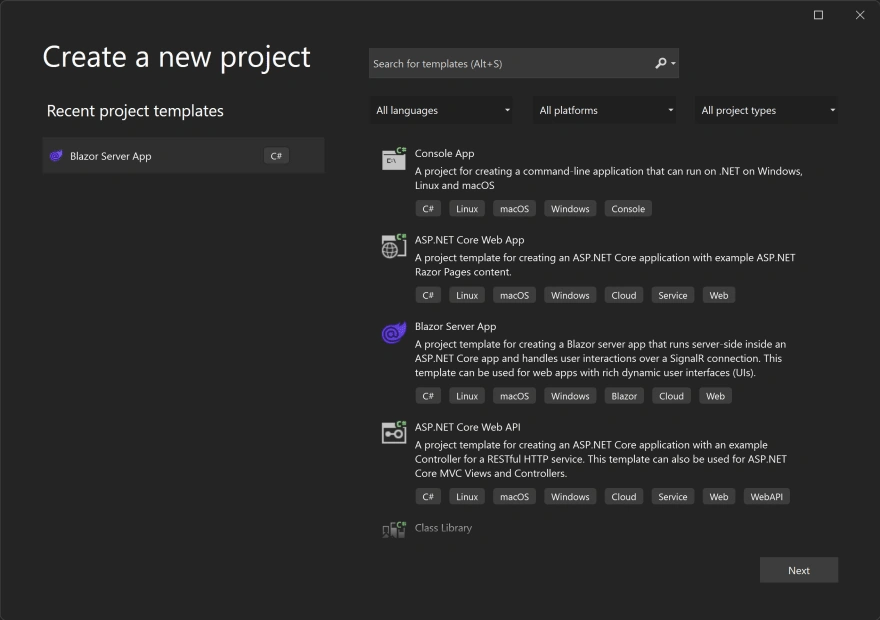
Add Ant Design reference by following https://github.com/ant-design-blazor/ant-design-blazor#import-ant-design-blazor-into-an-existing-project
Step 2
To make it simple, we can use code first to create Entity Framework dbContext and initialize some seed data with a separate sql script.
Add connection string to appsettings.json,
"ConnectionStrings": {
    "DefaultConnection": "Data Source=(localdb)\\MSSQLLocalDB;Initial Catalog=PropertyDB;Integrated Security=True;Connect Timeout=30;Encrypt=False;TrustServerCertificate=False;ApplicationIntent=ReadWrite;MultiSubnetFailover=False"
}
Define dbContext and entity,
public class PropertyDbContext: DbContext {
    public PropertyDbContext(DbContextOptions < PropertyDbContext > options): base(options) {}
    public DbSet < Property > Properties {
        get;
        set;
    }
}
public class Property {
    public int Id {
        get;
        set;
    }
    public string Address {
        get;
        set;
    } = string.Empty;
    public string Suburb {
        get;
        set;
    } = string.Empty;
    public string Postcode {
        get;
        set;
    } = string.Empty;
    public string State {
        get;
        set;
    } = string.Empty;
}
Register dbContext
var config = new ConfigurationBuilder()
    .AddJsonFile("appsettings.json")
    .Build();
void BuildOptions(DbContextOptionsBuilder options) => options
    .UseSqlServer(config.GetConnectionString("DefaultConnection"));

builder.Services.AddDbContextFactory<PropertyDbContext>(BuildOptions);
Run migrations
dotnet ef migrations add Initial
dotnet ef database update
Seed data
INSERT INTO [dbo].[Properties]
      ([Address]
      ,[Suburb]
      ,[Postcode]
      ,[State])
VALUES
      ('1 Elizabeth Rd', 'Sydney', '2000', 'NSW'),
      ('2 Elizabeth Rd', 'Sydney', '2000', 'NSW'),
      ('3 Elizabeth Rd', 'Sydney', '2000', 'NSW'),
      ('4 Elizabeth Rd', 'Sydney', '2000', 'NSW'),
      ('1 Queen St', 'Rosebery', '2018', 'NSW'),
      ('2 Queen St', 'Rosebery', '2018', 'NSW'),
      ('3 Queen St', 'Chatswood', '2067', 'NSW'),
      ('4 Queen St', 'Chatswood', '2067', 'NSW'),
      ('1 Ravenswood Ave', 'Carlingford', '2118', 'NSW'),
      ('2 Ravenswood Ave', 'Carlingford', '2118', 'NSW'),
      ('3 Ravenswood Ave', 'Epping', '2121', 'NSW'),
      ('4 Ravenswood Ave', 'Epping', '2121', 'NSW')
GO
For now, database and dbContext are ready.
Step 3
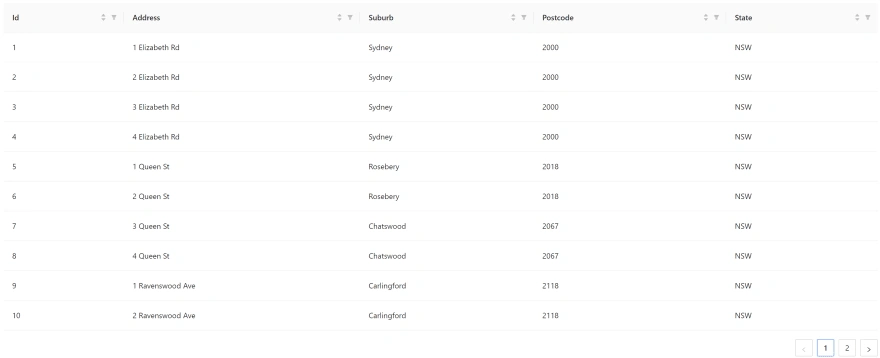
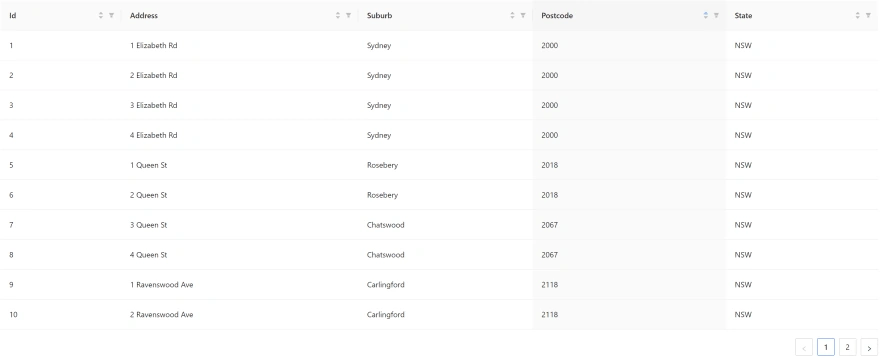
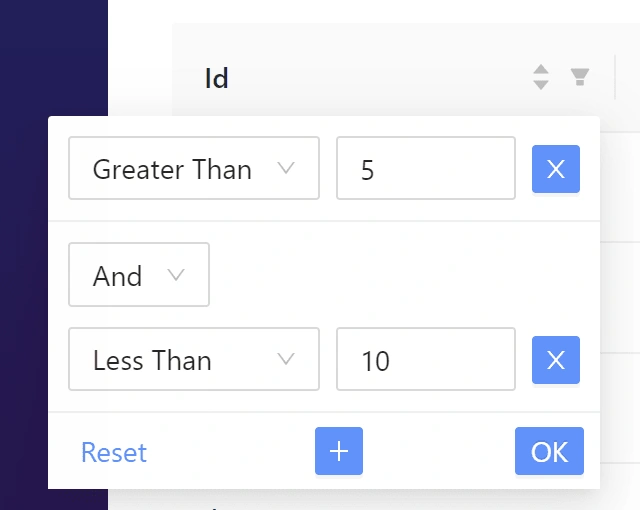
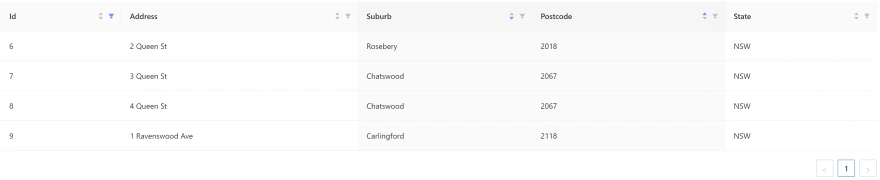
Add Ant Design Table to razor page, and bind its data source to dbContext.
Index.razor.cs
hirotairaPosted Dec 11, 2023, 6:14 AM
Is it possible to display loading (Spin) during data retrieval when the search criteria or page number is changed?