

Today, we are going to create a simple flow using Microsoft Flow to get new posts from the Microsoft Flow official blog automatically, so we can be updated and notified when something new shows up. (This could be used for any blog with RSS feeds available)
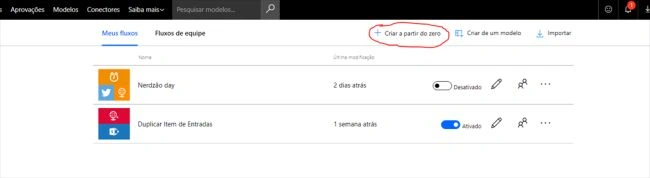
First, let's open Microsoft Flow and create a new flow.
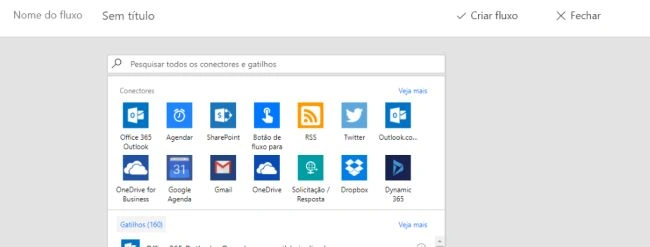
Now, we need to select a trigger for our flow; we will use the RSS feed trigger.
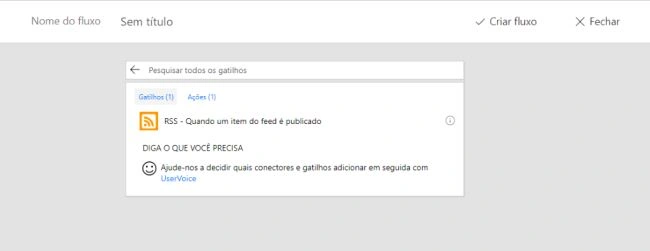
Select "When an item from feed is published", this action is responsible for getting a feed when it is posted on a specific blog.
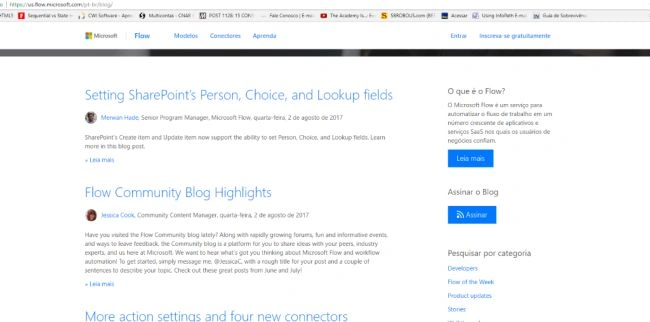
Now, we need to enter the URL of Microsoft Flow Official Blog RSS Feed, which is, https://us.flow.microsoft.com/pt-br-blog/feed (at 'pt-br' you can put your language; in my case, it is 'pt-br' from Brazilian Portuguese).
Now, we are going to add a new action to notify us when a new post is published.
Now, we need to select a trigger for our flow; we will use the RSS feed trigger.
Select "When an item from feed is published", this action is responsible for getting a feed when it is posted on a specific blog.
Now, we need to enter the URL of Microsoft Flow Official Blog RSS Feed, which is, https://us.flow.microsoft.com/pt-br-blog/feed (at 'pt-br' you can put your language; in my case, it is 'pt-br' from Brazilian Portuguese).
Now, we are going to add a new action to notify us when a new post is published.
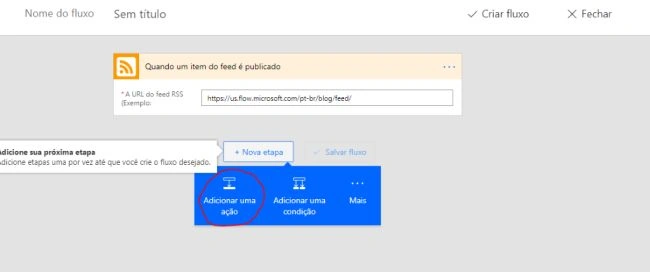
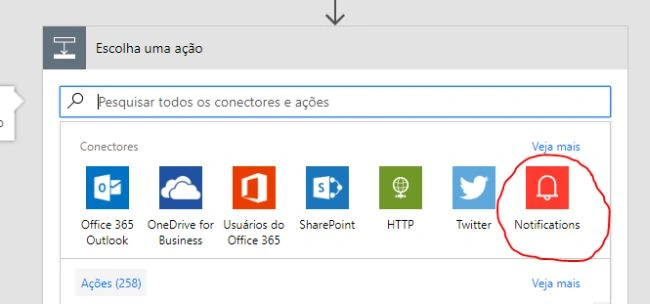
Look for the Notifications action.
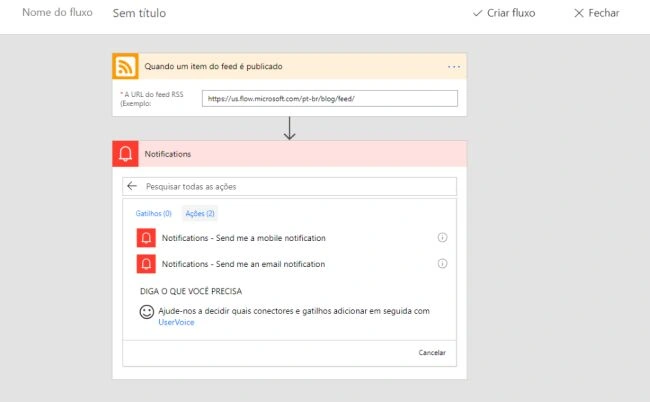
Select the action “Send me an email notification”.
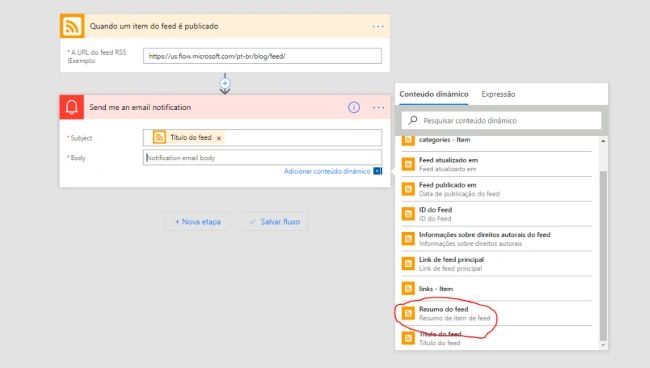
Select the Post title for subject and Summary for the body of our email.
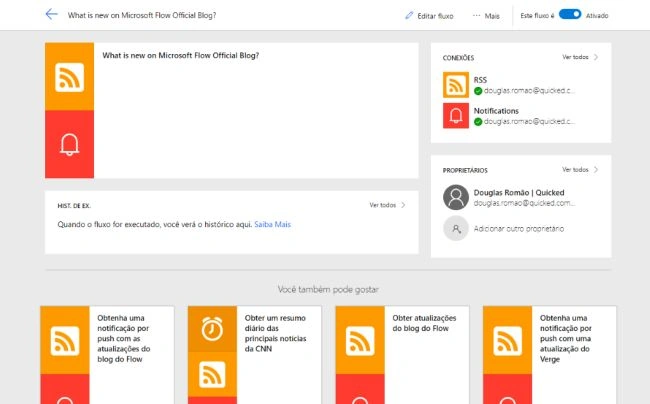
Done! Save your work and your flow is now working. Now, you just need to wait for Microsoft Flow team to post something. You will get an email alerting you as soon as they post anything.
That's it folks! See you later.
Join the conversation! Your thoughts help the community grow.